

Ready to unlock the automation potential within your Google Sheets? This comprehensive review dives deep into the ‘Learn To Code In Google Sheets by Better Sheets | AppSumo’ offering.
We’ll explore its core functionalities, practical applications, and overall value, providing you with the insights needed to determine if this course is the right fit for your workflow. Discover how to move beyond basic spreadsheet functions and start automating tasks.
What is Learn To Code In Google Sheets by Better Sheets | AppSumo
This product is designed as a foundational guide for individuals looking to begin scripting within Google Sheets. It focuses on introducing the basics of Google Apps Script, enabling users to automate repetitive tasks and streamline their data management processes without requiring extensive coding knowledge. The course aims to provide just enough instruction to get users started on their automation journey.
Key Features
- Beginner-Friendly Scripting: Introduces the fundamentals of writing scripts for Google Sheets in a straightforward manner.
- Macro Recording and Editing: Guides users through the process of recording macros and then modifying them for custom automation.
- Daily Code Execution: Demonstrates how to set up scripts to run automatically on a daily basis.
- Introduction to Triggers: Covers the basic use of triggers to initiate script execution based on certain events.
- Basic API Interaction: Offers an introduction to how scripts can interact with external services.
How It Works
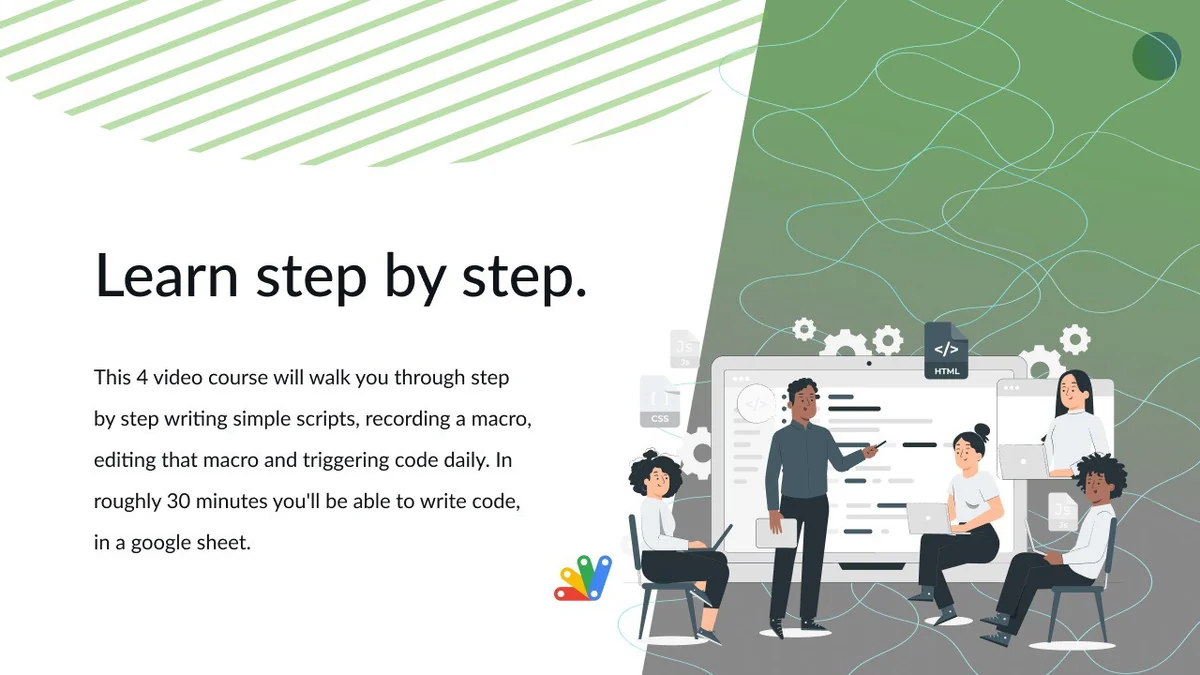
The course typically involves a series of video lessons that walk users through practical examples. You’ll start with a new Google Sheet and progress to writing simple scripts, recording and editing macros, and eventually setting up triggers to automate tasks like sending yourself daily emails. The approach is hands-on, encouraging users to follow along and build their skills step by step.
Use Cases
- Automating repetitive data entry tasks.
- Creating custom functions for complex calculations.
- Setting up automated email notifications based on sheet changes.
- Streamlining reporting processes.
- Integrating Google Sheets with other services through basic API calls.
Integrations & Compatibility
- This course is entirely focused on Google Sheets and its native scripting language, Google Apps Script
- It leverages the built-in Script Editor within Google Sheets, meaning there are no external software integrations required to get started
- The scripts created are compatible with any Google account and can be shared and run across different devices.
Pricing & Value
The offering is positioned as a highly accessible entry point into Google Sheets scripting. Available at a price point that is often compared to the cost of a few coffees, it provides significant value for beginners seeking to enhance their spreadsheet capabilities. The lifetime access allows users to revisit the material as needed, making it a cost-effective learning investment.
Deal Details
This offering is typically available as a limited-time deal on the AppSumo platform. Key aspects of the deal often include lifetime access to the course content, allowing users to learn at their own pace. The focus is on providing a compact, yet effective, educational package for a one-time purchase.
Quick Take
- Ideal for existing Google Sheets users wanting to automate tasks.
- Offers a fast-paced introduction to Google Apps Script.
- A budget-friendly way to gain foundational scripting skills.
FAQs
Is this course included if I already have a Better Sheets membership?
Yes, this mini-course is generally included in Better Sheets membership content.
Does it cover complex API integrations?
It provides a basic introduction, with more advanced API work in other resources.
What is the typical duration of the course?
The course is a short, focused program, often around 40 minutes long.
Can I automate sending emails with this course?
Yes, the course demonstrates how to trigger emails using Google Sheets scripting.
Is this course suitable for absolute beginners in Google Sheets?
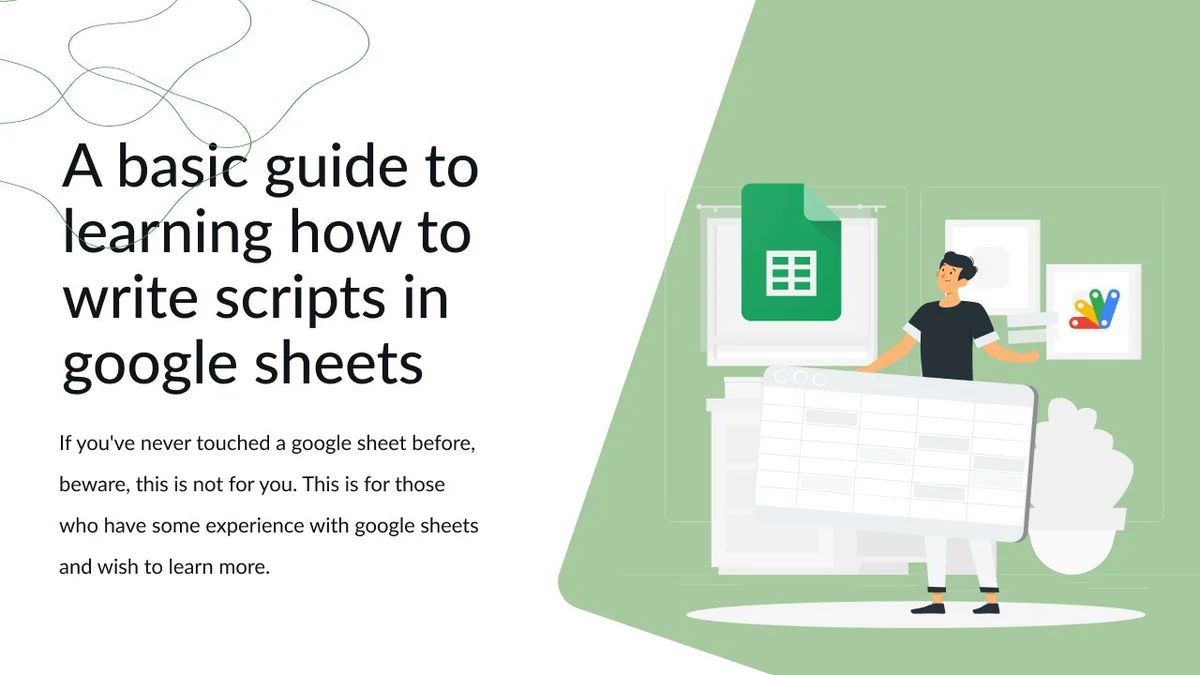
No, some prior experience with Google Sheets is recommended for this course.
Final Thoughts
For those who have a grasp of Google Sheets and are eager to inject automation into their daily tasks, ‘Learn To Code In Google Sheets by Better Sheets | AppSumo’ presents a compelling opportunity. Its straightforward approach and focus on essential scripting techniques make it an accessible starting point. While it may not delve into highly complex scenarios, it successfully equips users with the foundational knowledge to begin automating and potentially increase their productivity. The value proposition, especially at its typical price point, makes it a practical choice for skill enhancement.