
Ever send an important email and wonder if it was read, opened, or even delivered? Understanding the fate of your messages is crucial for effective communication, especially in professional and sales contexts.
This review dives deep into MailTag, an application designed to shed light on your email’s journey after you hit send, helping you optimize engagement and response rates.
What is MailTag | AppSumo
MailTag is an email tracking and management tool that provides users with real-time insights into their email communications. It aims to eliminate the guesswork involved in sending emails, allowing individuals and businesses to know exactly when and how their messages are being received and interacted with.
Key Features
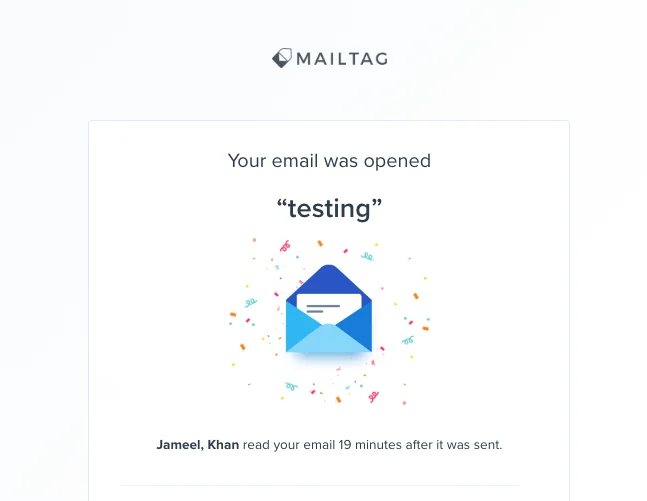
- Real-time Email Tracking: Receive desktop or email notifications instantly when your emails are opened or links within them are clicked.
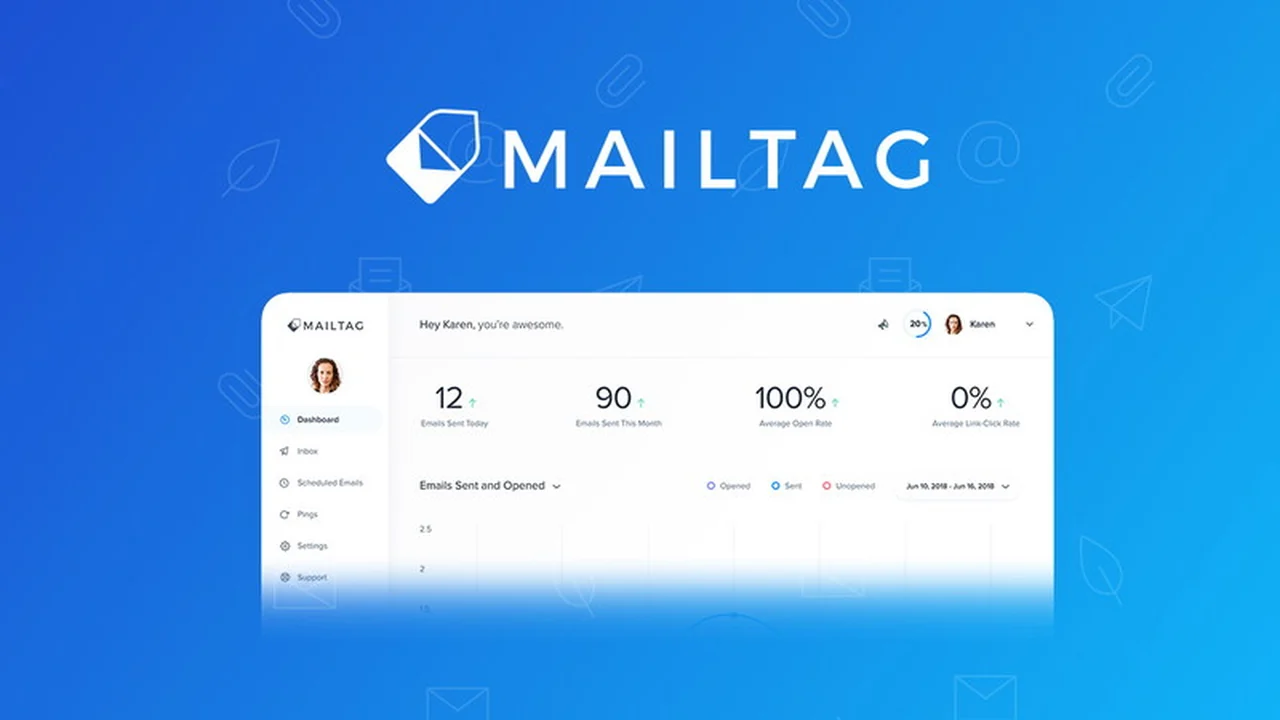
- Detailed Analytics: Access a sleek dashboard to view open rates, link click rates, and track recipient engagement over time.
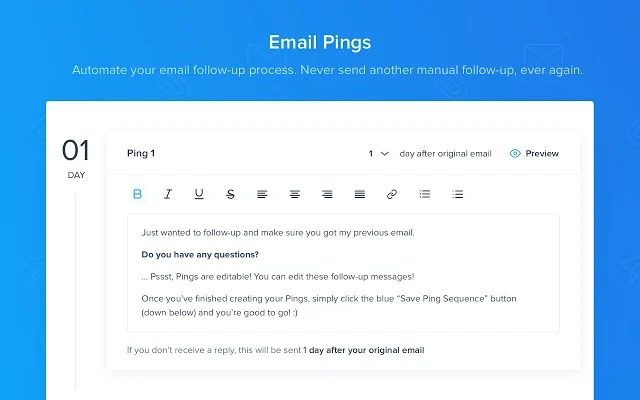
- Automatic Follow-ups: Schedule custom follow-up emails to ensure your messages are seen without manual intervention, boosting productivity and reply rates.
- Email Scheduling: Plan and send emails at optimal times, which is particularly useful for reaching audiences across different time zones.
- No Branding: Ensure your professional image remains intact with no MailTag branding added to your email signature.
How It Works
MailTag operates as a browser extension, primarily for Chrome, integrating seamlessly with Gmail and GSuite. Once installed, it automatically starts tracking emails sent from your account. When a recipient opens your email or clicks a link, MailTag captures this activity and sends you an immediate notification. The collected data is then presented in an easy-to-understand dashboard, offering a clear overview of your email campaign performance.
Use Cases
- Sales Professionals: Track leads, identify engaged prospects, and schedule timely follow-ups to close more deals.
- Marketers: Monitor the effectiveness of email campaigns, understand audience engagement, and optimize messaging.
- Job Seekers: Gauge the interest of potential employers by tracking the opening of your application emails.
- Small Business Owners: Manage client communications efficiently and ensure important messages reach their intended audience.
- Anyone using Gmail: Enhance personal and professional email habits with informed insights.
Integrations & Compatibility
- MailTag is available as a Chrome extension and is compatible with Gmail and GSuite
- An iOS mobile app is also available, allowing for email tracking on the go.
Pricing & Value
The value proposition of MailTag lies in its ability to significantly improve the effectiveness of email outreach. By providing concrete data on email performance, it helps users refine their strategies and invest their time more efficiently, potentially saving costs associated with ineffective communication efforts. The investment can lead to a substantial return through increased engagement and conversion rates.
Deal Details
The current offering on AppSumo provides lifetime access to MailTag, including all its functionalities for Gmail. This deal ensures unlimited use of the tool, with notifications for email opens, scheduling features, and PINGs functionality. A 60-day money-back guarantee is included, allowing ample time to evaluate the service.
Quick Take
- Ideal for professionals and businesses seeking to understand email engagement.
- Offers real-time tracking and automated follow-ups to boost efficiency.
- Provides valuable insights to optimize email outreach strategies.
FAQs
What platforms does MailTag support?
MailTag supports Gmail and GSuite via a Chrome extension and has an iOS mobile app.
Does MailTag add branding to my emails?
No, MailTag does not add any branding to your email signature.
Can I schedule emails with MailTag?
Yes, MailTag offers scheduling functionality for sending emails at optimal times.
Is MailTag suitable for personal use?
Yes, MailTag is beneficial for anyone using Gmail, including casual users.
What kind of notifications does MailTag provide?
MailTag provides real-time desktop notifications and/or email read receipts for email activity.
Final Thoughts
MailTag | AppSumo presents a compelling solution for anyone who relies on email for professional communication or business development. Its comprehensive tracking features, coupled with automation capabilities like scheduled follow-ups, empower users to move beyond guesswork and towards data-driven email strategies. The ease of integration with Gmail and the clear dashboard make it accessible for a wide range of users looking to enhance their email effectiveness.