
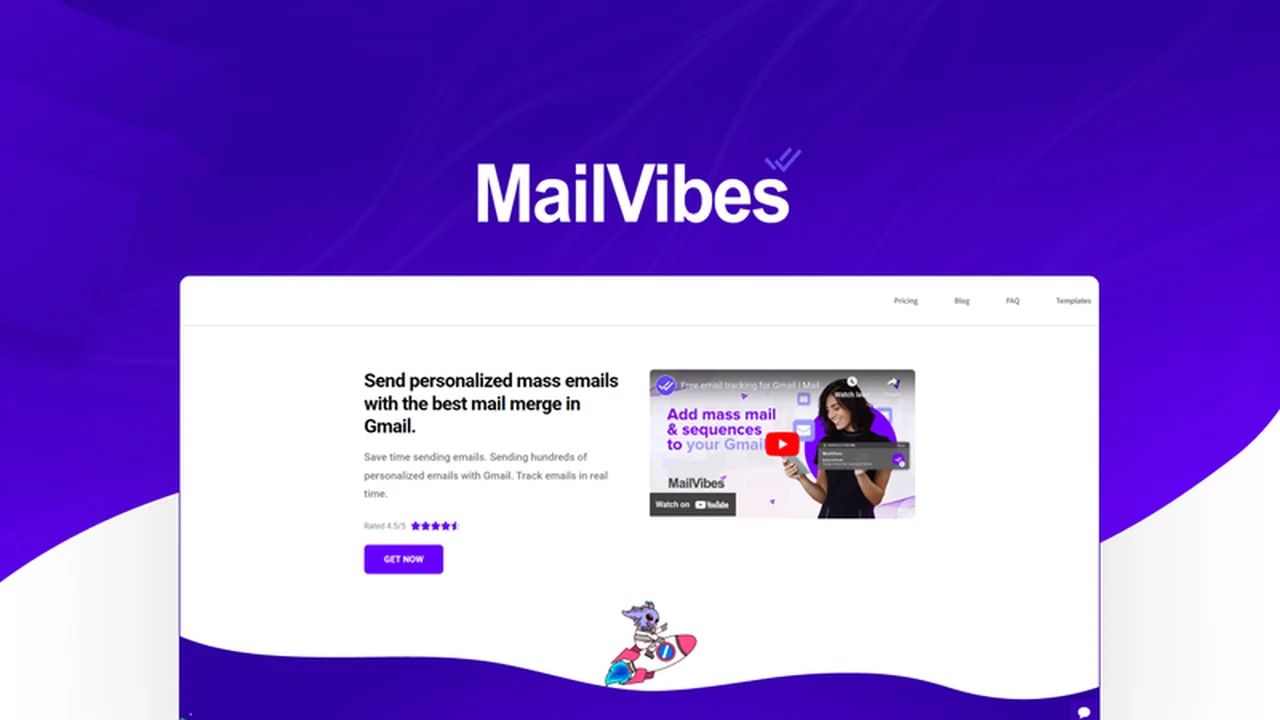
Are you looking for a more efficient way to manage your email outreach directly from Gmail? This review explores MailVibes, a tool designed to enhance your mass emailing and follow-up sequence capabilities.
We will delve into its core functionalities, how it integrates into your workflow, and who can benefit most from its features, especially considering its availability on AppSumo.
What is MailVibes: Mail Merge for Gmail (Mass Email + Sequences and more) | AppSumo
MailVibes is a Chrome Extension for Gmail that allows users to send mass emails individually without using CC or BCC, and create automated follow-up email sequences. It aims to boost productivity for sales and marketing professionals by keeping outreach tasks within the familiar Gmail interface. The tool is developed with a focus on affordability and ease of use, distinguishing itself from more complex or costly alternatives.
Key Features
- Mass Emailing: Send emails to multiple recipients at once, with each email appearing as an individual message.
- High Deliverability: Emails are sent directly from your Gmail account, maximizing inbox placement.
- Privacy Focused: MailVibes does not access, modify, or delete your private email data.
- Follow-up Sequences: Easily create automated multi-step email campaigns for consistent communication.
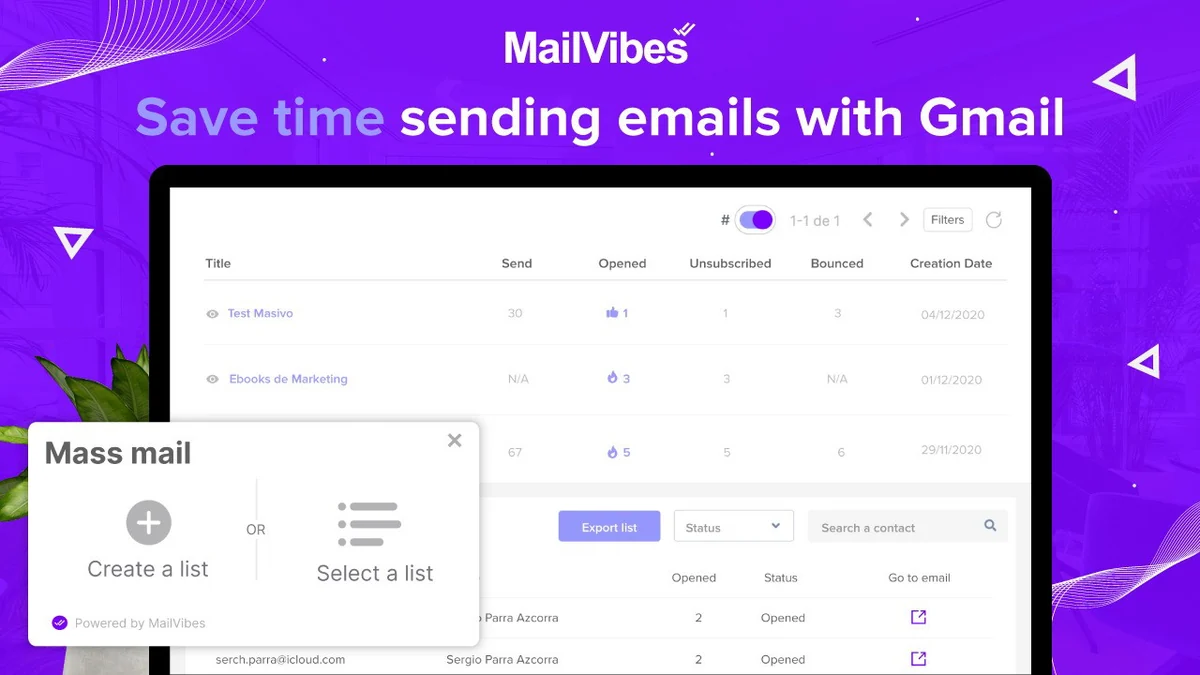
- Email Tracking: Monitor opens to understand engagement with your messages.
- Link Tracking: Track clicks on links within your emails to gauge prospect interest.
- Email Templates: Save time by creating and utilizing custom email templates for recurring messages.
How It Works
MailVibes functions as a Chrome extension, integrating seamlessly with your Gmail account. After installation, you can compose emails as usual within Gmail. For mass outreach, you can input multiple recipients and personalize content using merge tags. The sequence builder allows you to set up automated follow-up emails that are sent based on predefined triggers or time intervals, all managed from within Gmail.
Use Cases
- Sales Prospecting: Initiate contact with potential clients and manage follow-up conversations efficiently.
- Marketing Campaigns: Send promotional emails, newsletters, and announcements to your subscriber list.
- Recruitment: Reach out to candidates and manage communication throughout the hiring process.
- Networking: Expand your professional network by sending personalized outreach messages.
- Customer Onboarding: Guide new customers with automated welcome sequences and helpful information.
Integrations & Compatibility
- As a Gmail-based Chrome extension, MailVibes is inherently compatible with the Google Workspace ecosystem
- Its primary function is to enhance Gmail’s native capabilities
- While specific third-party integrations beyond Gmail are not detailed here, its core design emphasizes working within your existing email workflow.
Pricing & Value
MailVibes offers a value proposition centered around a one-time purchase for lifetime access, differentiating it from subscription-based competitors. This approach aims to provide an affordable solution for individuals and small businesses seeking advanced email outreach tools without ongoing costs.
Deal Details
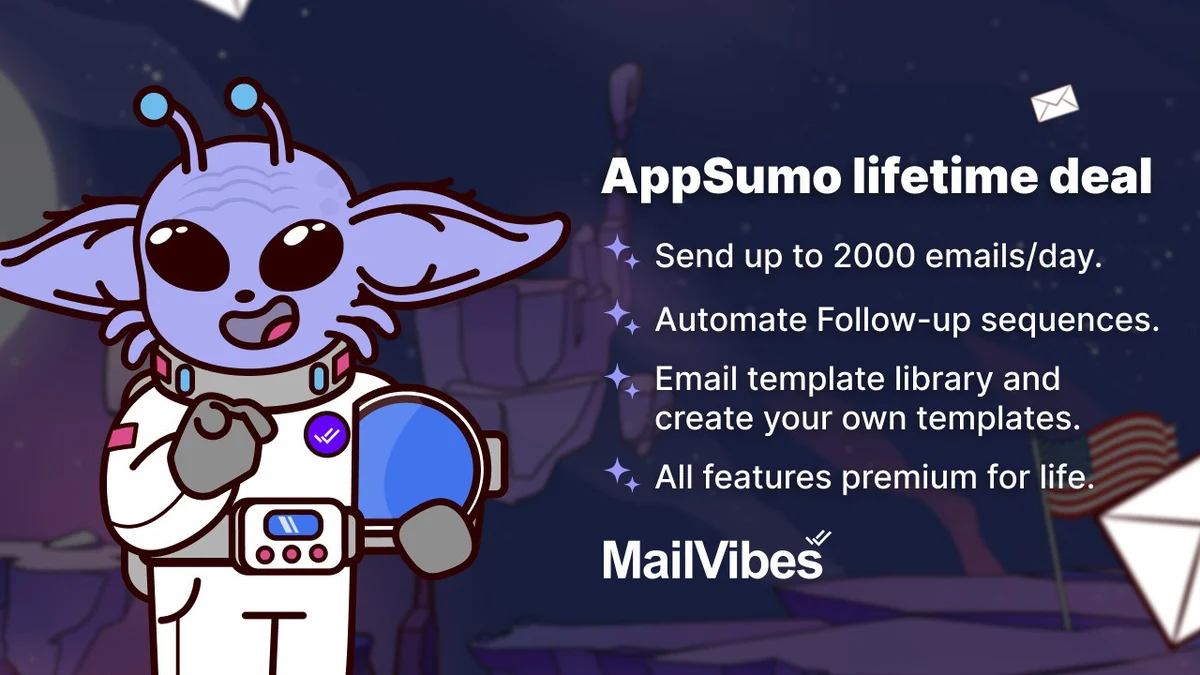
The AppSumo deal for MailVibes provides lifetime access to the Mail Merge for Gmail (Mass Email + Sequences and more) Plan. This includes the ability to send up to 2000 emails per day, automate follow-up sequences, utilize a template library, and access the MailVibes Email Insights Dashboard. Codes must be redeemed within 60 days of purchase, and the deal is not stackable.
Quick Take
- Ideal for sales professionals and marketers looking to scale their email outreach from Gmail.
- Offers significant cost savings compared to recurring subscription services.
- Provides essential features like mass emailing, sequences, and tracking within a familiar interface.
FAQs
Is my email data private with MailVibes?
Yes, MailVibes prioritizes your privacy and does not access your private email data.
How many emails can I send per day?
With the deal, you can send up to 2000 emails per day directly from Gmail.
Does MailVibes track email opens and link clicks?
Yes, it offers both email open tracking and link click tracking features.
Can I send personalized emails?
Yes, MailVibes allows personalization using merge tags for individual emails.
What is MailVibes?
MailVibes is a Chrome extension for Gmail that enables mass emailing and follow-up sequences.
Final Thoughts
MailVibes presents a compelling solution for anyone seeking to enhance their email outreach efforts without leaving the Gmail environment. Its focus on mass emailing, automated sequences, and performance tracking, combined with a transparent, one-time pricing model through AppSumo, makes it an attractive option for individuals and businesses aiming for greater efficiency and cost-effectiveness in their communication strategies.