
Tired of juggling multiple tools for capturing and marking up your digital content? This review dives deep into a solution designed to simplify your workflow.
Discover how Markup Hero can transform your process for creating, annotating, and sharing visual information, saving you time and effort.
What is Markup Hero – Take screenshots and add annotations | AppSumo
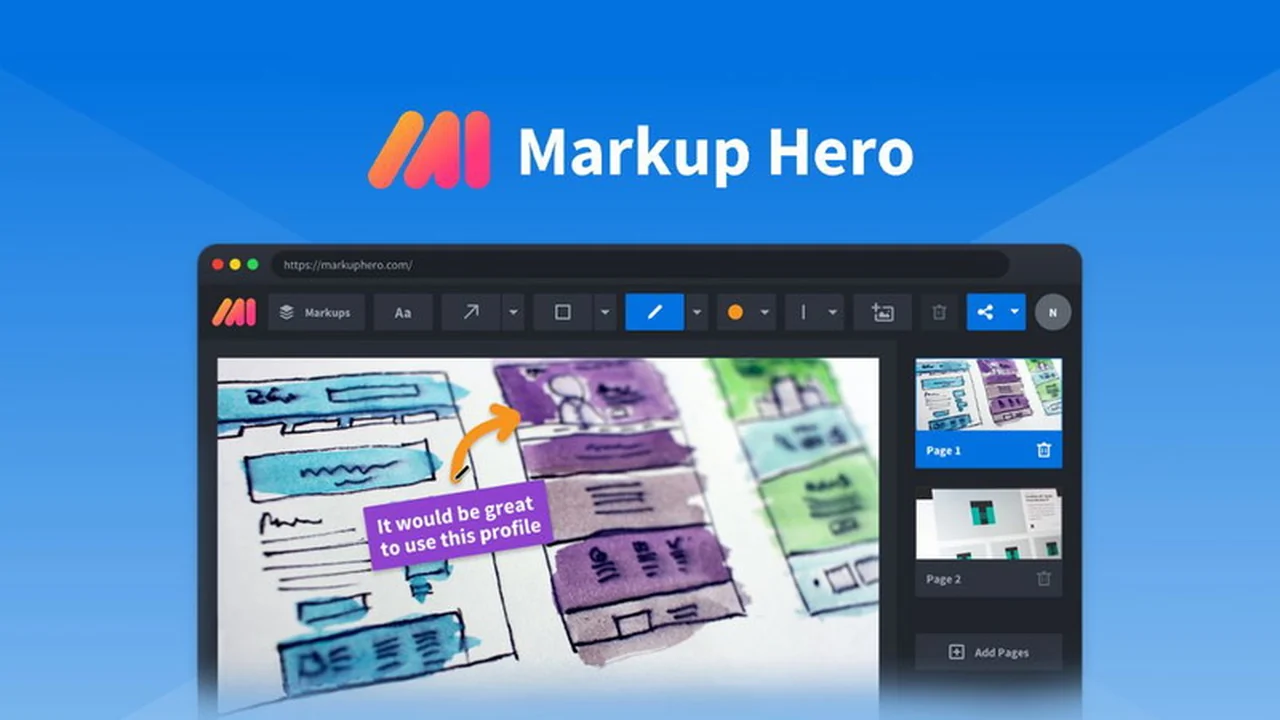
Markup Hero is a versatile application built to streamline the way you capture, annotate, edit, and share various digital assets. It offers a comprehensive suite of tools for creating visual communication, from simple screenshots to detailed annotations on PDFs and documents.
Key Features
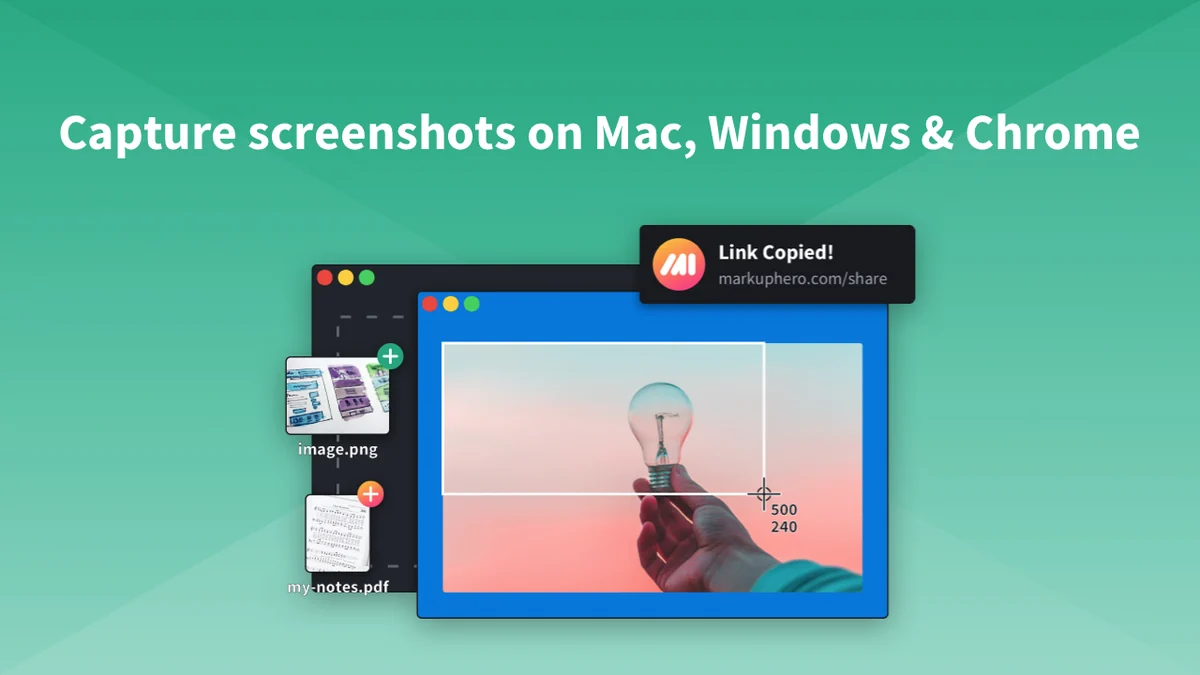
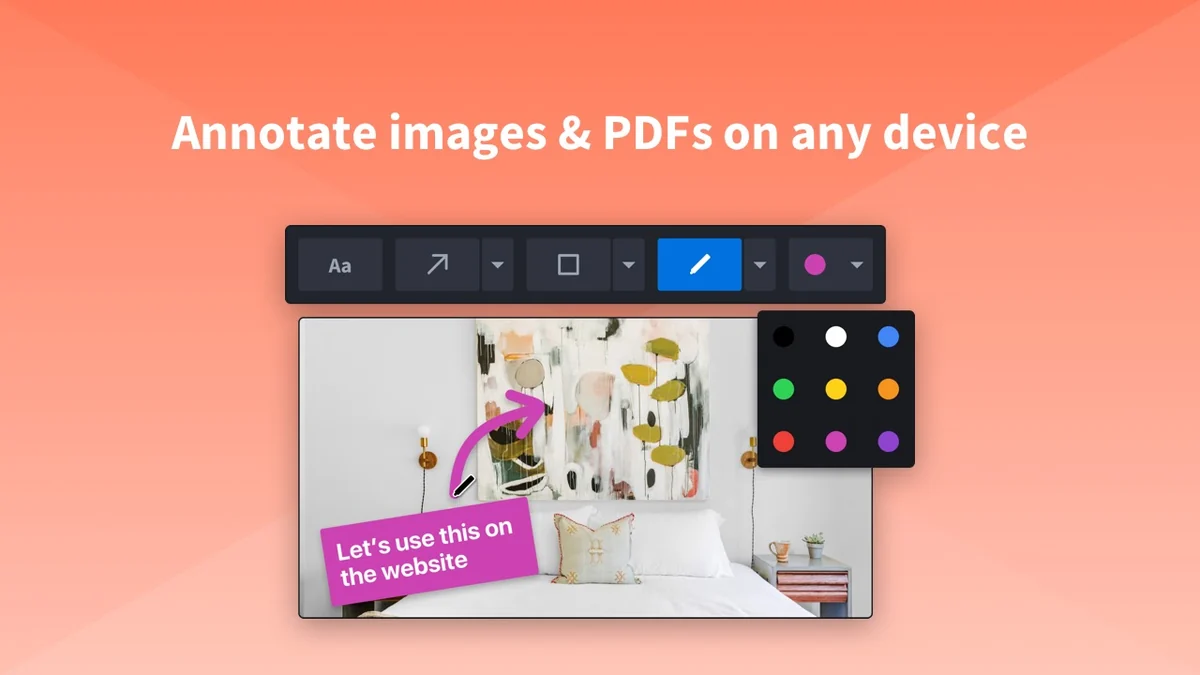
- Screenshot & Annotation Tools: Capture images and add text, shapes, and highlights with ease.
- Multi-Page Document Markup: Annotate multiple pages within a single document, facilitating detailed reviews.
- Editable Markups: Your annotations remain editable, preventing them from being flattened when you save or close.
- Unlimited Storage & History: Keep all your markups indefinitely without concerns about storage space.
- Tagging & Organization: Organize your captured content using custom tags for quick searching and filtering.
- Team Features: Manage users, transfer markups, and customize share link branding for professional collaboration.
- Cross-Platform Compatibility: Works across Mac, Windows, Linux, and mobile web browsers.
How It Works
Getting started with Markup Hero is straightforward. You can download the dedicated screenshot application or utilize the annotation tool directly in your web browser, even without creating an account initially.
Once you capture or upload your content, Markup Hero provides an intuitive interface to add annotations, text, and other visual elements. All your work is securely stored and accessible through your account, allowing for easy retrieval and further editing whenever needed.
Use Cases
- Product Management: Documenting bugs, suggesting design changes, and creating feature specifications.
- Customer Support: Visually explaining solutions and guiding users through troubleshooting steps.
- Content Creation: Adding notes to images for blog posts, social media, or marketing materials.
- Education & Training: Creating annotated guides and tutorials for learning materials.
- Personal Organization: Keeping track of ideas, research, or inspirational content found online.
Integrations & Compatibility
- Markup Hero offers seamless integration with popular platforms like Slack and Google Drive
- This allows you to directly open and annotate files from your Slack messages or Google Drive, significantly speeding up your workflow
- The tool is designed to be accessible across various operating systems, including Mac, Windows, and Linux, as well as through its Chrome extension and mobile web interface
- This broad compatibility ensures you can work with Markup Hero regardless of your device or platform.
Pricing & Value
Markup Hero provides a compelling value proposition, particularly through its lifetime deal offerings. The ability to access unlimited storage, perpetual editing of markups, and robust organizational features at a one-time cost makes it an attractive option for long-term use.
The inclusion of team management capabilities and custom branding further enhances its utility for businesses and collaborative environments, offering a cost-effective solution for visual communication needs.
Deal Details
The AppSumo deal for Markup Hero typically offers a lifetime license, providing access to its core features without recurring subscription fees. This often includes a generous number of user seats and advanced functionalities, making it a significant investment for individuals and teams looking to enhance their screenshot and annotation capabilities.
Furthermore, these deals are usually backed by a 60-day money-back guarantee, allowing ample time to evaluate the product’s suitability for your specific requirements.
Quick Take
- Ideal for individuals and teams who frequently capture and annotate digital content.
- Offers a streamlined, all-in-one solution for screenshots, editing, and sharing.
- Provides long-term value with unlimited storage and editable markups.
FAQs
Can I use Markup Hero on my mobile device?
Yes, the annotation tools work on mobile web browsers.
Is there a limit to how many screenshots I can store?
No, Markup Hero has no storage or bandwidth limitations for your markups.
Are my annotations permanent or can they be edited later?
Your markups are editable forever, meaning they are never flattened when you save or close.
Does Markup Hero offer a free version?
Yes, you can try the annotation tool without an account to test its functionality.
What types of files can I annotate with Markup Hero?
You can annotate screenshots, image uploads, PDFs, websites, and Google Docs, Slides, and Sheets.
Final Thoughts
Markup Hero presents a robust and user-friendly solution for anyone looking to enhance their digital communication through screenshots and annotations. Its comprehensive feature set, combined with unlimited storage and perpetual editability, addresses many common pain points associated with visual content management.
The platform’s commitment to continuous improvement and user feedback, as evidenced by its public roadmap, further suggests its potential for ongoing development and added value. For individuals and teams seeking an efficient and cost-effective way to capture and mark up information, Markup Hero stands out as a worthy consideration.