
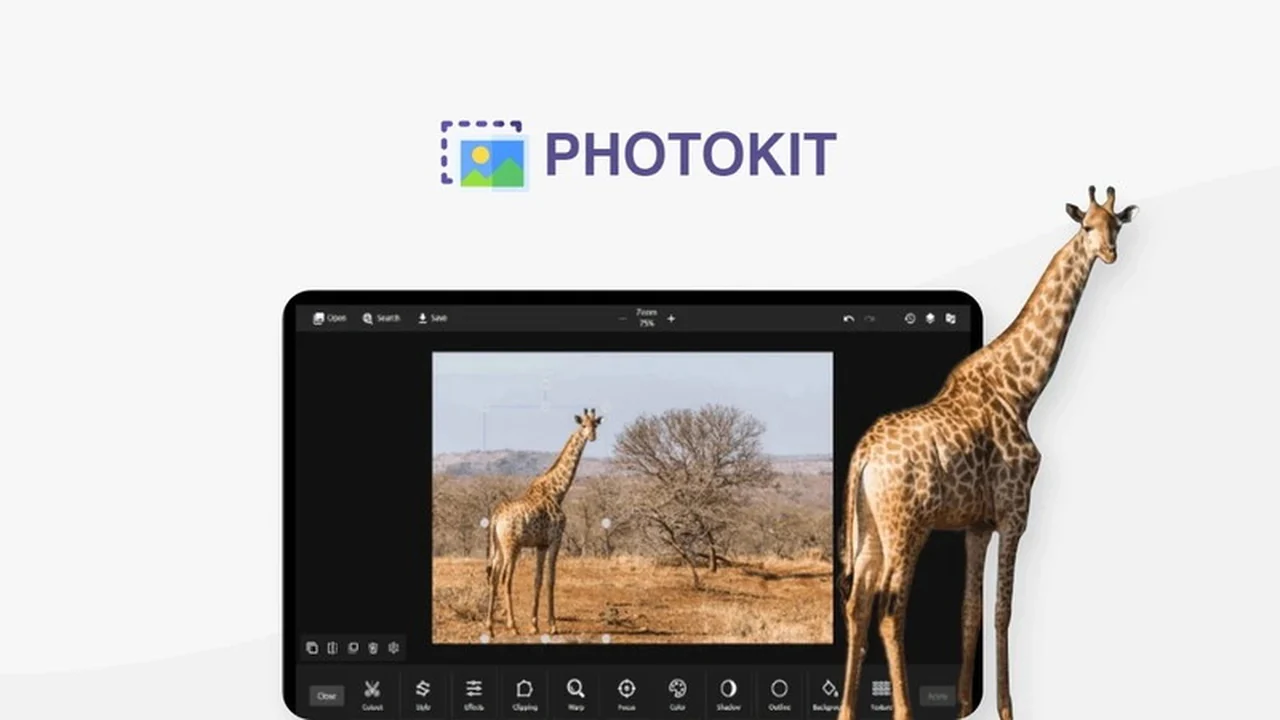
If you’re considering PhotoKit Photo Editor, this review breaks down what it does, how it works, and who it’s best for.
You’ll also get a clear feature rundown, practical use-cases, and a quick decision guide before you commit.
What is PhotoKit Photo Editor | AppSumo
PhotoKit Photo Editor is an online application designed to empower users with a robust set of tools for enhancing and manipulating images. It offers a comprehensive suite of features that cater to both basic adjustments and more advanced editing tasks, all within an accessible web-based platform.
The platform aims to simplify the photo editing process, making professional-quality results achievable for a wide range of users, from beginners to seasoned designers.
Key Features
PhotoKit Photo Editor boasts a wide array of functionalities to assist with your image editing needs. These features are designed for efficiency and ease of use.
- Basic Editing Tools: Effortlessly crop, resize, rotate, and apply fundamental adjustments to your images.
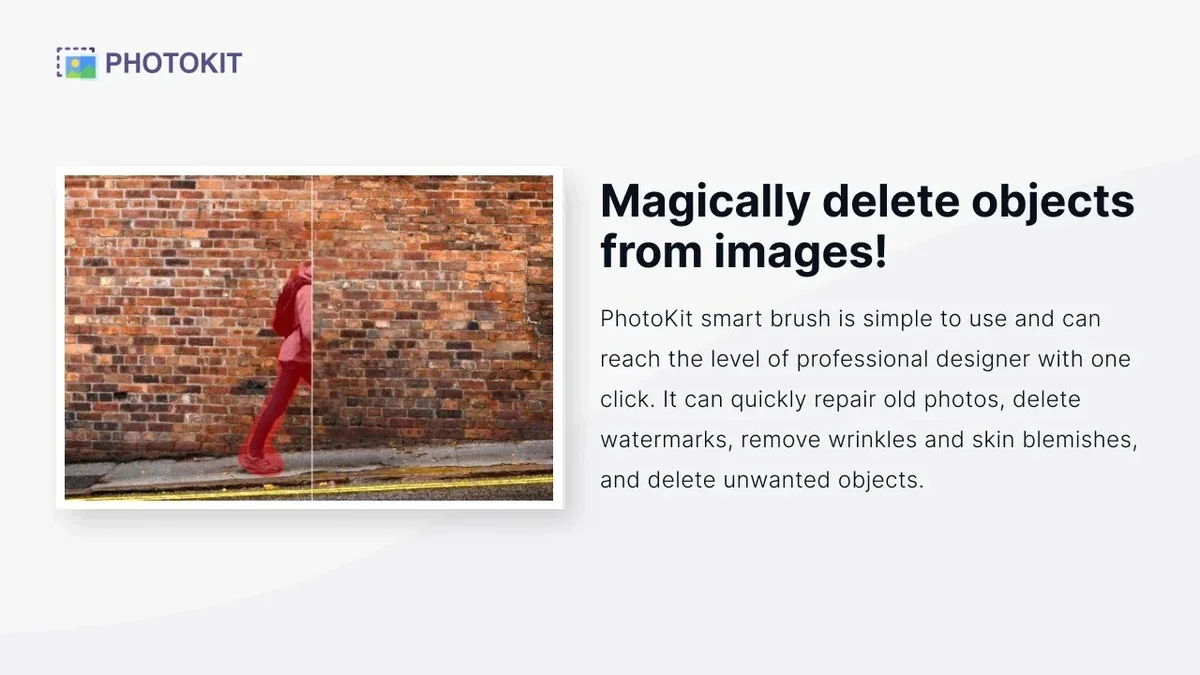
- AI-Powered Enhancements: Utilize intelligent tools for more sophisticated image perfection.
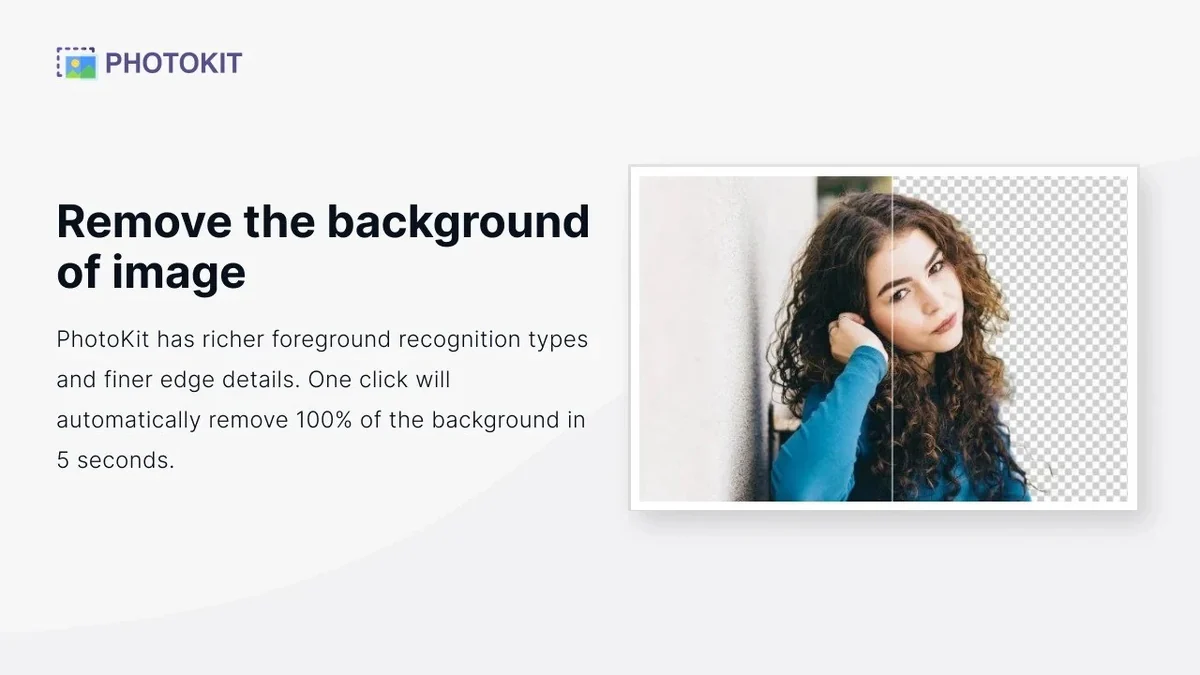
- Background Removal: A standout feature allowing for quick and clean extraction of image backgrounds.
- Creative Effects & Filters: Apply a variety of artistic styles and filters to transform your photos.
- Collage Maker: Combine multiple images into visually appealing layouts.
- Stock Asset Library: Access a vast collection of over 2.3 million photos, illustrations, and vector graphics to complement your projects.
- Bulk Editing Capabilities: Streamline repetitive tasks with tools for bulk resizing, cropping, compressing, converting, watermarking, filtering, and renaming images.
How It Works
Getting started with PhotoKit Photo Editor is designed to be straightforward. The web-based interface means no software installation is required, allowing immediate access from any internet-connected device.
Users can upload their images, select from the available editing tools, apply modifications, and then download the finished product. The AI features often work with a single click, automating complex adjustments.
Use Cases
PhotoKit Photo Editor is versatile and can be beneficial for various users and projects:
- Social Media Content Creators: Quickly enhance images for posts, stories, and ads, including background removal for product shots.
- Small Business Owners: Create professional-looking marketing materials and product images without needing advanced design skills.
- Bloggers and Website Owners: Optimize images for web use, ensuring fast loading times and appealing visuals.
- Students: Complete graphic design assignments and presentations with ease.
- Hobbyist Photographers: Refine personal photos with professional touches.
Integrations & Compatibility
- PhotoKit Photo Editor operates as a web application, ensuring broad compatibility
- It functions seamlessly across major operating systems including Mac, Windows, and Linux
- Furthermore, it is accessible on mobile and tablet devices, offering flexibility for editing on the go.
Pricing & Value
The value proposition of PhotoKit Photo Editor lies in its comprehensive feature set available through a single platform. It aims to consolidate many editing needs that might otherwise require multiple software subscriptions.
For users seeking a powerful yet accessible photo editing solution, PhotoKit offers a compelling option, particularly when considering its extensive capabilities.
Deal Details
The AppSumo deal for PhotoKit Photo Editor provides lifetime access to all functionalities of the software. This typically includes all future plan updates, allowing users to benefit from ongoing development.
It is important to note that this specific deal is not stackable, meaning only one code can be used per purchase. Redemptions of purchased codes must be completed within 60 days of purchase.
Quick Take
- Ideal for individuals and businesses needing efficient, AI-driven photo editing without complex software.
- Offers a vast stock asset library and powerful bulk editing tools for productivity gains.
- A solid choice for simplifying your visual content creation process with its user-friendly interface.
FAQs
What is the refund policy for the AppSumo deal?
AppSumo offers a 60-day money-back guarantee to ensure you are satisfied with your purchase.
How many images can I edit with PhotoKit?
The deal provides full access to all functionalities for unlimited editing of your images.
Is PhotoKit Photo Editor suitable for beginners?
Absolutely, its intuitive interface makes it easy for beginners to achieve professional results.
Can I use PhotoKit Photo Editor on my smartphone?
Yes, PhotoKit is accessible and functional on mobile and tablet devices.
What are the primary benefits of using PhotoKit Photo Editor?
It offers AI-powered tools, background removal, and extensive stock assets in one user-friendly platform.
Final Thoughts
PhotoKit Photo Editor | AppSumo presents a compelling solution for anyone looking to elevate their image editing capabilities. Its combination of AI-driven features, extensive asset library, and user-friendly design makes it a noteworthy tool.
The platform’s ability to handle tasks from basic adjustments to complex background removals, alongside its bulk editing options, speaks to its versatility. With a strong user rating and a generous money-back guarantee from AppSumo, it stands out as a practical investment for streamlining visual content creation.