

This review dives deep into PicMonkey, a versatile design tool that empowers users to create stunning visuals. Discover how its features can elevate your graphic design workflow.
We’ll explore its capabilities, from basic photo editing to advanced design elements, and assess its value proposition for various users. Get ready to understand how PicMonkey can help you craft professional-looking graphics with ease.
What is PicMonkey – Design beautiful and creative visuals | AppSumo
PicMonkey is a comprehensive online platform designed to help individuals and businesses create and edit a wide range of visual content. It offers intuitive tools for photo editing, graphic design, and asset management, making it accessible for users of all skill levels. Whether you need to design social media graphics, logos, website banners, or enhance your photos, PicMonkey provides the functionality to achieve professional results.
Key Features
- Photo Editor: Offers extensive tools for modifying images, including cropping, resizing, applying filters and effects, and background manipulation.
- Smart Resize: Allows users to effortlessly resize their creations for different platforms without compromising image quality or aspect ratio, perfect for repurposing content.
- Draw Tool: Enables artistic expression with options for pencil, paintbrush, and spray paint, complete with customizable colors, textures, and effects.
- TouchUp AI Features: Utilizes artificial intelligence for one-click photo enhancements, including automatic quality improvements and specific spot corrections.
- Blemish Fix: A specialized tool within TouchUp to easily remove unwanted spots and imperfections from photographs.
- Nip/Tuck: Feature that allows precise control over the shape and size of specific areas within an image, offering subtle or significant alterations.
- Hub Storage: Provides integrated cloud storage for automatically saving projects, ensuring they remain editable across devices and preventing the need for re-uploading.
- Shared Space: Facilitates collaborative design by allowing users to invite teammates to co-create, manage brand assets, templates, and social posts together.
How It Works
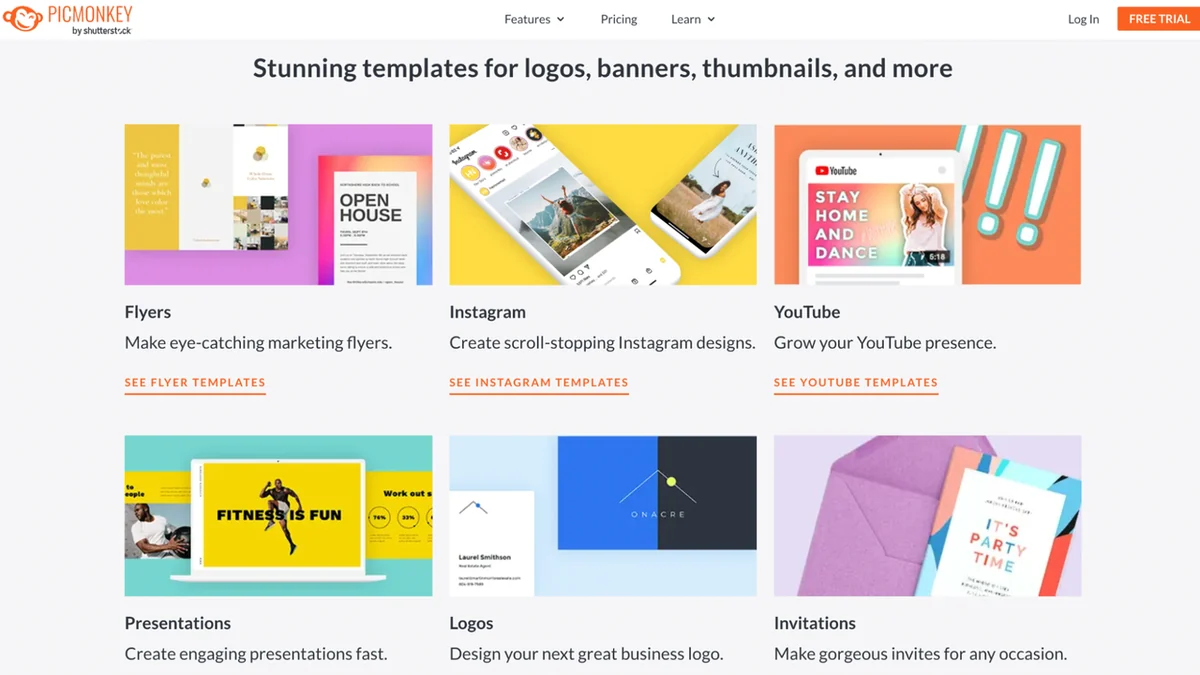
Getting started with PicMonkey is straightforward. Users can begin by uploading their own photos or selecting from a vast library of templates and graphic elements. The interface is designed to be user-friendly, with tools readily accessible for editing and design tasks. You can apply a wide array of effects, make precise adjustments to your images, and layer design elements like text and graphics. The platform’s intuitive navigation guides users through the creation process, whether they are performing simple edits or complex design layouts.
Use Cases
- Creating engaging social media posts for platforms like Instagram, Facebook, and Twitter.
- Designing professional-looking logos and branding materials for businesses.
- Producing eye-catching website banners and marketing advertisements.
- Enhancing personal photographs with advanced editing techniques.
- Developing presentations and visual aids for business or educational purposes.
- Crafting custom invitations and digital cards for events.
Pricing & Value
PicMonkey offers a robust suite of design and editing tools that provide significant value. The ability to create professional-quality graphics without needing extensive design experience makes it a cost-effective solution for individuals and small businesses. The platform’s features, such as Smart Resize and collaborative tools, contribute to increased efficiency and workflow optimization. Considering the comprehensive functionality and the potential for saving on hiring external designers, PicMonkey presents a compelling proposition.
Deal Details
The AppSumo deal for PicMonkey provides an exceptional opportunity to access its powerful features. This limited-time offer ensures lifetime access to the platform, allowing users to continue creating and designing without ongoing subscription fees. It’s an investment in a versatile tool that can significantly enhance your visual content strategy for the long term. Remember to download and save your license within 60 days of purchase to secure your access forever.
Quick Take
- Ideal for small business owners and marketers seeking to create professional visuals efficiently.
- Beneficial for content creators who need to design graphics for multiple social media platforms.
- A practical solution for individuals wanting to enhance their photos and design projects without a steep learning curve.
FAQs
Is my PicMonkey work automatically saved?
Yes, the Hub feature automatically saves your creations and files.
Does PicMonkey offer templates to get started?
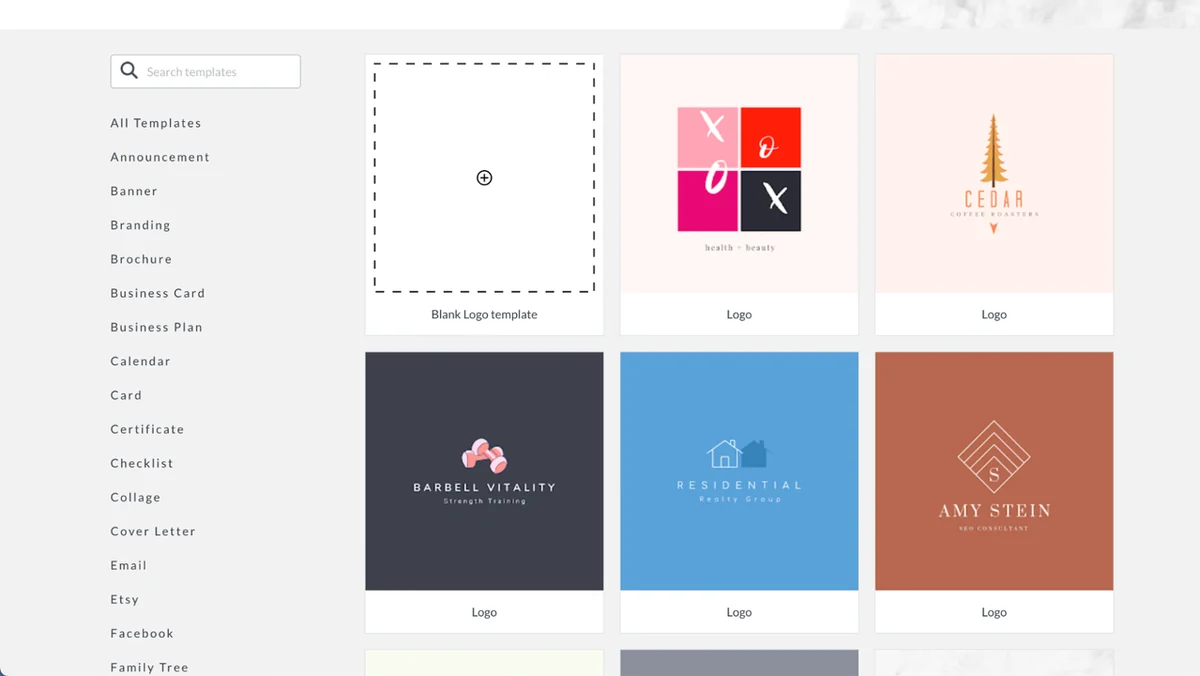
Yes, PicMonkey provides thousands of graphics and templates for quick design starts.
Can I collaborate with others on designs?
Yes, PicMonkey offers a Shared Space feature for team collaboration.
Is PicMonkey suitable for beginners?
Yes, PicMonkey features an intuitive interface designed for users of all skill levels.
What kind of visuals can I create with PicMonkey?
You can create logos, social media graphics, collages, flyers, invitations, and edit photos.
Final Thoughts
PicMonkey stands out as a comprehensive and user-friendly platform for visual content creation. Its extensive feature set, from advanced photo editing to collaborative design capabilities, caters to a broad spectrum of users. The AppSumo deal offers remarkable value, providing lifetime access to a tool that can consistently elevate your creative output. For anyone looking to design beautiful and impactful visuals with efficiency and ease, PicMonkey is a strong contender worth considering.