
Understanding how users interact with your website is crucial for growth. Without direct insight, you’re essentially making educated guesses about user experience and conversion roadblocks.
This review dives deep into Session Rewind, a tool designed to capture and analyze user behavior, providing the data needed to optimize your online presence effectively.
What is Session Rewind – Record user behavior on websites | AppSumo
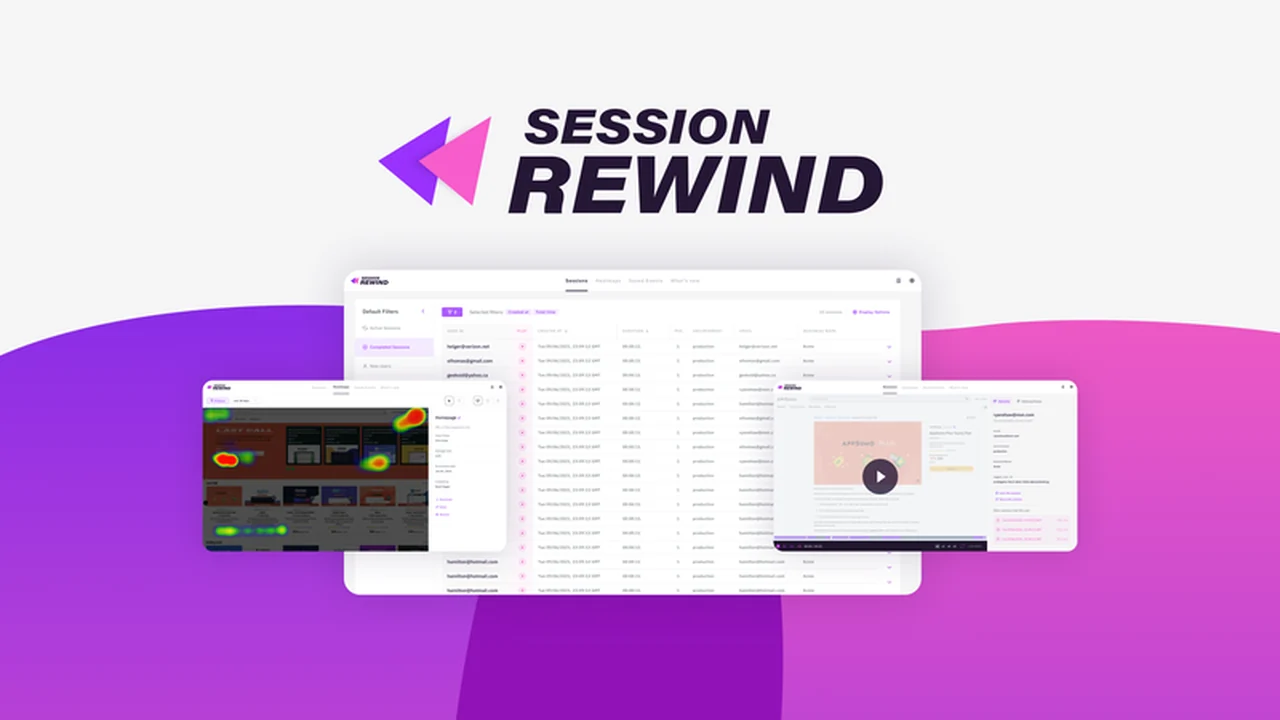
Session Rewind is a powerful platform that leverages user session recordings and heatmaps to help you understand and improve your website’s user experience. It offers a detailed look at how visitors navigate your site, interact with elements, and where they might encounter difficulties.
Key Features
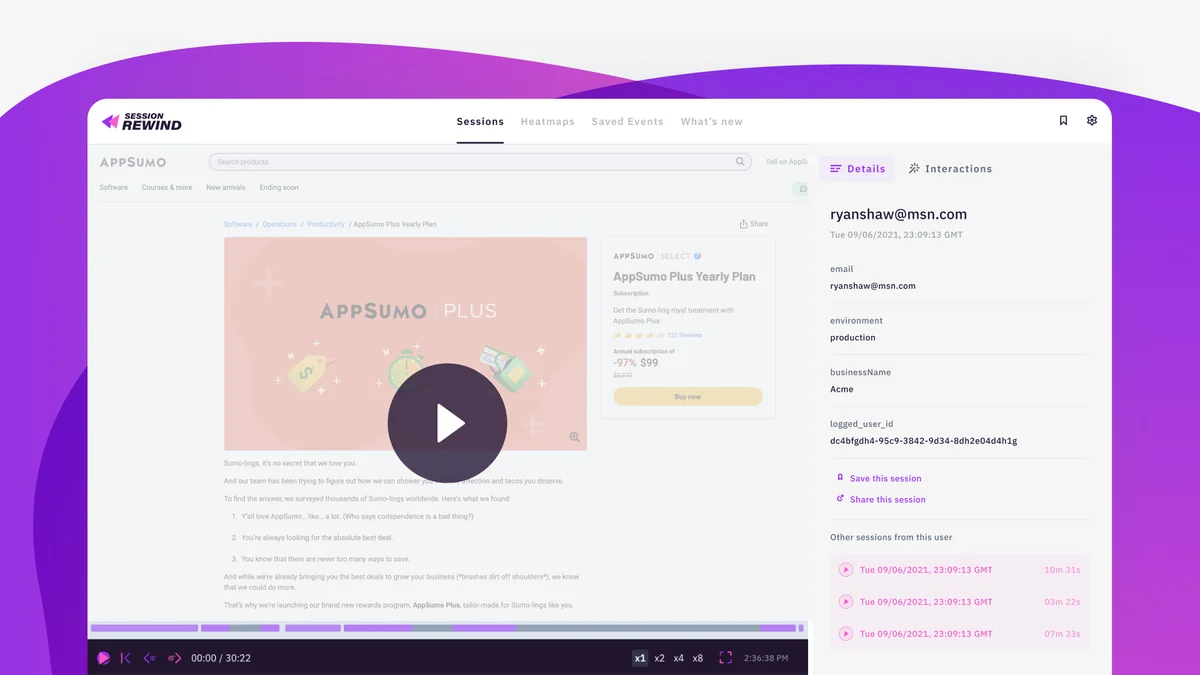
- High-Fidelity Session Recording: Capture complete user journeys with detailed playback that runs without performance issues. Sessions can last up to 3 hours, offering in-depth analysis.
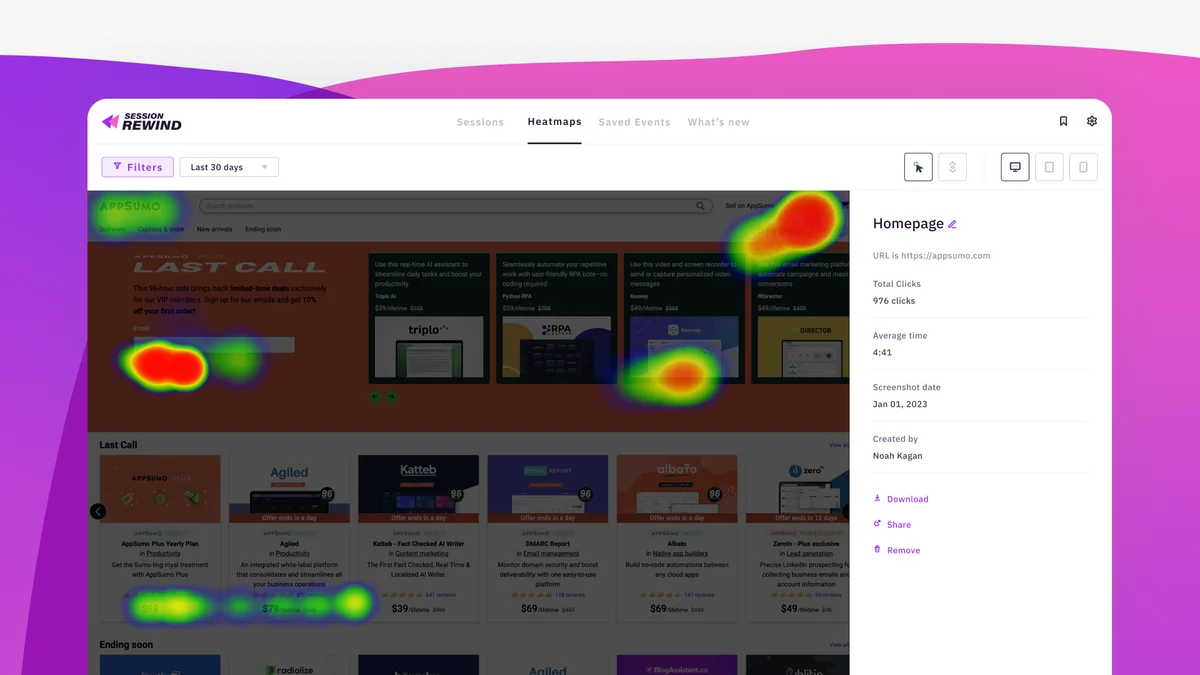
- Interactive Heatmaps: Visualize user activity across your site. Heatmaps show which areas attract attention and which might be causing friction or being ignored.
- Flexible Heatmap Filtering: Analyze activity trends over different periods, with options to view data for 60 days, 30 days, 15 days, and 7 days, allowing you to spot changes over time.
- Easy Session Sharing: Collaborate with your team by easily sharing session recordings. You can also start playback at specific points within a session, saving valuable time.
- Expedited Session Review: The session player allows you to skip footage in 15-second intervals and speed up videos up to eight times their normal speed, helping you get to the most important moments quickly.
- Comprehensive Interaction Timeline: Every click and user interaction is logged, providing a full timeline of events for each session.
- Advanced Search and Filtering: Browse and find specific sessions using criteria such as location, user ID, specific URLs, and more from the main dashboard.
- Real-time Notifications: Set up email and Slack alerts for sessions that match your predefined criteria, enabling instant notification of high-intent prospects for your sales team.
How It Works
Installing Session Rewind is designed to be straightforward. You can integrate it into your website through a WordPress plugin, Google Tag Manager, or by manually adding a short JavaScript snippet to your site’s code. For those who prefer to delegate, the platform provides easy-to-follow instructions that can be emailed directly to your developer.
Once activated, Session Rewind begins recording user activity. This data is then compiled into playable video sessions, allowing you to watch how users navigate your site in real time. Heatmaps are generated to visually represent user engagement with different page elements.
Use Cases
- Website Optimization: Identify and resolve confusing user experiences to streamline navigation and improve user flow.
- Conversion Rate Improvement: Understand why users abandon carts or don’t complete desired actions, and make data-backed changes to increase conversions.
- Enhanced Customer Support: Customer service teams can use real-time session viewing to better understand user issues and provide more effective support.
- Product Development: Gain insights into how users interact with new features or website designs to inform future development decisions.
- Marketing Effectiveness: Analyze user behavior on landing pages to optimize campaign performance and messaging.
Integrations & Compatibility
- Session Rewind offers flexible installation methods, including a dedicated WordPress plugin, compatibility with Google Tag Manager, and manual JavaScript snippet integration
- This ensures it can be adapted to a wide range of website setups.
Pricing & Value
Session Rewind aims to make advanced user behavior analytics accessible without the prohibitive costs often associated with similar tools. The platform’s standard pricing is significantly lower than competitors, and the AppSumo lifetime deal provides exceptional value for ongoing access.
Deal Details
The AppSumo lifetime deal for Session Rewind offers continuous access to the platform’s features. This includes a 60-day money-back guarantee, allowing ample time to test its functionality and ensure it meets your needs.
Quick Take
- Ideal for website owners, product managers, and UX designers seeking to understand user behavior.
- Provides essential tools like session recordings and heatmaps to identify optimization opportunities.
- Offers a cost-effective solution for gaining deep user insights without breaking the bank.
FAQs
Is there a risk-free trial period?
Yes, the AppSumo deal includes a 60-day money-back guarantee for your peace of mind.
What kind of data do heatmaps provide?
Heatmaps show which elements grab user attention and where potential friction points exist.
Can I share session recordings with my team?
Yes, Session Rewind makes it easy to share session recordings and start playback at specific points.
How can I install Session Rewind on my website?
Installation is possible via WordPress plugin, Google Tag Manager, or manual JavaScript snippet addition.
What is the primary benefit of using Session Rewind?
It helps you understand user behavior to optimize your website’s user experience and increase conversions.
Final Thoughts
Session Rewind presents a compelling solution for anyone looking to move beyond guesswork and make data-informed decisions about their website. The combination of detailed session recordings and insightful heatmaps offers a comprehensive view of user interaction. Its ease of installation and collaboration features further enhance its utility.
For businesses and individuals aiming to improve user experience, boost conversions, and provide better support, Session Rewind offers a robust and affordable path forward. The lifetime deal on AppSumo, in particular, provides significant long-term value.