
In today’s fast-paced digital world, quickly grabbing text from images or videos can be a significant time saver. This review explores TextSniper, a tool designed to simplify that process.
We’ll dive into its core functionalities, explore its practical applications, and assess its overall value, especially for Mac users looking to boost their productivity.
What is TextSniper – OCR Simplified – Extract text from images and videos | AppSumo
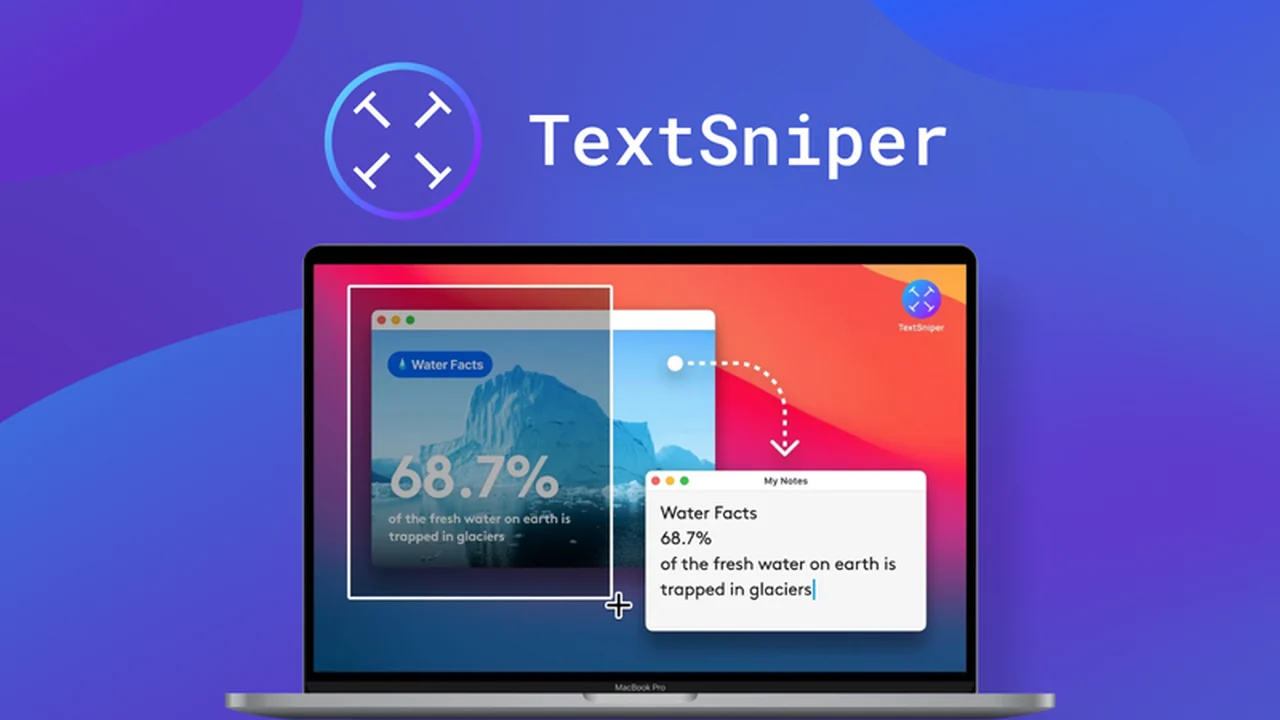
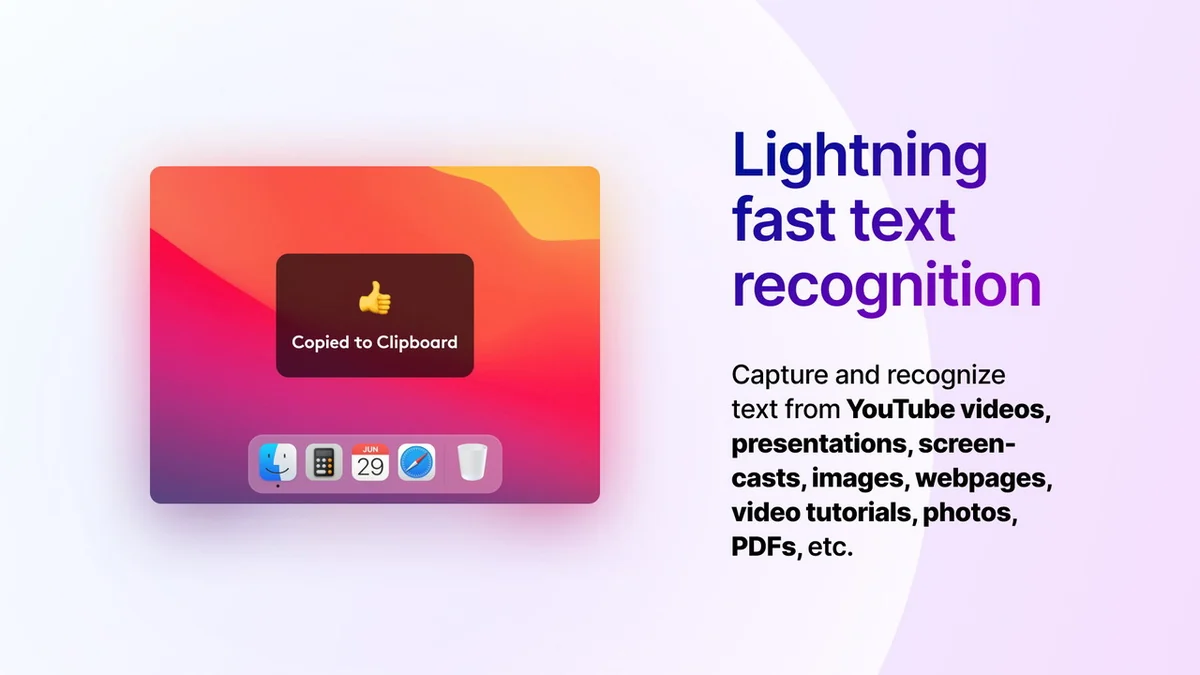
TextSniper is an Optical Character Recognition (OCR) application specifically designed for Mac users. Its primary purpose is to allow for the rapid extraction of text from various visual sources, including screenshots, images, PDFs, and even live content from video calls or online streams.
Key Features
- Ease of Use: Features a simple and intuitive user interface familiar to Mac users.
- Versatile Usage: Can extract text from virtually any application or file format displayed on your screen.
- High Performance: Designed to capture and recognize text within seconds, promoting efficiency.
- Multi-Language Support: Capable of recognizing text in seven languages: English, German, Italian, Portuguese, Spanish, French, and both traditional and simplified Chinese.
- Text to Speech: Offers the functionality to read out the recognized text aloud.
- Privacy Focused: All text processing is performed on-device, ensuring no user data is collected or transmitted over the internet.
How It Works
The operation of TextSniper is straightforward. Once installed on your Mac, you can activate it using a keyboard shortcut (CMD+SHIFT+2 by default). After activation, you simply select the area of your screen containing the text you wish to extract. TextSniper then processes this selected area using its on-device OCR engine, converting the visual text into editable copy that is automatically placed on your clipboard.
Use Cases
- Students: Quickly extract notes from lecture slides or online learning materials.
- Customer Support Staff: Copy error messages or user details from screenshots for faster issue resolution.
- Educators: Easily grab text from educational videos or images for lesson planning.
- Journalists: Extract quotes or data from images and video clips for articles.
- Graphic Designers: Copy text from design mockups or client feedback images.
- General Users: Save time by avoiding manual retyping of text from any visual source.
Integrations & Compatibility
- TextSniper is built for the macOS ecosystem and is compatible with all Apple Silicon Macs (M1, M2, M3, M4, etc.) as well as Intel-based Macs
- It requires macOS Catalina or a later version to function correctly
- For optimal performance, ensure that the application has been granted Screen Recording Permissions within your Mac’s System Settings.
Pricing & Value
TextSniper is typically available as a one-time purchase. During its time on AppSumo, pricing has been noted to be as low as $6.49 for a lifetime deal, with standard pricing around $9.99 for lifetime access. This offers substantial value for a tool that can significantly reduce the time spent on repetitive data entry tasks.
Deal Details
AppSumo frequently features limited-time offers on software like TextSniper. These deals often provide lifetime access to the software at a heavily discounted price. It’s advisable to check the AppSumo platform for current promotions and understand the specific terms of any deal, including any money-back guarantees, which in this case, is a 60-day guarantee.
Quick Take
- Ideal for Mac users seeking a fast and simple OCR solution.
- Excellent for those who frequently need to extract text from screenshots or videos.
- A great value proposition for individuals aiming to improve workflow efficiency.
FAQs
Can TextSniper scan QR codes?
Yes, TextSniper can scan and extract information from QR codes.
Does it recognize hindi and other Indian languages? Are you going to add them?
Currently, TextSniper supports seven languages, with plans for future additions being considered.
I installed it on my Mac Mini with M2 Chip, but every time when I try to use it to copy text from an image from a Facebook post, it says CANCELLED. Why?
Ensure TextSniper has Screen Recording Permissions enabled in your Mac’s System Settings.
Avez-vous un tuto pour installer l’APPLICATION POUR LES NULS COMME MOI ?
You can contact support@textsniper.app for direct assistance with installation.
Hi, does it also work with the Apple M4 chip? And Sequoia?
Yes, TextSniper is fully compatible with the Apple M4 chip and macOS Sequoia.
Final Thoughts
TextSniper offers a highly efficient and user-friendly solution for extracting text from visual media on macOS. Its straightforward operation, combined with features like multi-language support and text-to-speech, makes it a valuable asset for students, professionals, and anyone looking to streamline their workflow. The privacy-focused, on-device processing further enhances its appeal. For Mac users, TextSniper is a practical and cost-effective tool that delivers on its promise of simplified OCR.