
This review explores Tooltip.io, a platform designed to streamline the creation of in-app help guides and customer communications. Discover how it can enhance user onboarding and keep your audience informed.
We’ll delve into its core functionalities, practical applications, and the value it offers, especially for businesses looking to improve user experience without extensive development resources.
What is Tooltip.io – Create in-app help guides easily | AppSumo
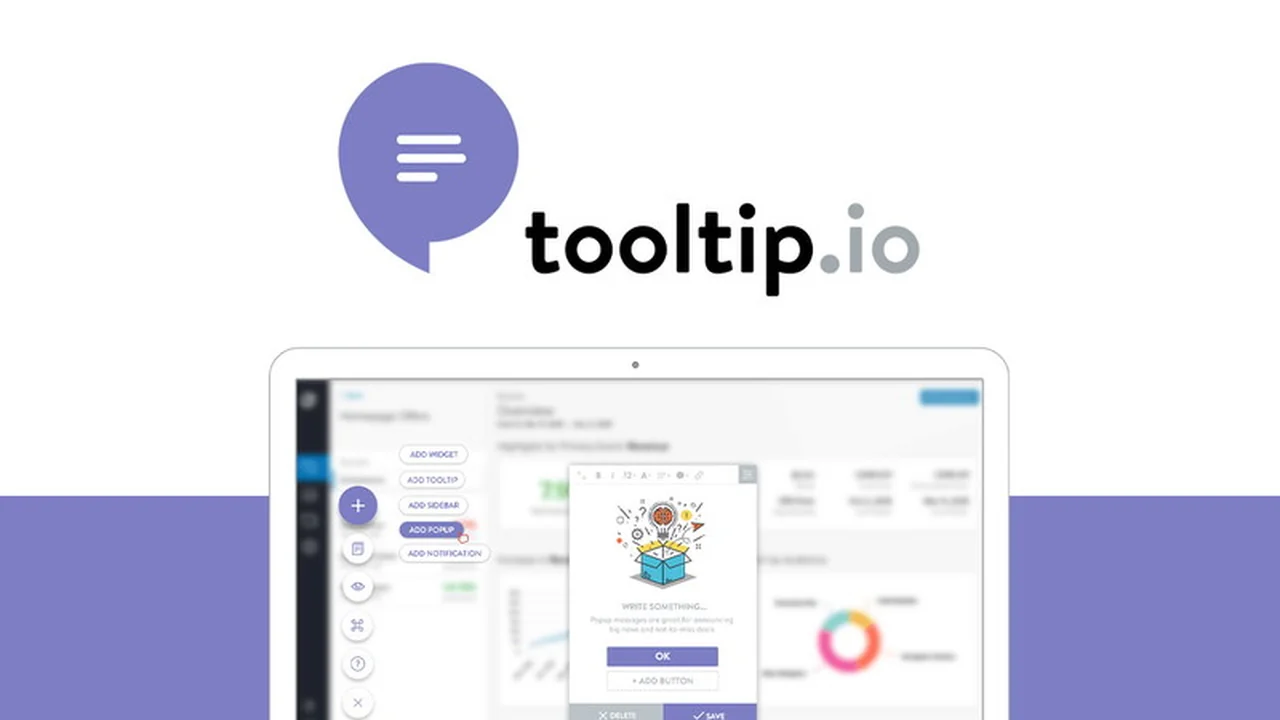
Tooltip.io is a powerful tool that enables users to easily build and deploy in-app messaging campaigns. It provides a visual editor accessible through a Google Chrome extension, allowing for the creation of diverse help guides, announcements, and promotional content directly within your application or website.
The platform aims to solve the challenge of effectively communicating product updates or offering support to users, preventing confusion and improving engagement. It’s built for individuals and teams who want to enhance user experience through targeted in-app communication.
Key Features
- Visual Editor: A user-friendly interface for designing in-app messages without coding.
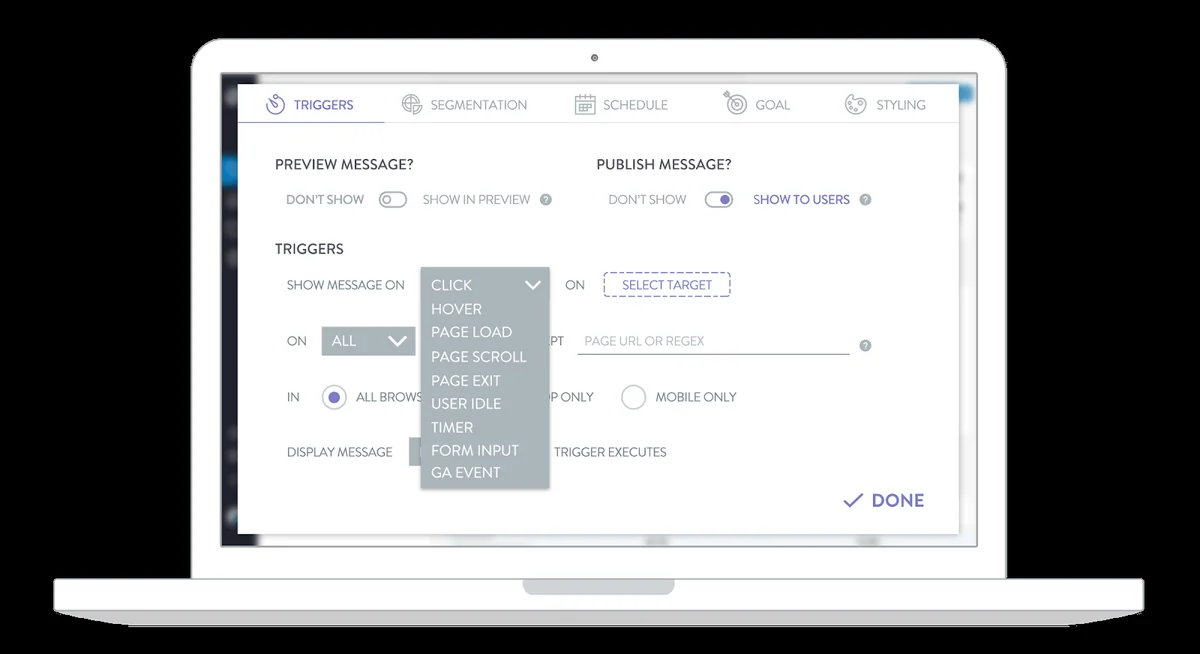
- Behavioral Triggers: Campaigns can be activated based on user actions, such as first login or specific clicks.
- Diverse Message Types: Supports pop-ups, notifications, page bars, banners, slideouts, containers, hotspots, and widgets for varied communication needs.
- Customization Options: Match your brand’s aesthetic or create a distinct look for your in-app messages.
- Campaign Scheduling: Plan and schedule your messages to go live at optimal times.
- Linking Capabilities: Connect campaigns to pages, product back-ends, redirect users, or execute code.
- Chrome Extension: Customize, preview, and publish campaigns directly from your browser.
- Easy Installation: Integrate Tooltip into your website via Google Tag Manager or a simple code snippet.
- Analytics: Track engagement and analyze the performance of your messaging campaigns with real-time data.
How It Works
Using Tooltip.io involves a straightforward process. First, you’ll leverage the Google Chrome extension to design your in-app message. This visual editor allows you to select the type of message, customize its appearance, and define its content.
Next, you’ll set the conditions for when the message should appear, such as when a user first logs in or performs a specific action. Finally, you’ll install Tooltip on your website, either through Google Tag Manager or by embedding a small piece of code. Once live, you can monitor its performance through the built-in analytics dashboard.
Use Cases
- User Onboarding: Guide new users through your product’s features upon their first interaction.
- Feature Announcements: Inform users about new functionalities or improvements.
- Promotional Campaigns: Highlight special offers, discounts, or new products.
- Customer Support: Address frequently asked questions or provide links to support resources.
- Feedback Collection: Prompt users for feedback at relevant moments.
- Engagement Nudges: Encourage users to explore specific sections of your application.
Integrations & Compatibility
- Tooltip.io is designed for broad compatibility, allowing integration with most websites and applications
- Installation is facilitated through standard web deployment methods, including Google Tag Manager, which is widely supported across various platforms
- The platform’s flexibility enables it to work with custom-built applications and existing web frameworks
- While specific third-party software integrations are not detailed, its core functionality relies on JavaScript implementation, making it adaptable to many online environments.
Pricing & Value
The value proposition of Tooltip.io lies in its ability to empower users to create sophisticated in-app messaging without requiring extensive technical expertise or development resources. By providing a comprehensive suite of tools for design, targeting, and analysis, it aims to deliver a significant return on investment for businesses seeking to enhance user communication.
The platform offers a range of features that would typically necessitate custom development or the use of multiple specialized tools. The availability of a deal on AppSumo further enhances its value, offering an accessible entry point for individuals and small to medium-sized businesses.
Deal Details
The Tooltip.io deal available through AppSumo provides access to its in-app messaging capabilities. This often includes lifetime access to specific features and potentially a set number of domains or views, depending on the tier chosen.
AppSumo deals typically come with a 60-day money-back guarantee, allowing users to test the product thoroughly and ensure it meets their expectations within a risk-free period.
Quick Take
- Ideal for product managers and marketers needing to enhance user onboarding and communication.
- Offers a no-code solution for creating engaging in-app guides and announcements.
- Provides a cost-effective way to improve user experience and engagement without developer reliance.

FAQs
Is monthly active users a concern for Tooltip.io deals?
The metrics used for product limitations, such as monthly active users, are a point of consideration.
Can we use Tooltip to create a popup for email collection and then redirect?
Users are interested in integrating lead capture with post-submission actions like downloads.
Is this deal coming back to AppSumo?
Re-releases of popular deals are frequently asked about by potential buyers.
What is the exact address and company of tooltip for data protection declarations?
Specific company identification is required for compliance with data protection regulations.
Are you guys still a company and working on your roadmap?
The status of ongoing development and company operations is a common user inquiry.
Final Thoughts
Tooltip.io presents a compelling solution for businesses aiming to improve their in-app communication and user guidance. Its intuitive visual editor and robust feature set make it accessible to a wide range of users, regardless of their technical background.
The ability to trigger messages based on user behavior, coupled with diverse message types and customization options, allows for highly targeted and effective engagement. For those looking to enhance user onboarding, announce new features, or run promotions, Tooltip.io offers a powerful and user-friendly platform.