
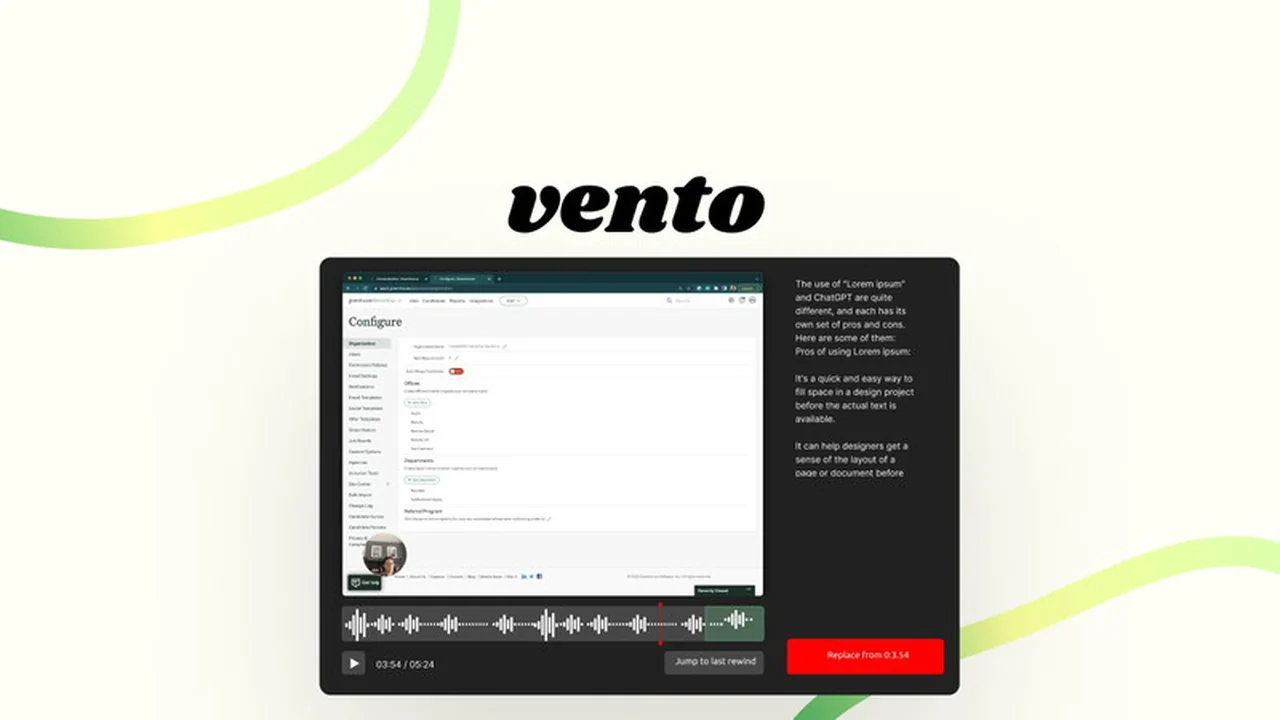
Struggling with constant restarts during screen recordings due to minor errors or unexpected interruptions? This review delves into Vento, a unique screen recording solution designed to eliminate that frustration.
Discover how Vento’s innovative features can streamline your workflow, ensuring polished presentations and tutorials without the need for complex editing. We’ll cover its core functionalities, practical applications, and overall value proposition.
What is Vento | AppSumo
Vento is a dynamic screen recording tool that fundamentally changes how you capture your digital workspace. Its standout feature allows for seamless pauses, rewinds, and instant re-recording over any mistakes, eliminating the need to start from scratch.
This approach is particularly beneficial for anyone who experiences frequent interruptions, from pets and children to simple vocal fumbles, enabling a much smoother and less stressful recording process. It’s designed for efficiency and user-friendliness.
Key Features
- Pause, Rewind, Re-record: Effortlessly go back and correct any part of your recording without restarting.
- Audio Transcription: Get real-time transcriptions to accurately pinpoint moments for re-recording.
- Jump Back to Rewind Point: Quickly resume recording from your last rewind point for rapid take iteration.
- Record Without Logging In: Initiate recordings instantly, without the need for account creation or login.
- Chapter Headings: Enhance viewer navigation by adding clickable chapter markers to your recordings.
- Author Annotations: Include pop-up annotations that viewers must acknowledge, ensuring key messages are seen.
- Screen, Audio, and Webcam Recording: Capture your entire screen, system audio, microphone input, and your webcam feed simultaneously.
How It Works
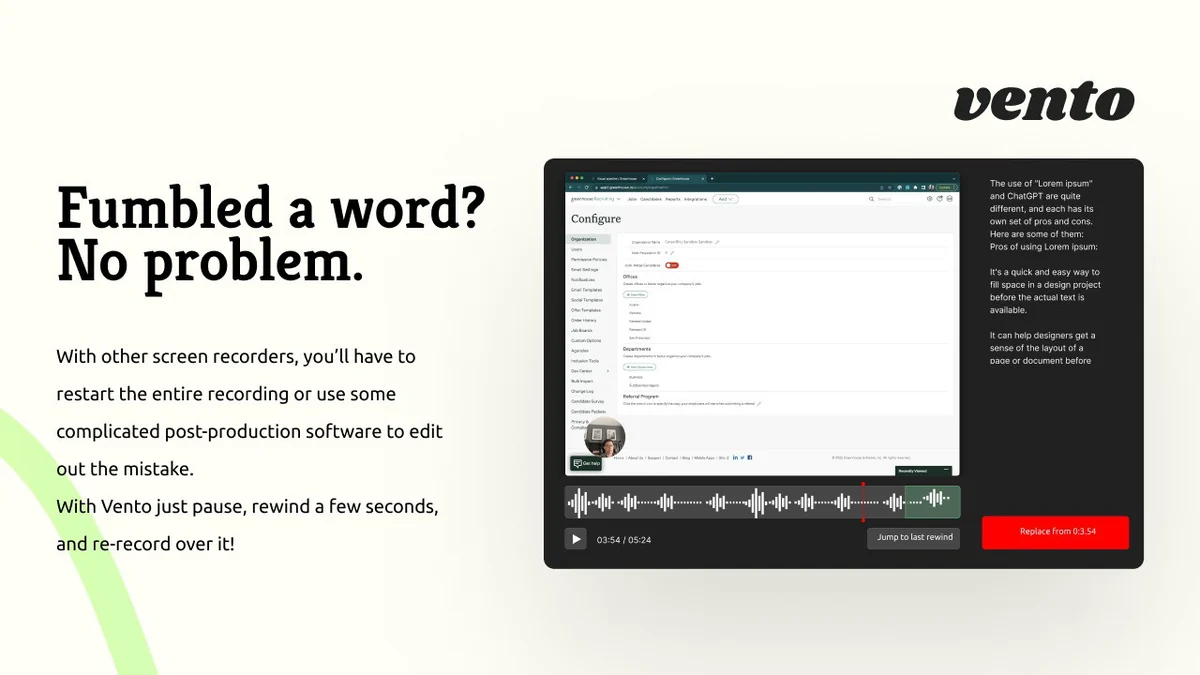
Using Vento is straightforward. Once you’ve initiated a recording, if you make a mistake or need to pause, you simply hit the pause button. From there, you can rewind a few seconds and immediately begin re-recording over that section.
The tool’s smart rewind functionality means you can jump directly back to where you rewound last, allowing for multiple takes in quick succession. This iterative approach ensures you can refine your content until it’s perfect, all within a single recording session.
Use Cases
- Tutorials and Demos: Create polished software demonstrations or instructional guides without redoing entire videos for minor slips.
- Sales Pitches: Refine your presentation delivery for crucial sales pitches until you achieve the desired impact.
- Online Course Creation: Develop high-quality educational content with the ability to correct errors on the fly.
- Internal Communications: Quickly record important updates or explanations for your team, ensuring clarity and accuracy.
- Personal Projects: Share screen recordings for any purpose with the confidence that imperfections can be easily managed.
Integrations & Compatibility
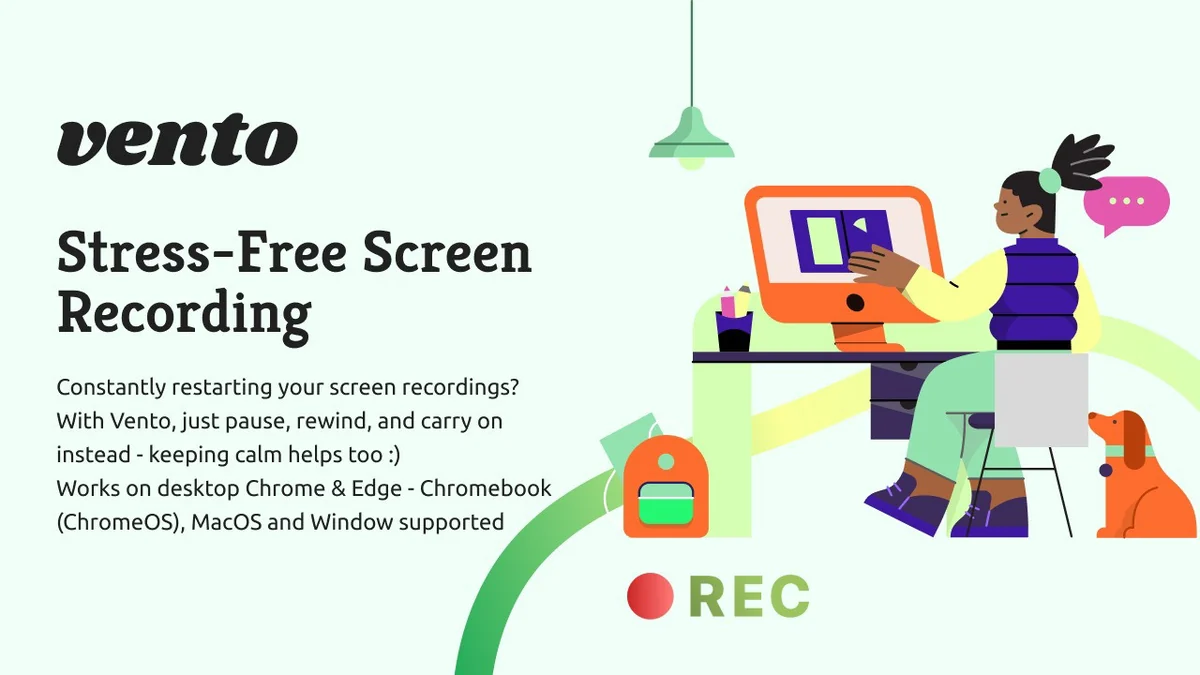
- Vento is currently available as a browser extension for Chrome and Edge, offering convenient access directly within your browsing environment
- To utilize Vento, you will need a Google or Microsoft account for authentication purposes
- The tool supports recording your screen, internal and external audio, and your webcam.
Pricing & Value
Vento, particularly when acquired through an AppSumo deal, offers significant value for its innovative approach to screen recording. The ability to avoid complete restarts and edit on the fly saves considerable time and reduces production costs.
The inclusion of features like audio transcription, chapter headings, and author annotations further enhances its utility, providing a comprehensive package for content creators, educators, and professionals.
Deal Details
This AppSumo deal for Vento typically includes access to the Premium Plan with all future updates. However, note that this specific deal is not stackable, meaning you can only redeem one code per account.
The deal often comes with a 1-hour recording length limit per video and a 60-day money-back guarantee, providing a risk-free opportunity to test its capabilities. Remember to redeem your code within 60 days of purchase.
Quick Take
- Ideal for content creators who frequently make small mistakes during recordings.
- Perfect for anyone who wants to avoid the hassle of restarting entire videos.
- A valuable tool for ensuring polished presentations and clear communication.
FAQs
Is there a free trial available for Vento?
Yes, you can try Vento for free without signing up at vento.so.
How do chapter headings and author annotations help?
They improve viewer navigation and ensure important messages are seen and acknowledged.
Do I need to install any software to use Vento?
No, Vento is available as a browser extension for Chrome and Edge, no additional apps are required.
Can I record my voice and webcam with Vento?
Yes, Vento supports recording your screen, internal/external audio, and webcam simultaneously.
What makes Vento different from other screen recorders?
Vento allows you to pause, rewind, and re-record over mistakes without restarting the entire recording.
Final Thoughts
Vento presents a compelling solution for anyone looking to simplify their screen recording process. Its unique pause, rewind, and re-record functionality addresses a common pain point for content creators, offering a significant advantage over traditional methods.
Combined with features like transcription, chapter headings, and annotations, Vento provides a robust and user-friendly platform for producing high-quality video content efficiently. The opportunity to try it out, especially with the 60-day money-back guarantee, makes it a worthwhile consideration.