
Tired of endless back-and-forth on website design and copy approvals? This tool offers a straightforward solution to simplify the entire process.
Discover how this intuitive platform allows you to make live edits, gather clear feedback, and expedite your project completion, all within a user-friendly interface.
What is Visual Inspector | AppSumo
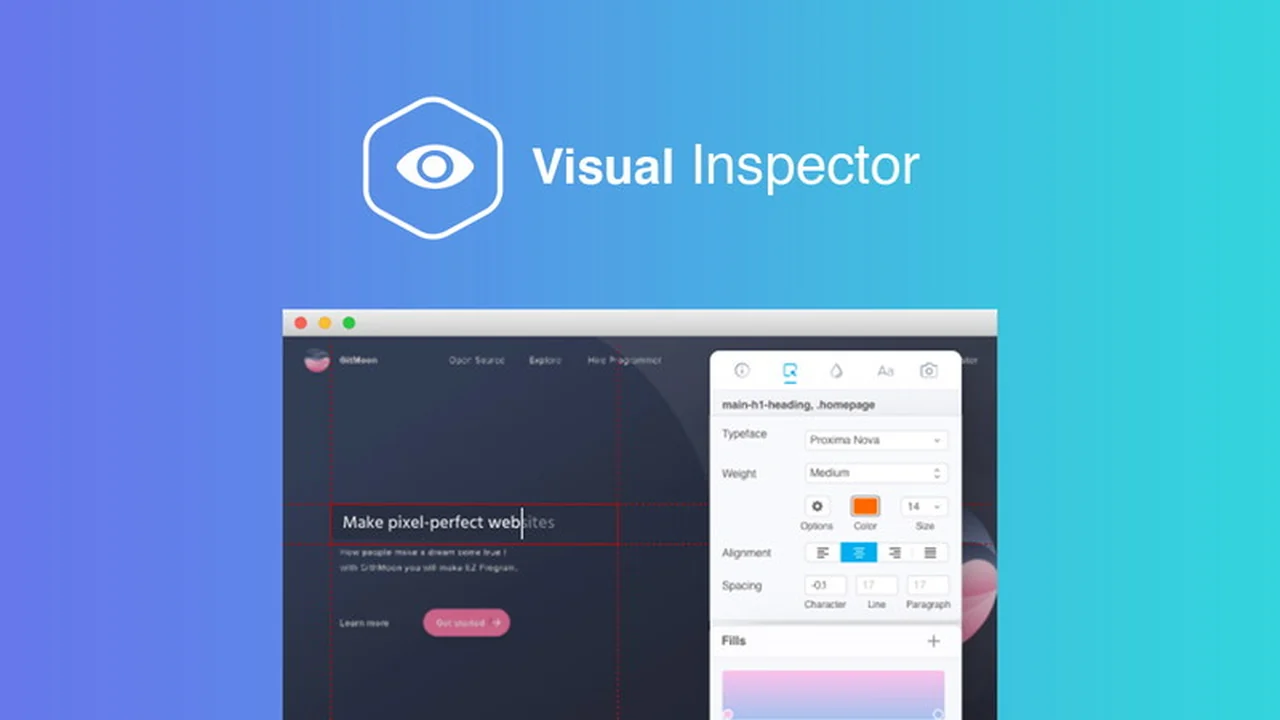
Visual Inspector is a powerful, user-friendly web design tool that enables direct, in-browser edits to live websites. It simplifies the process of making design and copy adjustments, transforming any website into an editable canvas for immediate visualization.
Key Features
- Direct Live Website Editing: Modify elements directly on a live website, making design changes intuitive and instant.
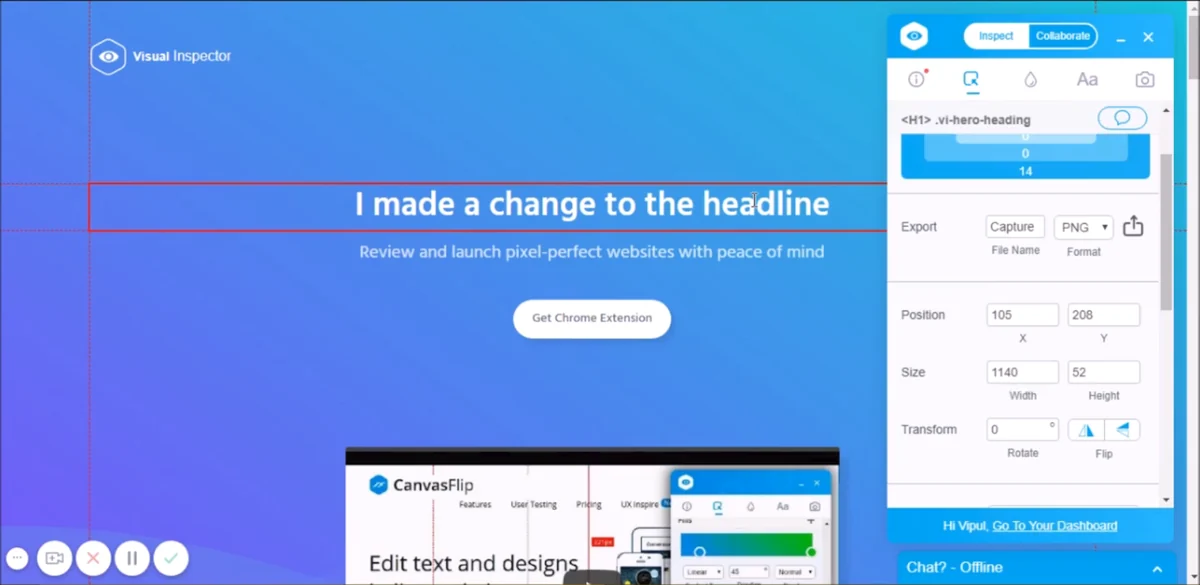
- Element Property Inspection: Easily view and change properties of any website element, including copy, spacing, fonts, and colors.
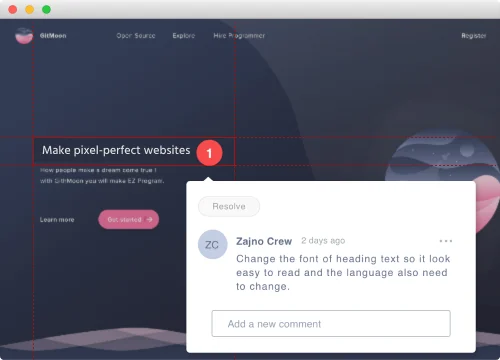
- Visual Feedback URLs: Generate unique URLs for edited websites, allowing stakeholders to comment and suggest changes without technical barriers.
- Code-Free Design Adjustments: Offers an accessible alternative to developer tools like Inspect Element, allowing users to pull and modify design elements without deep coding knowledge.
- CSS Export: Seamlessly export modified CSS to developers with a single click, streamlining the handover process.
- Project Compilation: Keep all your projects organized and easily accessible in a compiled collection.
How It Works
Getting started with Visual Inspector is designed for simplicity. Once you’ve identified the website element you wish to alter, you can directly edit its properties such as text, colors, and layout. After making your desired changes, you can share a unique link to the revised site, allowing collaborators to provide feedback or approve the modifications.
For developers, the tool facilitates a smooth workflow by enabling the export of the adjusted CSS, ensuring your vision is accurately translated into the final product.
Use Cases
- Freelance Web Designers: Quickly iterate on designs based on client feedback and present polished mockups.
- Marketing Teams: Make minor copy or visual adjustments to landing pages or website sections without developer intervention.
- Agency Projects: Streamline the client approval process for website redesigns or updates.
- Website Audits: Identify and visualize potential design improvements or bug fixes in real-time.
Pricing & Value
Visual Inspector provides significant value by condensing the design iteration and feedback loop into a more efficient process. Its ability to make live edits and share visual previews drastically cuts down on time-consuming email chains and misinterpretations.
Deal Details
The Visual Inspector Team Plan is available for a limited time, offering lifetime access. This deal empowers teams to collaborate effectively and finalize website designs with ease.
Quick Take
- Ideal for designers and marketers needing to simplify website edits and feedback loops.
- Enables direct, code-free adjustments on live websites for faster project completion.
- Streamlines communication and approvals with shareable visual previews.
FAQs
How do I share my edits with clients?
You generate a unique URL to the edited website for seamless sharing and feedback.
What is the primary benefit of using Visual Inspector?
It significantly speeds up website design edits and client feedback processes.
How does Visual Inspector differ from browser developer tools?
It offers a more accessible, code-free way to inspect and edit website elements compared to developer tools.
Can I still get access to Visual Inspector?
Access to Visual Inspector is no longer being offered.
Is Visual Inspector still available?
Visual Inspector has concluded its availability, with a refund process initiated for all purchasers.
Final Thoughts
Visual Inspector presented a compelling solution for simplifying website design edits and feedback. Its ability to allow direct manipulation of live website elements and provide shareable visual representations was a key advantage.
While the product is no longer available, its approach to streamlining web design workflows highlights the need for intuitive, code-free tools in the digital space.