
In the world of website management, encountering broken links and 404 errors can significantly impact user experience and search engine rankings.
Discover how this plugin can transform your site’s navigation, improve SEO, and prevent lost traffic, all through an intuitive and powerful set of features. We’ll explore its capabilities and practical applications.
What is WP 301 Redirects – Set up automatic redirects | AppSumo
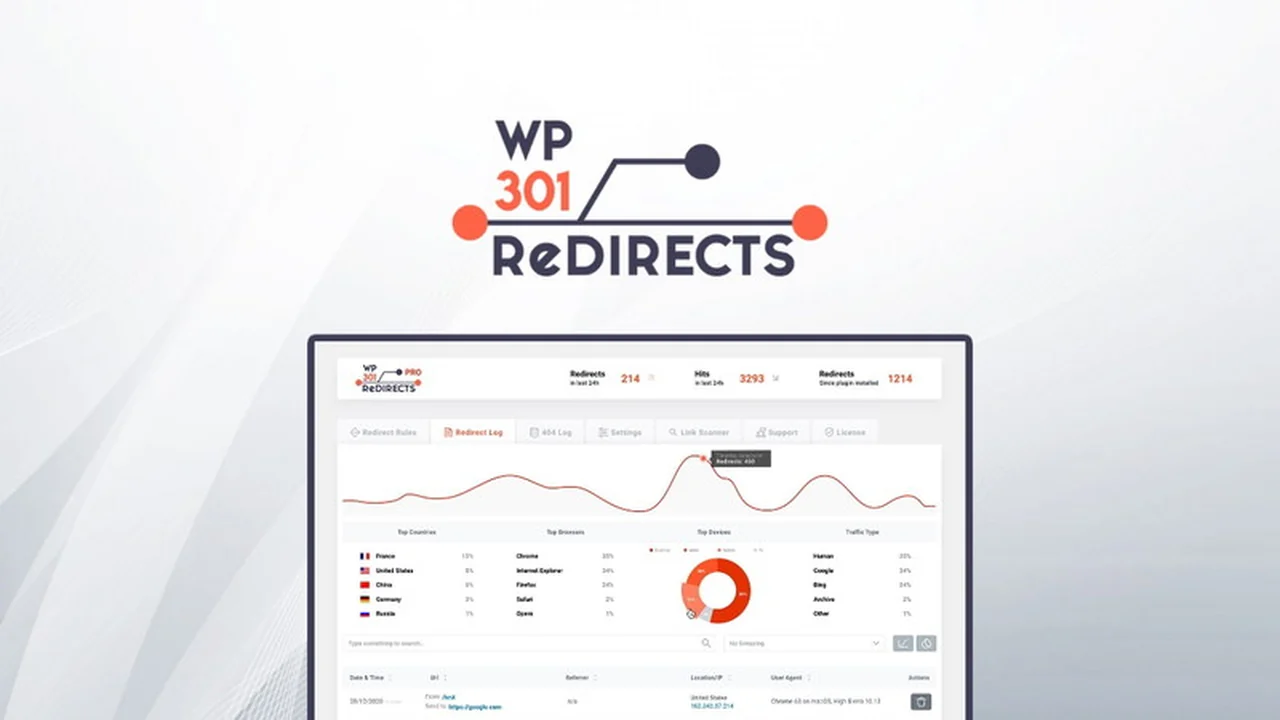
WP 301 Redirects is a robust WordPress plugin designed to help website owners and administrators manage redirects, identify broken links, and resolve 404 errors. It provides tools to scan your website for various link issues, ensuring a seamless navigation experience for your visitors and enhancing your site’s overall SEO performance.
Key Features
-
Link Scanner Tool: Automatically scans all pages for broken URLs and disreputable outlinks, integrating with SaaS for continuous monitoring.
-
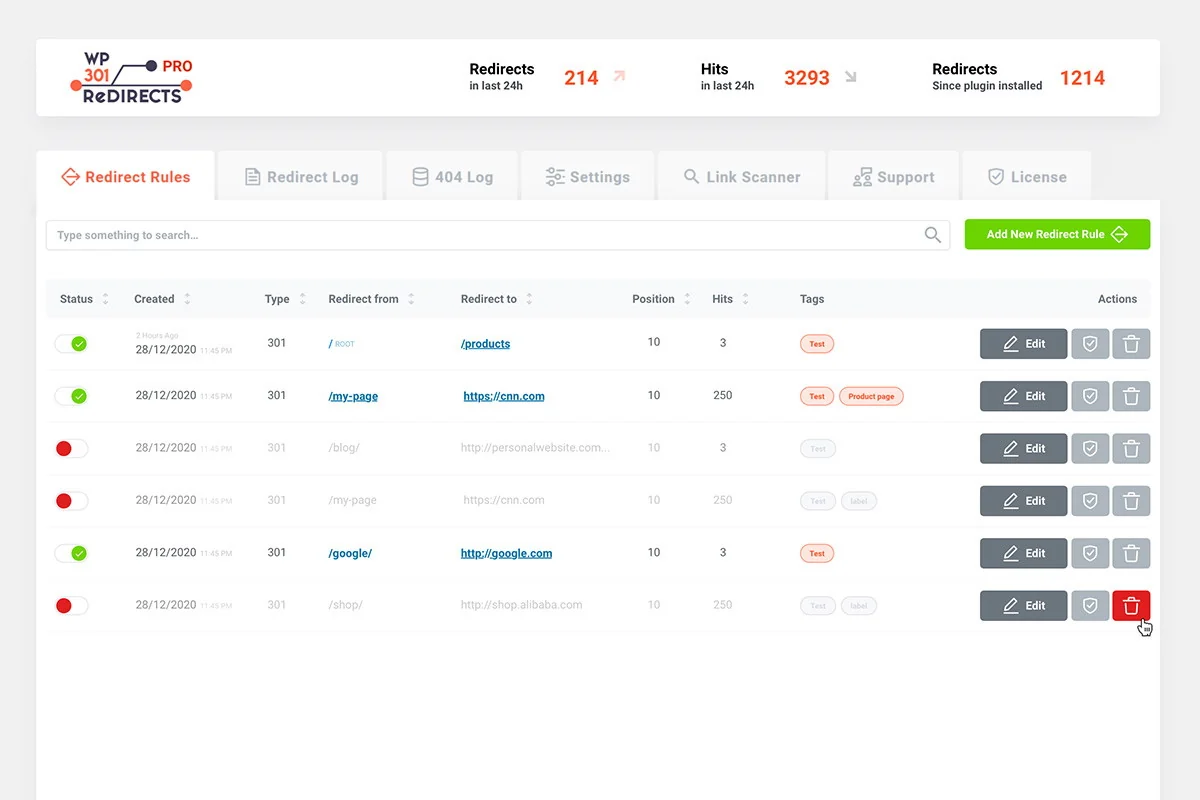
Automatic Redirects: For broken internal links, the plugin automatically redirects mistyped URLs to pages with similar URLs.
-
Adjustable Sensitivity: Allows customization of the plugin’s sensitivity to typos, ensuring accurate redirection.
-
Manual Redirects: Provides the ability to create custom redirects for more complex scenarios by specifying destination URLs.
-
Site Reorganization: Facilitates URL restructuring when rebuilding a site without needing to reconfigure all URLs.
-
SEO Optimization: Helps hide long, unsightly affiliate links by replacing them with shorter, manageable ones.
-
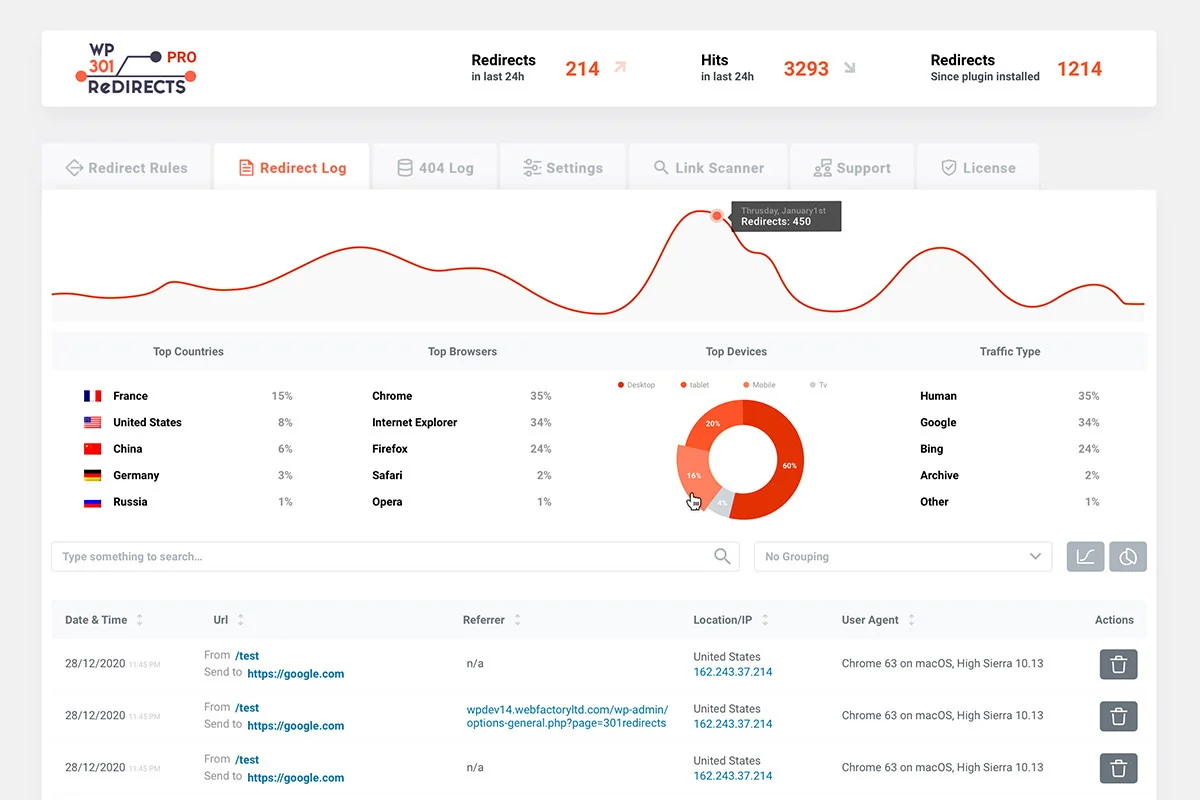
Centralized Dashboard: Offers a unified view of user traffic, redirect activity, browser usage, and more across multiple sites.
-
Remote Monitoring: Enables remote monitoring of sites, redirects, and 404 logs, with the ability to perform actions without logging into individual sites.
-
Customization and Rebranding: Allows full customization of the plugin’s appearance and details to match your business branding without coding.
-
Branded PDF Reports: Generates exportable reports to share with clients, showcasing work done on their site.
How It Works
The plugin functions by actively scanning your website’s links. When it detects a broken link, a mistyped URL, or an outdated link, it can automatically redirect the user to a relevant page. For more specific needs, you can manually set up redirects by defining the old URL and the new destination. The integrated Link Scanner tool, coupled with APIs, also helps identify links to sites with poor reputations or potential malware, adding a layer of security.
Use Cases
-
Website Audits: Regularly checking outgoing links on a purchased site for broken or malicious content.
-
URL Restructuring: Implementing new URL structures during site redesigns or reorganizations.
-
Content Updates: Ensuring older content links remain functional and relevant.
-
Visitor Support: Addressing missing page complaints and managing 404 errors effectively.
-
Affiliate Marketing: Streamlining long affiliate links and tracking their performance.
-
Multi-Site Management: Overseeing redirects and 404s from a single, accessible location.
Integrations & Compatibility
- The plugin integrates with Google Safe Browsing and Alexa Rank APIs to assess link reputation and safety
- It is designed as a WordPress plugin, making it compatible with WordPress websites
- The platform also offers a remote Dashboard that can integrate with other deals from the same developer, allowing for seamless switching between management interfaces.
Pricing & Value
This product is available through a lifetime deal, providing ongoing access to its features. The value proposition lies in its ability to save time and resources by automating the process of finding and fixing website link errors, thereby improving user experience and search engine visibility, especially when managing multiple websites or client projects.
Deal Details
The AppSumo deal offers lifetime access to WP 301 Redirects. This includes all current and future features developed for the plugin. The offer comes with a 60-day money-back guarantee, allowing users to test the product risk-free for two months.
Quick Take
- Ideal for website owners and agencies needing to manage redirects and fix broken links.
- Provides tools for SEO improvement and enhanced user navigation.
- Offers a centralized dashboard for managing multiple sites.
FAQs
Can the plugin be rebranded?
Yes, it offers extensive customization options to match your business branding.
Is it possible to manage redirects for multiple websites?
Yes, a centralized dashboard allows for remote management of many sites.
Does it help with identifying malicious links?
Yes, through API integrations, it can identify links to sites with poor reputations or malware.
Can the plugin automatically fix mistyped URLs?
Yes, it can automatically redirect mistyped internal URLs to similar pages.
What is the primary function of WP 301 Redirects?
It helps manage website redirects, fix broken links, and resolve 404 errors.
Final Thoughts
WP 301 Redirects presents a powerful and user-friendly solution for anyone looking to maintain a healthy and navigable website. By automating the detection and correction of broken links and 404 errors, it significantly enhances the visitor experience and bolsters SEO efforts. The comprehensive feature set, including a proactive Link Scanner and a centralized management dashboard, makes it an indispensable tool for website owners, developers, and digital marketers aiming for optimal online performance.