
Creating a professional-sounding podcast often feels like a hurdle, especially when studio time is costly and post-production demands specialized skills.
This review explores BounceCast, an application designed to simplify audio processing, recording, and post-production, aiming to help creators achieve studio-quality sound without the hefty investment.
What is BounceCast – Create professional-sounding podcasts | AppSumo
BounceCast is a comprehensive application built to empower podcasters by providing tools for recording, intelligent audio processing, and post-production. It aims to democratize high-quality audio, making it accessible to anyone looking to produce polished podcast episodes.
Key Features
- Intelligent Audio Processing: Optimizes recordings for various environments, ensuring clarity and consistency.
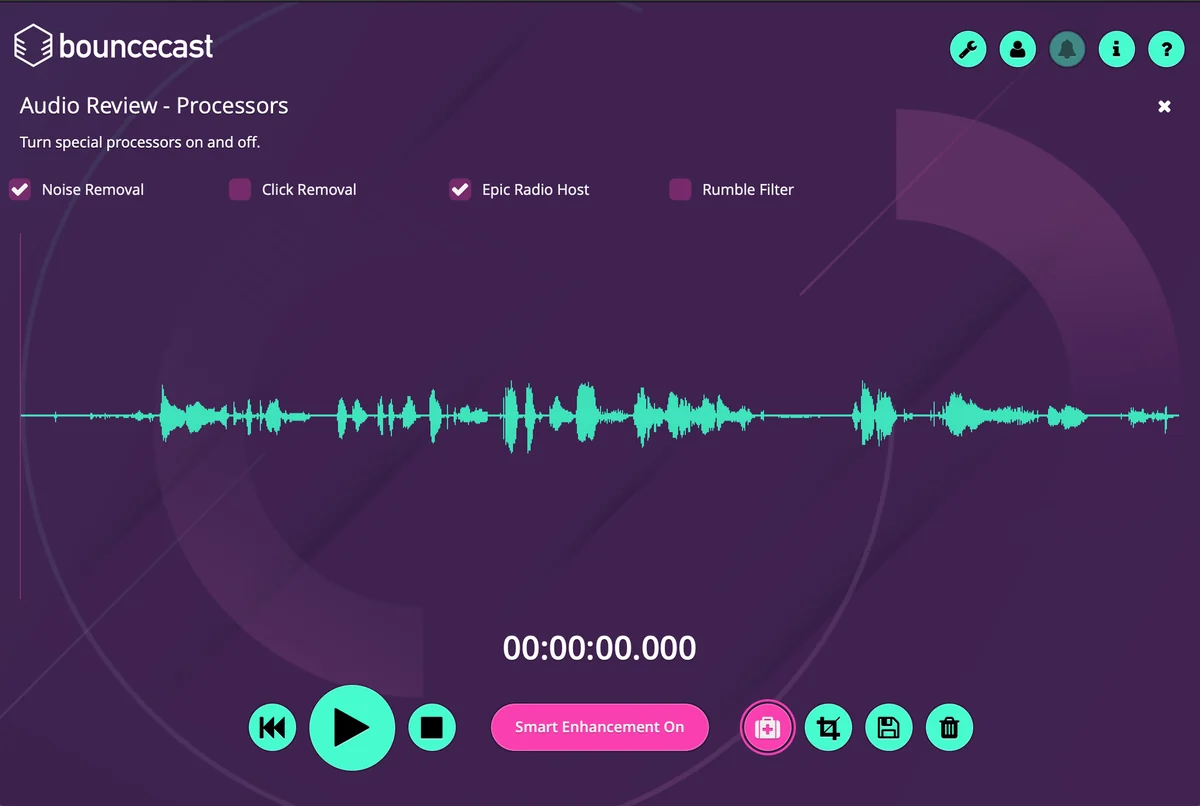
- Noise Removal, Rumble Filter, and Click Removal: Tools to clean up audio by eliminating unwanted background sounds and imperfections.
- Smart Audio Enhancement: Automatically elevates audio quality to a professional standard with a single click.
- In-App Recording: Allows users to record podcasts directly within the application for a streamlined workflow.
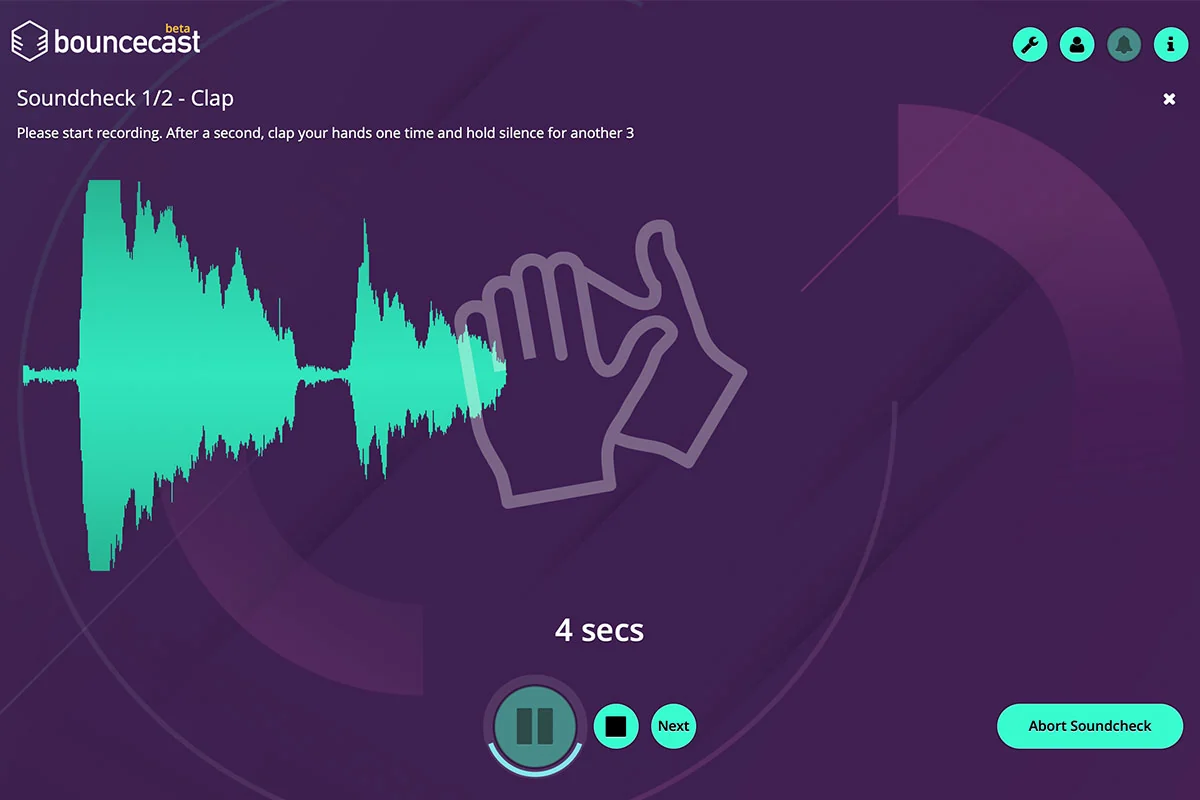
- Soundcheck Tool: Assists in optimizing recording levels and setup for optimal audio capture.
- Audio File Import: Supports multiple formats including WAV, MP3, AIFF, FLAC, and Ogg-Vorbis, with the ability to import several tracks simultaneously.
- Post-Production Tools: Features automatic leveling, frequency control, and noise management for detailed audio refinement.
- Multi-Format Export: Enables exporting audio in various formats simultaneously, saving time and effort.
How It Works
Getting started with BounceCast involves either recording directly within the app or importing existing audio files. For recordings, the Soundcheck tool helps ensure optimal audio input. Once audio is captured or imported, users can apply intelligent processing features like noise removal and smart enhancement.
The application then allows for fine-tuning through post-production tools, enabling adjustments to leveling and frequency. Finally, users can export their cleaned and enhanced audio in their preferred formats, with the option to select multiple formats for simultaneous export.
Use Cases
- Podcasters seeking to improve the audio quality of their existing recordings.
- Beginners who need a user-friendly tool to produce professional-sounding podcasts without prior audio engineering knowledge.
- Content creators who want to eliminate background noise and distractions from their audio.
- Individuals looking for an all-in-one solution for recording, editing, and processing podcast audio.
Pricing & Value
BounceCast offers an annual plan that provides a cost-effective way to access its premium features. This yearly subscription aims to deliver significant value by bundling essential audio processing, recording, and post-production capabilities into a single application.
The annual plan is positioned as a discounted offering, making professional audio tools more accessible for independent creators and small businesses compared to traditional studio costs or separate software purchases.
Deal Details
The current offering provides one year of access to the BounceCast Premium plan. This annual plan is available at a locked-in price, allowing for yearly renewal at the same discounted rate. The deal includes a 60-day money-back guarantee, giving users ample time to evaluate the software.
Quick Take
- Ideal for podcasters and content creators aiming for professional audio quality.
- Simplifies complex audio processing and post-production tasks.
- A cost-effective solution for improving podcast sound without expensive equipment or external services.
FAQs
What is the refund policy for BounceCast?
BounceCast comes with a 60-day money-back guarantee for users to try the service.
Does BounceCast offer video editing capabilities?
BounceCast is focused on audio processing and does not currently offer video editing features.
What audio file formats does BounceCast support for import?
BounceCast supports WAV, MP3, AIFF, FLAC, and Ogg-Vorbis formats for importing audio files.
Can I record my voice with background music in BounceCast?
It is advised to record voice separately from music and add background tracks later in a DAW.
Is there a limit to how much audio can be processed?
There are no stated limits on the amount of audio that can be produced or processed within the year.
Final Thoughts
BounceCast presents a compelling solution for anyone looking to enhance their podcast’s audio production. Its suite of intelligent processing tools, combined with straightforward recording and post-production features, effectively removes many of the technical barriers that often deter creators.
For those seeking to elevate their audio from amateur to professional without a significant financial outlay or a steep learning curve, BounceCast offers a practical and accessible path forward.