
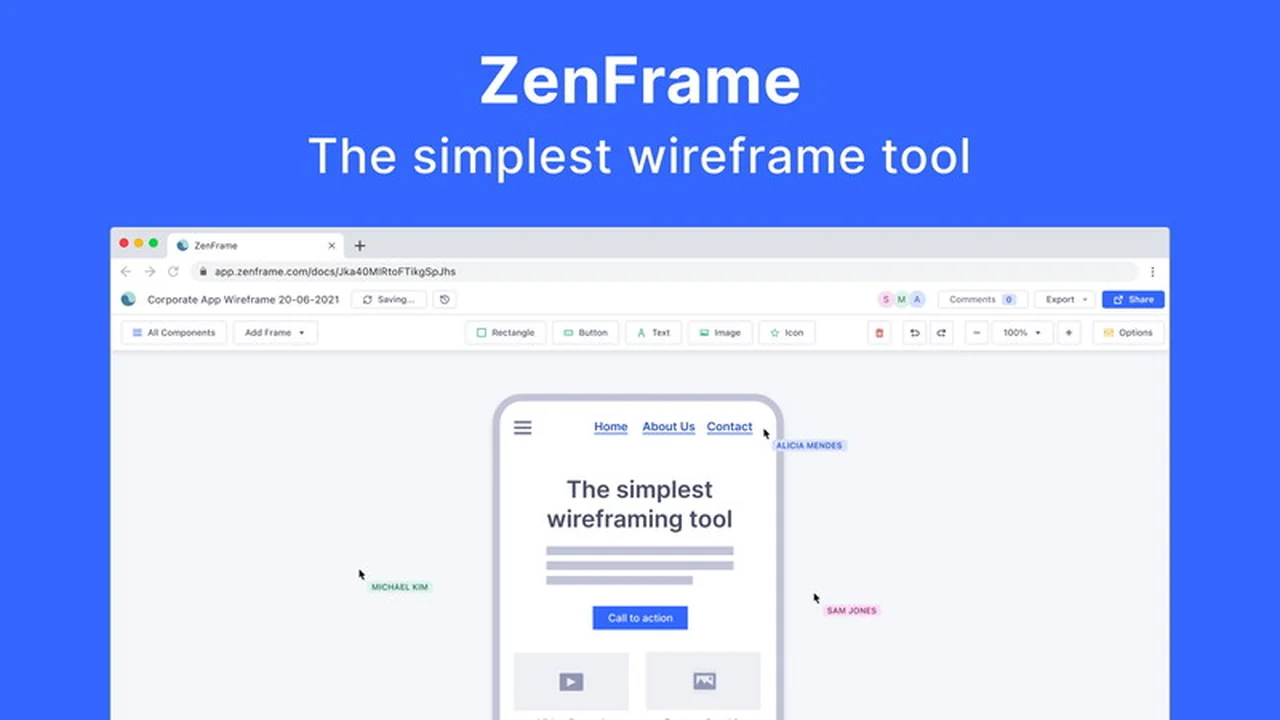
This review dives deep into Zen Wireframe, a recently launched tool offering a streamlined approach to creating low-fidelity wireframes. We’ll explore its core functionalities and how it can benefit your design process.
Discover if Zen Wireframe, especially with its current AppSumo deal, is the right solution for quickly visualizing your website and app ideas. We’ll cover everything from its ease of use to its collaborative features.
What is Zen Wireframe | AppSumo
Zen Wireframe is designed to be the simplest tool available for crafting low-fidelity wireframes for websites and mobile applications. Its primary goal is to enable users to build these foundational design mockups in a matter of minutes, rather than hours.
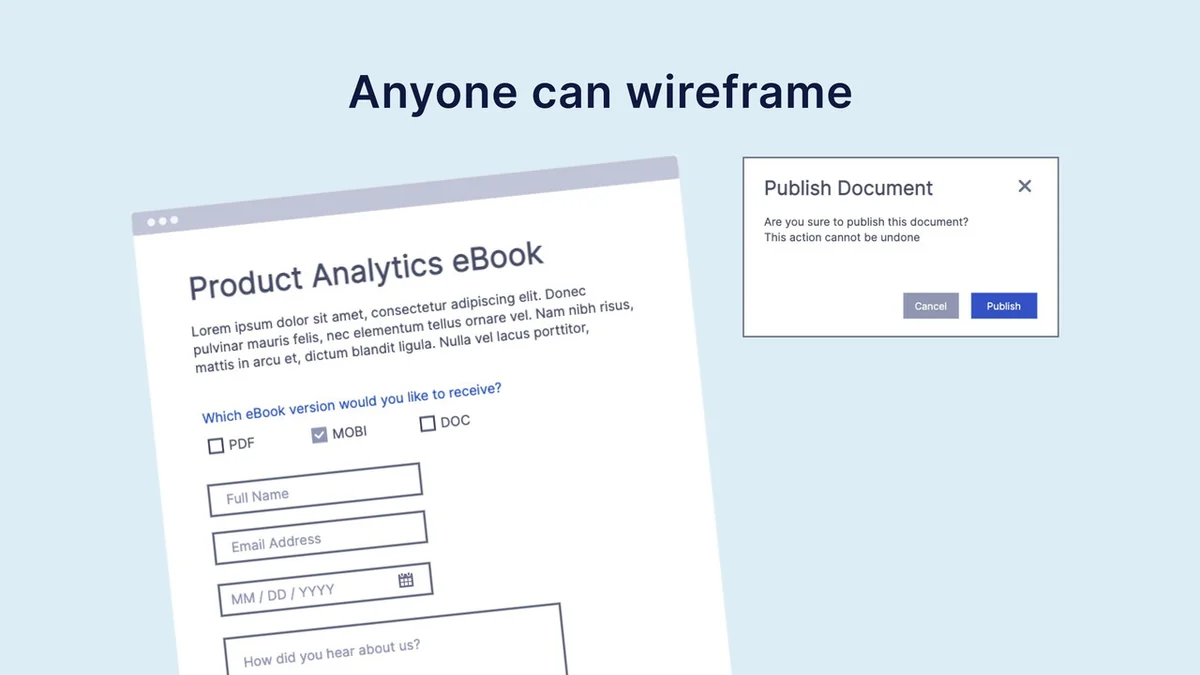
The platform emphasizes accessibility, allowing individuals without extensive design experience to create functional wireframes using an intuitive interface. This makes the early stages of UI design more approachable for a wider range of professionals.
Key Features
Zen Wireframe offers a focused set of features aimed at rapid wireframe creation and collaboration.
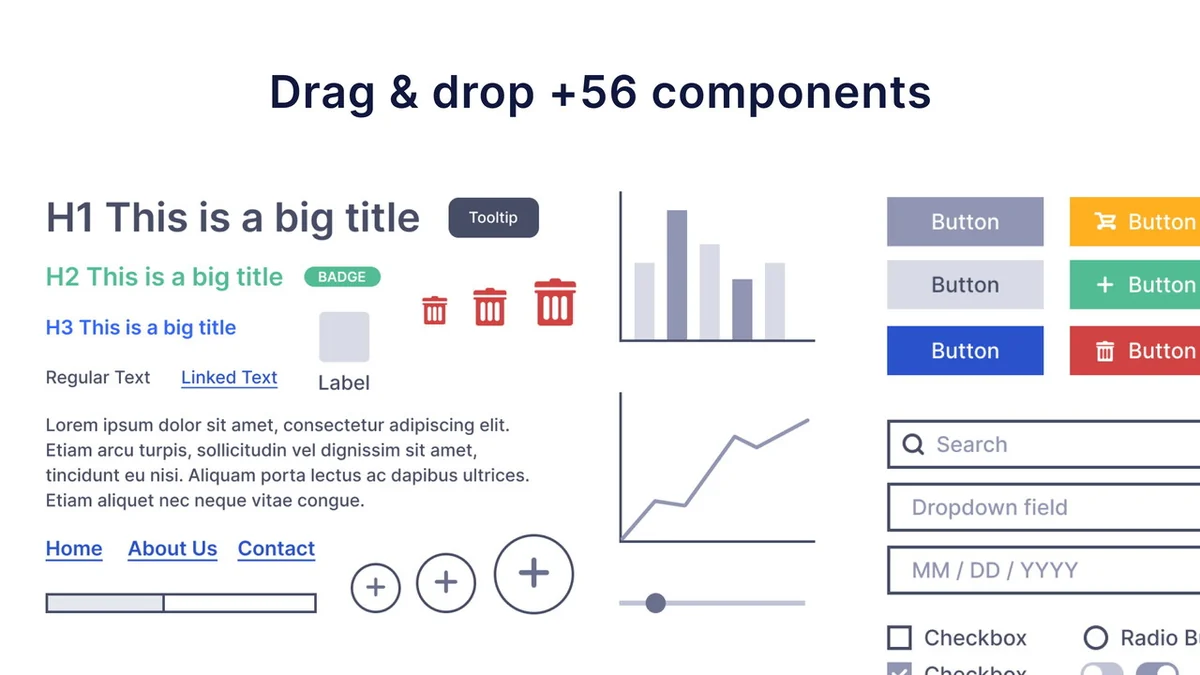
- Pre-made Components: Access a library of over 58 ready-made components, eliminating the need to build every element from scratch.
- Low-Fidelity Design: Components are intentionally kept simple to ensure the focus remains on structure and functionality during the early design phases.
- Speed Optimization: The tool is built for quick iteration, allowing for the creation of wireframes in minutes.
- Intuitive Interface: A drag-and-drop UI makes it easy for anyone, including non-designers, to navigate and build.
- Real-time Collaboration: Invite team members and clients to view, comment on, or even edit your wireframes simultaneously.
- Flexible Frame Sizes: Support for mobile, desktop, and watch frames, along with free-size options, accommodates various project types.
How It Works
Getting started with Zen Wireframe is straightforward. Users select a frame size suitable for their project, whether it’s for a mobile app, a website, or a smartwatch interface.
From there, the drag-and-drop functionality allows you to pull pre-designed components from the extensive library onto your canvas. You can then arrange, resize, and customize these elements to map out your user interface and user flows.
Use Cases
Zen Wireframe is particularly useful for several scenarios:
- Prototyping Websites: Quickly visualize the layout and navigation of new website designs.
- Mapping App Interfaces: Sketch out the screens and user journeys for mobile applications.
- Client Presentations: Share early-stage concepts with clients for feedback before investing in high-fidelity mockups.
- Team Brainstorming: Facilitate collaborative design sessions where ideas can be quickly translated into visual representations.
- Educators and Students: Provide an accessible tool for learning the basics of UI design and prototyping.
Integrations & Compatibility
- Currently, Zen Wireframe is a standalone web-based application focused on its core wireframing functionality
- Specific integrations with other design or project management tools are not highlighted at this time.
Pricing & Value
The value proposition of Zen Wireframe is significantly enhanced by its availability through a limited-time lifetime deal on AppSumo. This approach provides access to the full Zen Wireframe Plan, including all future updates, for a single purchase.
This contrasts with typical subscription models and can offer considerable savings for individuals or teams who anticipate ongoing use of the tool for their design and prototyping needs.
Deal Details
The Zen Wireframe | AppSumo deal typically offers lifetime access to the Zen Wireframe Plan. This includes all future updates, ensuring you benefit from new features as they are developed.
It’s important to note that this specific deal is not stackable, meaning one code grants lifetime access. Redeeming the code is required within 60 days of purchase to activate the lifetime license.
Quick Take
- Ideal for product managers, entrepreneurs, and non-designers needing to quickly visualize app and website ideas.
- Offers a simple, fast, and collaborative way to create low-fidelity wireframes without a steep learning curve.
- The lifetime deal on AppSumo presents exceptional value for ongoing use.
FAQs
What is the refund policy?
There is a 60-day money-back guarantee for satisfaction.
Are the components in Zen Wireframe high-fidelity?
No, the components are intentionally low-fidelity to keep the focus on structure.
Does Zen Wireframe support collaboration?
Yes, it allows real-time collaboration for viewing, commenting, and editing.
Can non-designers use Zen Wireframe effectively?
Yes, its simple and intuitive interface makes it accessible even for those without design backgrounds.
What is the primary purpose of Zen Wireframe?
Its primary purpose is to simplify the creation of low-fidelity wireframes for apps and websites quickly.
Final Thoughts
Zen Wireframe stands out as a tool designed for speed and simplicity in the wireframing process. Its emphasis on low-fidelity mockups and an easy-to-use interface makes it a practical solution for quickly translating ideas into visual structures.
For those looking to streamline their early-stage design workflow and benefit from a cost-effective lifetime license, the Zen Wireframe | AppSumo deal presents a compelling opportunity to explore this accessible wireframing tool.