
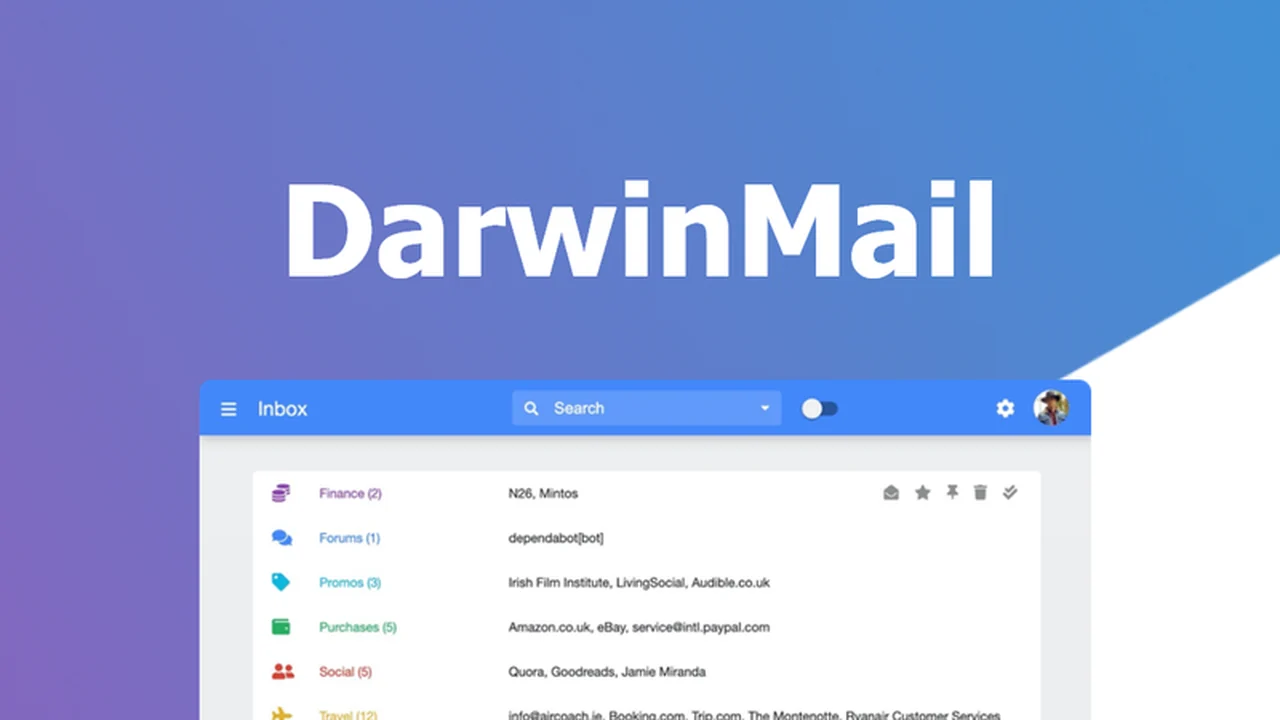
Tired of juggling multiple email accounts and drowning in a cluttered inbox? This review dives deep into DarwinMail, a powerful tool designed to bring order and efficiency to your email management.
We’ll explore its features, how it works, and who can benefit most from its capabilities, all aimed at helping you reclaim valuable time and focus on what truly matters.
What is DarwinMail – Email from multiple accounts | AppSumo
DarwinMail is an email management platform built to consolidate and simplify the process of handling correspondence from various sources. It allows users to connect multiple email accounts into a single interface, enabling unified sending, tracking, and organization.
Key Features
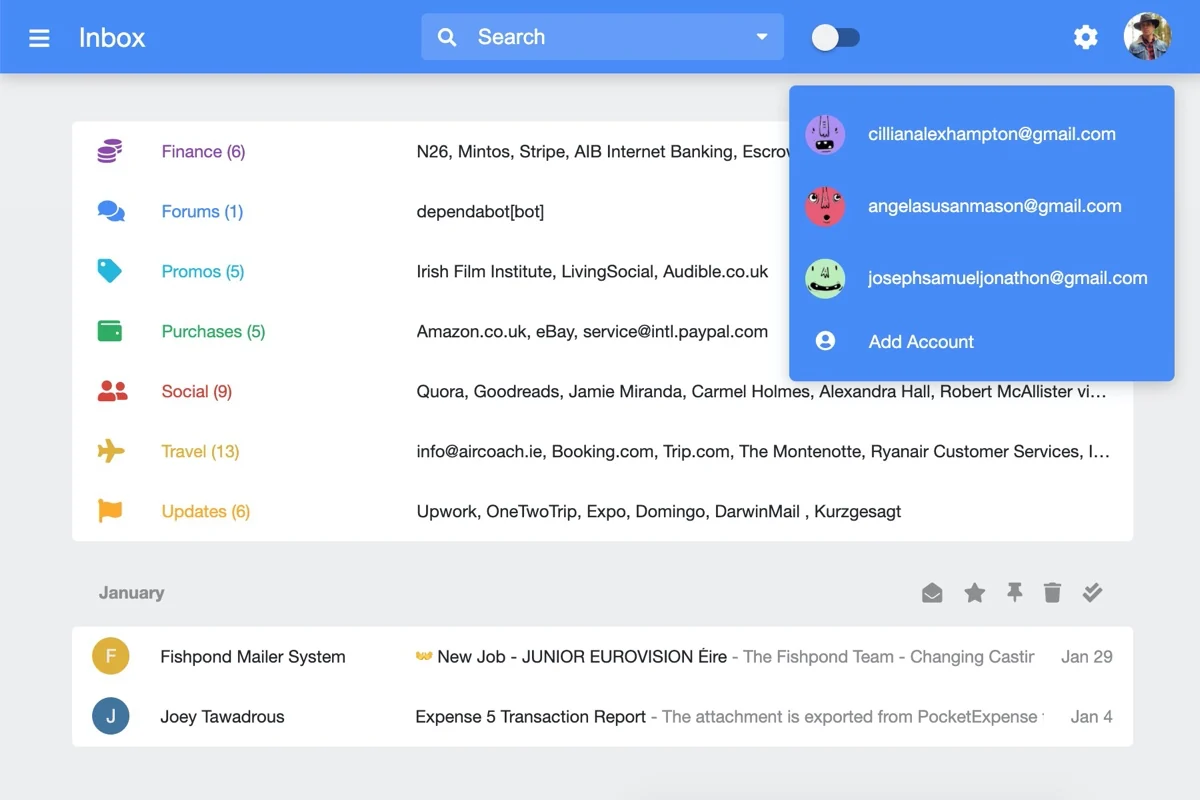
- Multiple Accounts: Seamlessly add and manage an unlimited number of email addresses from one central location. Send emails from different accounts with unique custom signatures for each.
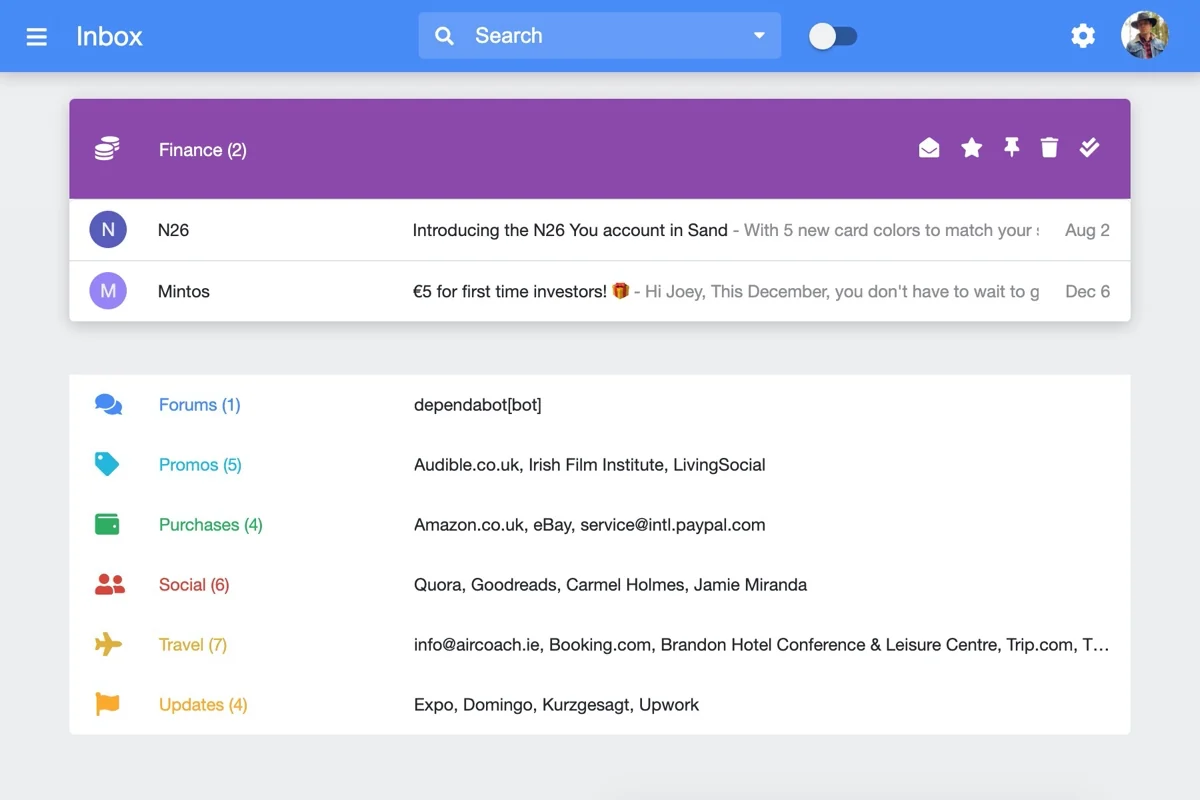
- Bundles: Automatically categorize emails into predefined or custom bundles. This helps in sorting promotions, social notifications, newsletters, purchases, and more, keeping your main inbox focused.
- Bulk Actions: Perform actions like archiving, marking as read, or deleting multiple emails simultaneously with a single click. This significantly speeds up inbox cleanup.
- Templates: Create and save reusable email templates for common responses like sales pitches, customer support, or outreach messages, saving time and ensuring consistency.
- Reminders & Snooze: Set task reminders directly within DarwinMail and snooze emails to revisit them later, preventing items from falling through the cracks and managing your workflow effectively.
How It Works
DarwinMail operates by integrating with your existing email providers. Once connected, it presents a unified dashboard where you can view, send, and manage emails from all your linked accounts. The platform’s intuitive design focuses on providing tools for swift organization through custom bundles and efficient processing via bulk actions and templates.
Use Cases
- Individuals managing multiple professional or personal email addresses.
- Small business owners and entrepreneurs needing to streamline client communication.
- Teams looking for a centralized system for shared inboxes or support channels.
- Anyone seeking to reduce the time spent on routine email sorting and responding.
Integrations & Compatibility
- DarwinMail is designed to work with various popular email providers, allowing you to connect your existing accounts without significant disruption.
Pricing & Value
The platform offers a robust set of features aimed at enhancing productivity. The value proposition centers on the time savings and organizational improvements it provides, particularly for users with demanding email workflows.
Deal Details
This specific offering provides lifetime access to DarwinMail, including all current and future updates. It is backed by a 60-day money-back guarantee, allowing ample time to test its utility.
Quick Take
- Ideal for users who manage numerous email accounts daily.
- Streamlines inbox management with powerful sorting and bulk action tools.
- Saves significant time by reducing repetitive tasks and improving organization.
FAQs
Does DarwinMail offer mobile access?
The platform is designed for web-based access, providing a consistent experience across devices.
Is there a limit to the number of bundles I can create?
No, you can create an unlimited number of custom bundles to suit your organizational needs.
What types of custom signatures can I create?
You can create unique text and basic formatting signatures for each email account you connect.
Can I send emails from any connected account?
Yes, you can select which connected account to send from directly within the compose window.
How do I connect my email accounts?
You connect accounts through the platform’s settings by providing your email credentials or authorizing access.
Final Thoughts
DarwinMail presents a compelling solution for anyone overwhelmed by email management. Its comprehensive feature set, particularly the ability to consolidate multiple accounts, utilize bundles for organization, and streamline actions with bulk processing, offers a tangible path to a more efficient and less stressful inbox experience.