
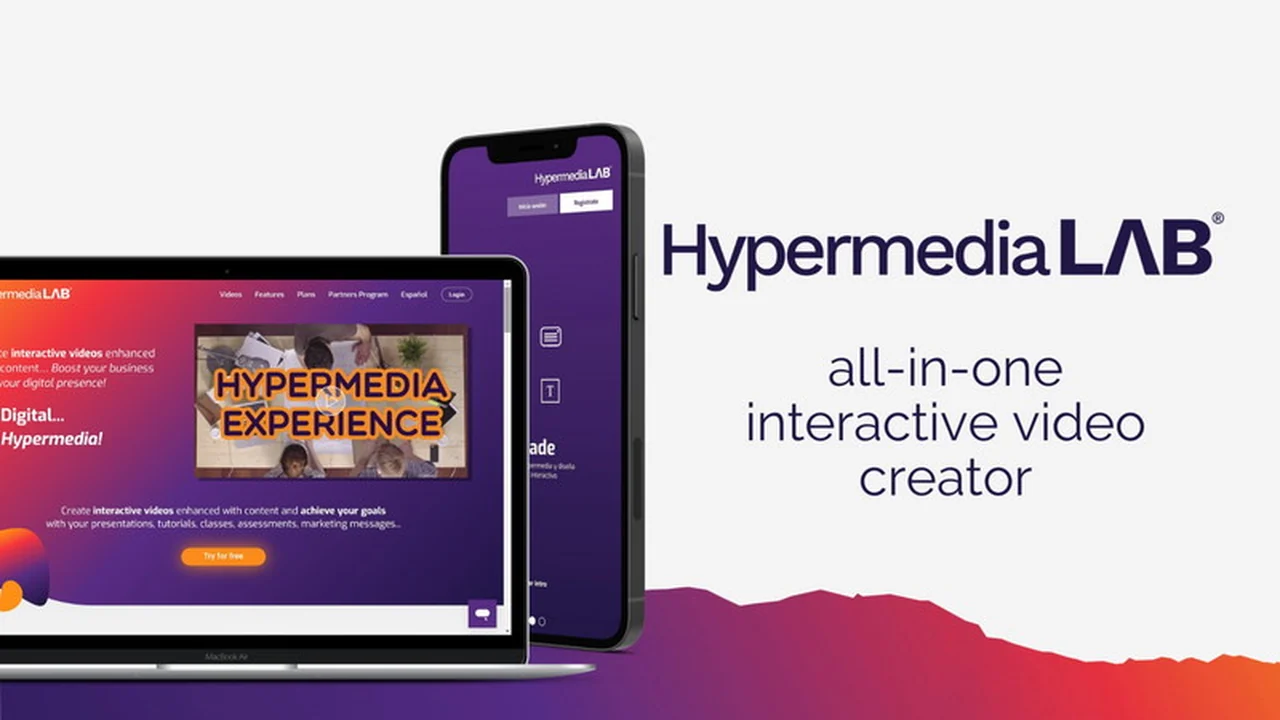
Elevate your video content from static to dynamic with HypermediaLAB. This platform empowers you to craft engaging, interactive video experiences designed to capture audience attention and drive business objectives.
Discover how HypermediaLAB can revolutionize your approach to digital communication, from educational content to marketing campaigns, through a user-friendly, browser-based interface.
What is HypermediaLAB – Plus exclusive | AppSumo
HypermediaLAB – Plus exclusive | AppSumo is a cloud-based platform dedicated to transforming conventional videos into interactive experiences. It offers a straightforward, drag-and-drop interface for creating hypermedias – videos enriched with additional content and interactive elements. This tool is designed for users of all technical skill levels, aiming to boost digital presence and communication effectiveness without requiring any software downloads or installations.
Key Features
- Interactive Video Creation: Build choice-based interactive experiences within your videos.
- Drag-and-Drop Interface: Easily arrange content and design engaging hypermedia elements.
- Content Customization: Enhance videos with text, buttons, images, and more.
- Branding Options: Customize the platform with your logo, colors, and corporate backgrounds.
- Multi-Platform Access: Your projects are accessible anywhere, anytime, through a browser.
- Mobile App Availability: Create and manage interactive videos on the go with Android and iOS apps.
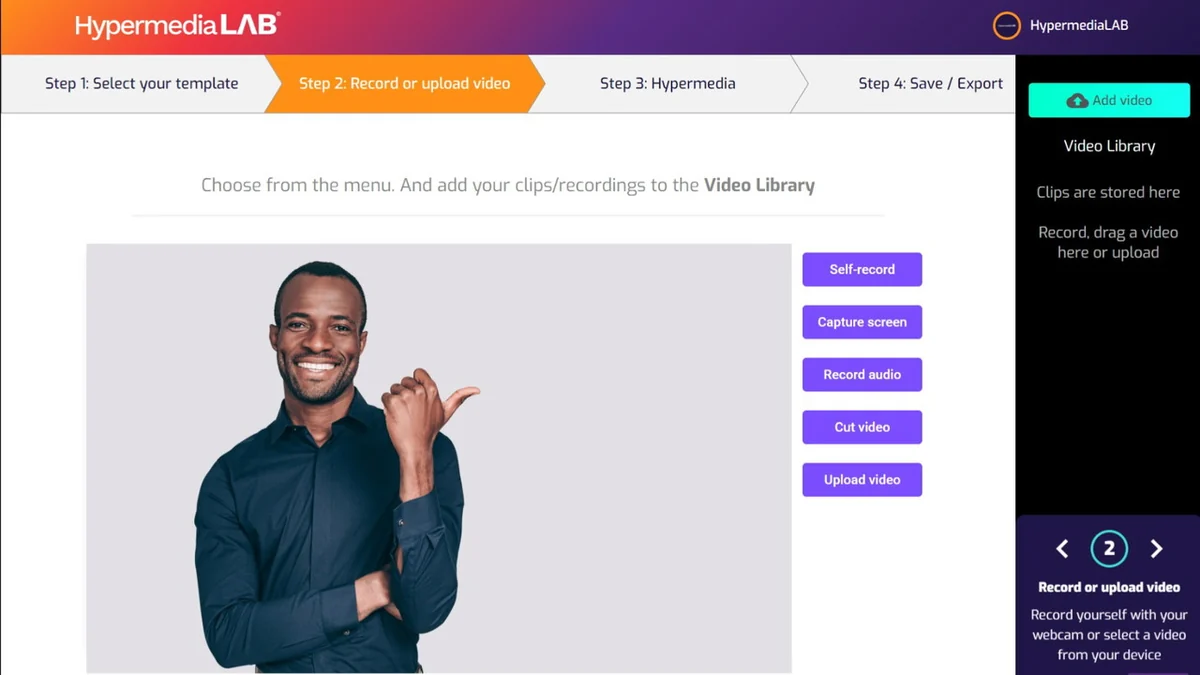
- Video Editing Tools: Trim videos, record audio, and make edits after initial creation.
- Export Options: Export videos in MP4 format or as HTML code, iFrame, or SCORM package for website integration.
How It Works
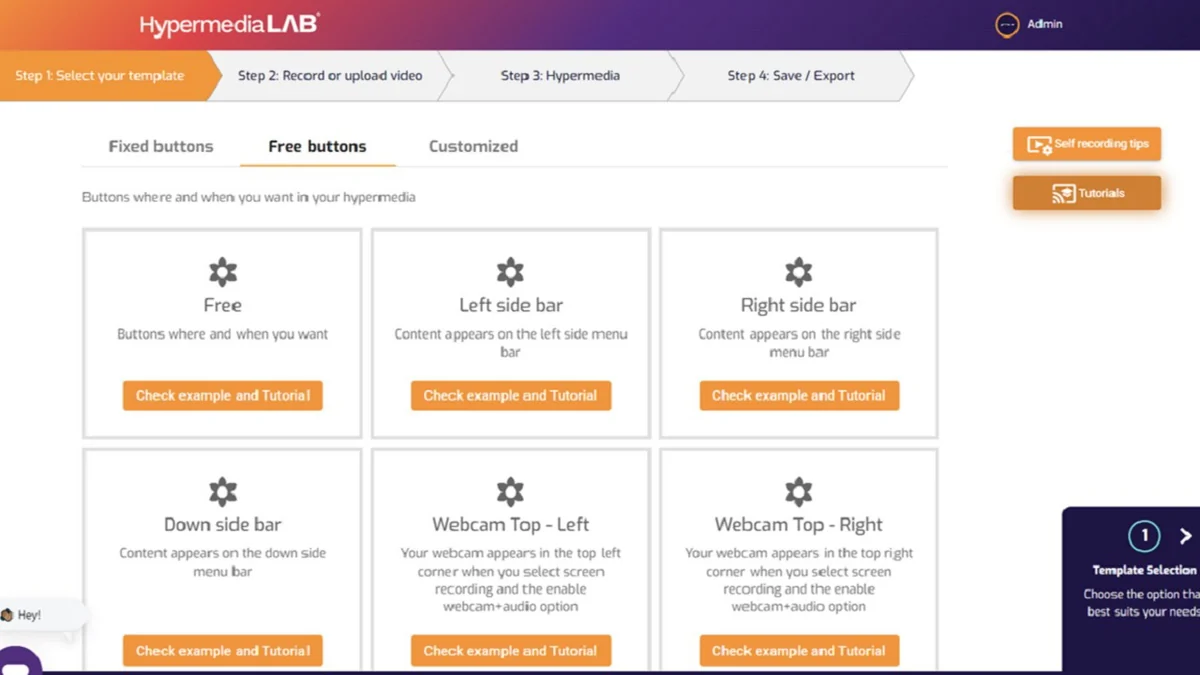
Getting started with HypermediaLAB involves a simple, step-by-step process. You begin by selecting a template or uploading your existing video. From there, you can utilize the video trimmer to adjust lengths and add audio. The core of HypermediaLAB lies in its ability to add interactive content, such as buttons and information overlays, to specific points in your video. These elements can guide viewers through decision trees, offer additional resources, or link to external sites. The platform also allows for brand customization, ensuring your interactive videos align with your brand identity.
Use Cases
- Online Education: Create engaging tutorials, assessments, and interactive courses.
- Marketing Campaigns: Develop compelling product demonstrations, lead generation tools, and promotional content.
- Client Communication: Enhance onboarding processes, service explanations, and feedback mechanisms.
- Presentations: Transform static presentations into dynamic, explorable experiences.
- E-commerce: Showcase products with interactive features and direct purchase links.
Integrations & Compatibility
- HypermediaLAB provides versatile export options, allowing you to embed your interactive videos across various platforms
- You can download your creations as MP4 files for general sharing or utilize HTML code, iFrames, and SCORM packages for seamless integration into websites, online learning platforms, and content management systems.
Pricing & Value
The AppSumo deal for HypermediaLAB – Plus exclusive offers significant value by providing access to a robust interactive video creation tool at a one-time cost. This eliminates recurring subscription fees, making it an attractive option for businesses and individuals looking to invest in advanced video marketing and communication without ongoing expenses. The platform’s ease of use and comprehensive features contribute to a strong return on investment for content creators.
Deal Details
This exclusive deal grants access to the HypermediaLAB Plus plan through AppSumo. It typically includes features designed to enhance interactive video creation and distribution. The offer often comes with a 60-day money-back guarantee, allowing ample time to explore the platform’s capabilities and ensure it meets your specific needs.
Quick Take
- Ideal for marketers, educators, and content creators seeking to boost engagement.
- Offers a simple, browser-based solution for interactive video creation.
- Provides excellent value through a one-time purchase deal.
FAQs
What happens to my hypermedias if I cancel my subscription?
Your intellectual property remains yours; you can export and continue using your created videos.
How can I edit my video once saved?
Access “My videos,” click the three dots, and select “Edit” to modify saved videos and content.
Can a song be played in just one part of my video?
No, music in HypermediaLAB lasts for the entire duration of your video.
What if HypermediaLAB doesn’t recognize my camera in Chrome?
This is a known Chrome issue; try adjusting Chrome’s camera settings or use a different browser.
Can I share my videos on Social Media?
Yes, you can share videos via a direct link or add social sharing buttons within the video itself.
Final Thoughts
HypermediaLAB – Plus exclusive | AppSumo presents a compelling solution for anyone looking to add interactivity and depth to their video content. Its intuitive design makes advanced video creation accessible, while the extensive feature set supports diverse use cases from education to marketing. The value offered by the AppSumo deal makes it a particularly attractive investment for maximizing digital communication efforts.