
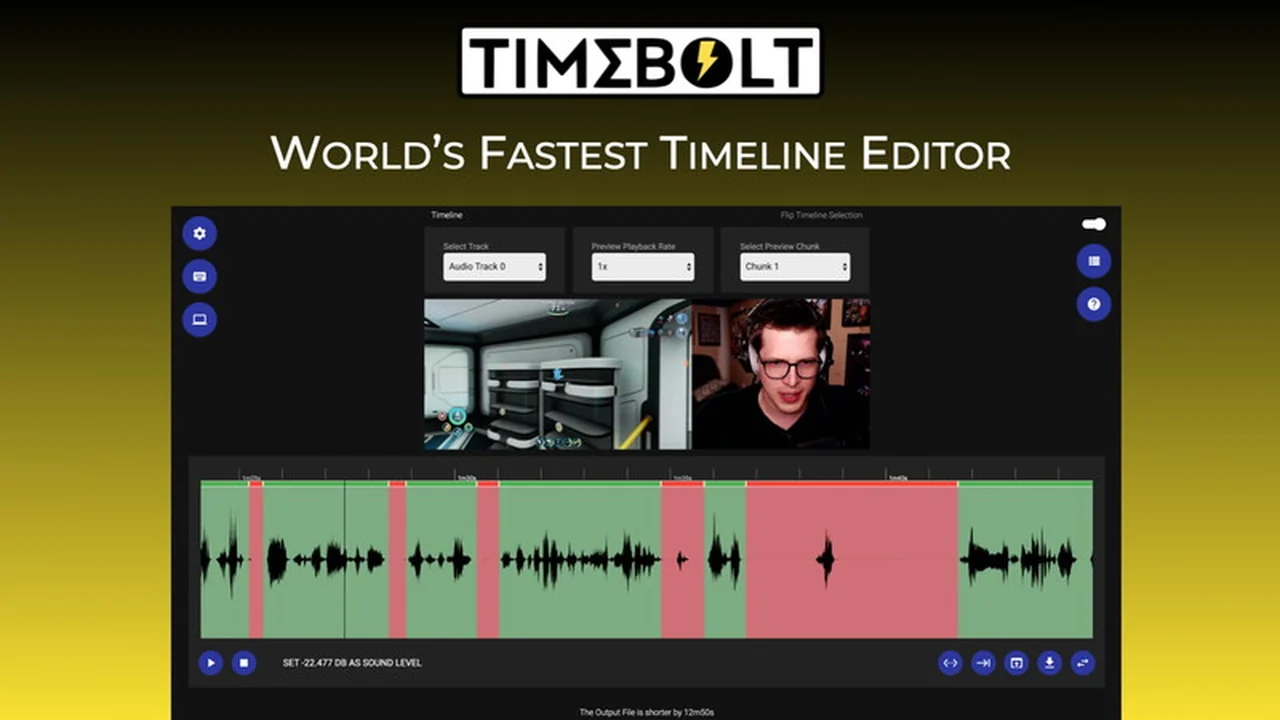
Are you tired of spending hours painstakingly editing long video and audio files? This detailed review explores a powerful solution designed to dramatically speed up your post-production process.
We’ll cover what it is, its core functionalities, and how it can benefit various creators and professionals. Discover how to reclaim your time and enhance your content creation efficiency.
What is TimeBolt – Edit long video and audio files quickly | AppSumo
TimeBolt is a desktop application designed to revolutionize the way you edit lengthy video and audio content. It focuses on providing rapid editing capabilities, allowing users to quickly remove unwanted sections or silence, and export their projects efficiently. The platform aims to reduce the time spent on tedious manual editing, making it an attractive tool for anyone working with substantial media files.
Key Features
TimeBolt offers a suite of features engineered for speed and ease of use in editing long-form content.
- Rapid Cutting: Quickly remove any word or scene with intuitive hotkeys.
- Speed-up and Silence: Efficiently speed up sections or remove unwanted silence.
- Transitions and Audio: Apply transitions and add custom background audio to your projects.
- Desktop Rendering: Render your final video (or audio-only WAV) directly to your desktop.
- XML Export: Export your edit timelines as XML files compatible with popular editing software like FCPX, Adobe Premiere, and DaVinci Resolve.
- Multi-cam Editing: Cut multi-camera footage using a dedicated Adobe Plugin or TimeBolt’s integrated ‘Shift’ feature.
- 4K Compatibility: Handles any duration and size of video files, with 4K compatibility.
How It Works
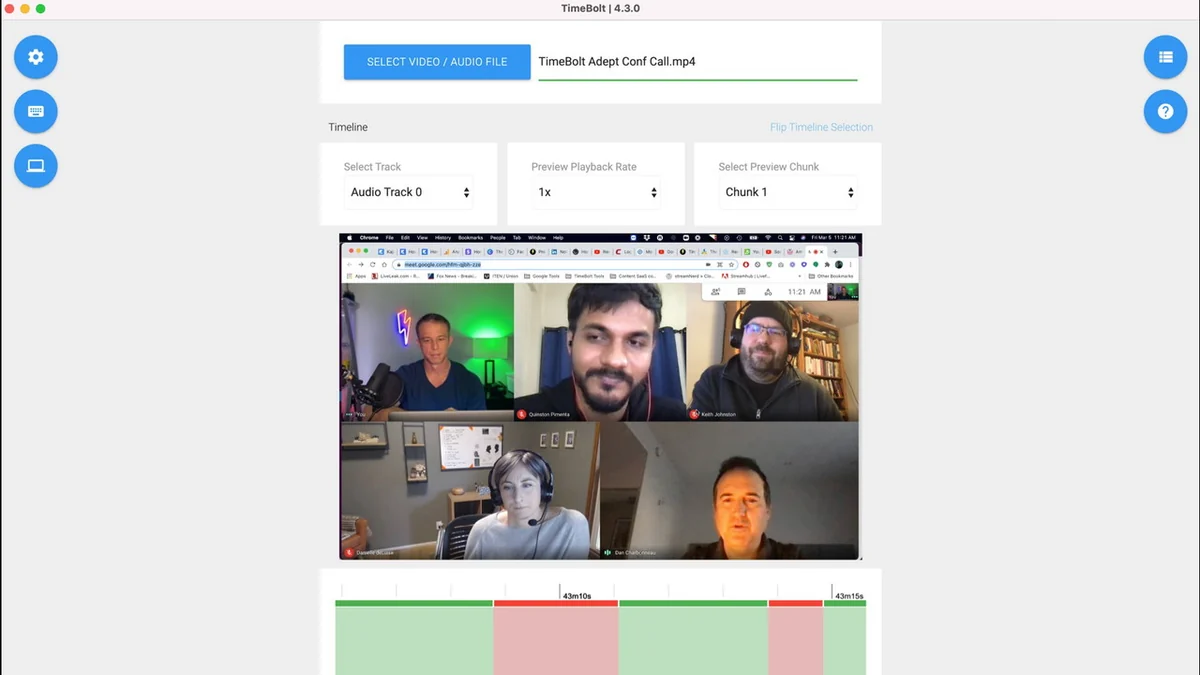
The workflow with TimeBolt is designed for efficiency. You import your long video or audio file directly into the application, as it operates on your desktop without requiring uploads. Using its smart editing tools and hotkeys, you can swiftly identify and remove segments, silence, or apply other modifications. Once your edits are complete, you can render the project as a video file or an audio-only WAV file, and even export an XML file for further refinement in professional editing suites.
Use Cases
TimeBolt is a versatile tool that can serve a wide range of content creators and professionals:
- Podcasters: Quickly remove long pauses, filler words, and unwanted segments from podcast recordings.
- YouTubers: Efficiently edit long vlogs, tutorials, or presentations, cutting down on dead air and repetitive sections.
- Course Creators: Streamline the editing of lengthy instructional videos, making them more engaging for students.
- Interviewers: Quickly process interview footage, removing irrelevant parts to focus on key insights.
- Webinar Producers: Edit down extended webinar recordings for easier consumption and sharing.
Integrations & Compatibility
- TimeBolt facilitates a smooth transition to your preferred professional video editing software
- It allows for the export of XML files, which are compatible with industry-standard applications such as Final Cut Pro X (FCPX), Adobe Premiere Pro, and DaVinci Resolve
- Additionally, it offers a new Adobe Plugin for enhanced multi-cam editing within Premiere Pro.
Pricing & Value
The value proposition of TimeBolt lies in its ability to significantly reduce editing time, which translates directly into cost savings for users. By automating and accelerating common editing tasks, it allows professionals to produce more content in less time, or to dedicate more time to creative aspects rather than tedious manual labor. The efficiency gains can be substantial, especially for those working with extensive raw footage.
Deal Details
The current offering provides lifetime access to the TimeBolt Plan, including all future updates. Users are advised to redeem their codes within 60 days of purchase. This particular deal is not stackable. The application supports any video duration and size, including 4K, and operates entirely on your desktop, meaning no large files need to be uploaded.
Quick Take
- Ideal for content creators and professionals needing to edit long videos and audio quickly.
- Saves significant time on repetitive editing tasks like cutting silence and filler words.
- Enables faster turnaround for projects, enhancing overall productivity.

FAQs
Is there a refund policy?
A 60-day money-back guarantee is available to ensure satisfaction.
What editing software is compatible with TimeBolt’s exports?
Exports are compatible with FCPX, Adobe Premiere, and DaVinci Resolve.
Does TimeBolt work on Mac and Windows?
TimeBolt operates on your desktop, supporting common operating systems.
Can I edit audio files separately with TimeBolt?
Yes, you can render your projects as audio-only WAV files.
Is TimeBolt easy to learn?
Yes, TimeBolt is designed with an intuitive interface for rapid editing.
Final Thoughts
TimeBolt presents a compelling solution for anyone who regularly edits long video and audio files. Its focus on speed and efficiency, coupled with its straightforward workflow and integration capabilities, makes it a valuable asset for content creators. The ability to drastically cut down editing time allows for increased productivity and a more streamlined post-production process, making it a worthwhile consideration for optimizing your workflow.