
In the dynamic world of web development and maintenance, ensuring the integrity of a website after updates is paramount. Unexpected changes can lead to client dissatisfaction and significant rework.
This review explores WebDiff, a desktop application designed to simplify the process of identifying discrepancies between different versions of a webpage, helping you catch errors before they impact your users.
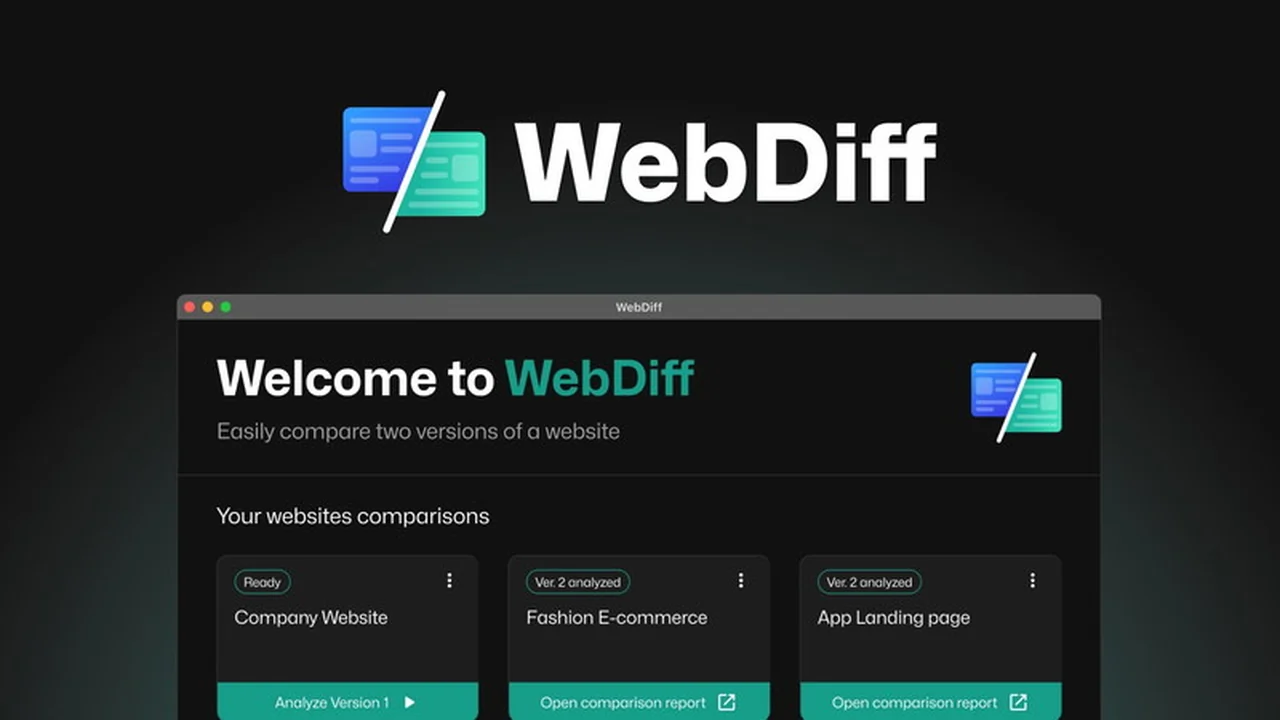
What is WebDiff | AppSumo
WebDiff is a desktop application developed for macOS and Windows. It allows users to compare a website before and after updates, providing a clear visual and textual breakdown of any alterations. The core purpose of WebDiff is to prevent issues arising from unexpected code or content changes, thereby reducing stress and improving client satisfaction.
Key Features
- Pre/Post Update Comparison: Effortlessly compare two versions of a website to highlight any differences.
- Detailed Reporting: Generates clear, detailed comparison reports that make it easy to spot every update, no matter how small.
- Cross-Platform Compatibility: Available as a desktop application for both macOS and Windows operating systems.
- Versatile Website Access: Works with local websites, intranet sites, and publicly accessible online websites.
How It Works
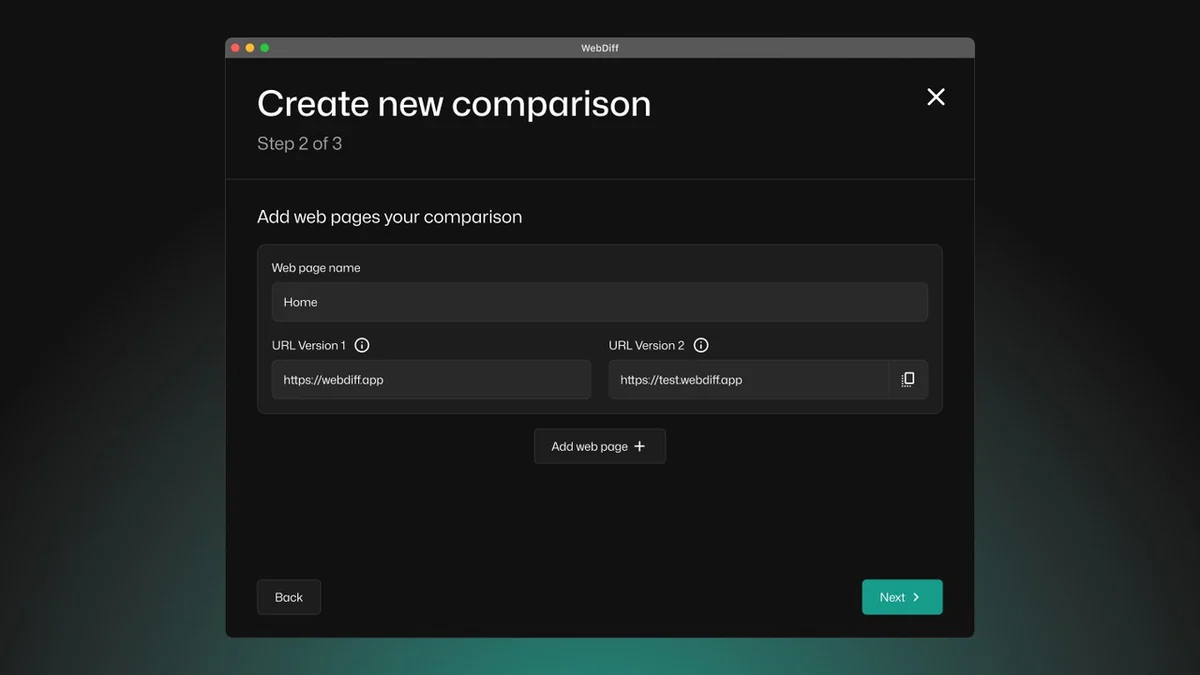
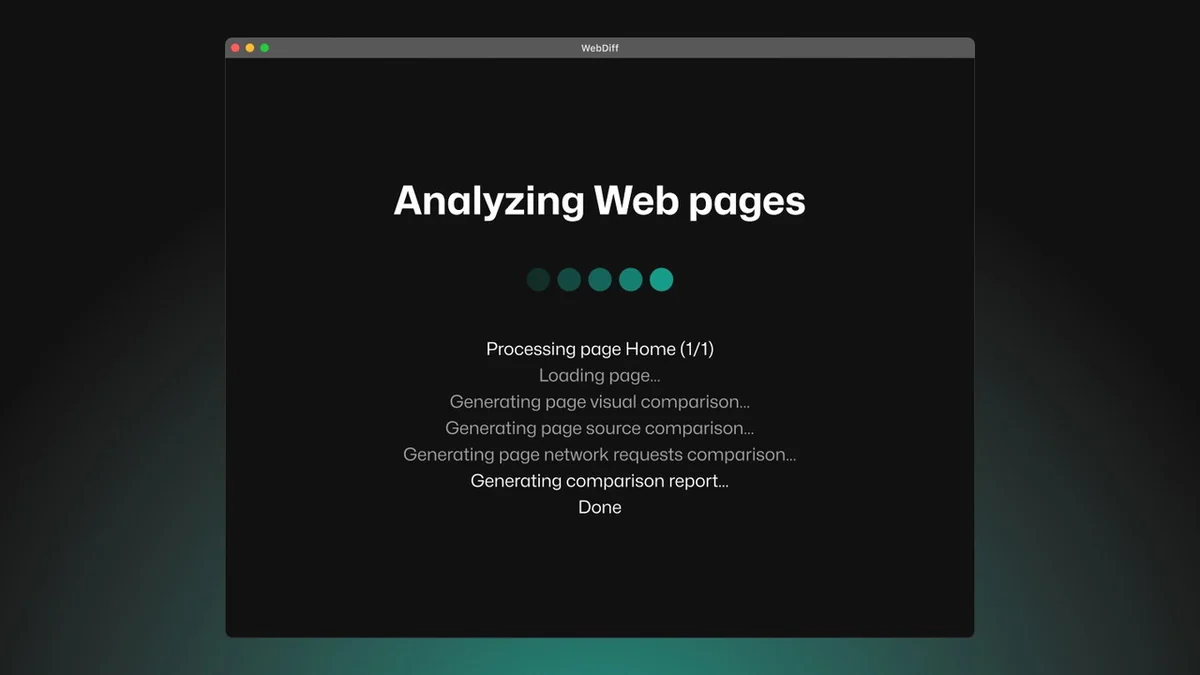
Using WebDiff is designed to be straightforward. You provide the application with the URLs of the website versions you wish to compare. WebDiff then scans both versions and meticulously identifies and highlights all differences, presenting them in an easily digestible report. This process automens the need for manual, time-consuming checks.
Use Cases
- Client Website Updates: Ensure a client’s website functions and appears as intended after CMS, plugin, or theme updates.
- E-commerce Merchandising: Verify that product descriptions, prices, and images are correctly displayed after content changes.
- Bug Fixing Verification: Confirm that bug fixes have been implemented correctly without introducing new issues.
- Content Migration Checks: Ensure all content has been accurately transferred during website migrations.
Integrations & Compatibility
- WebDiff is a standalone desktop application, functioning directly on your macOS or Windows machine
- It is built to work with any website, whether it’s hosted locally, within a private intranet, or accessible publicly on the internet
- This broad compatibility ensures its utility across various hosting environments.
Pricing & Value
The value proposition of WebDiff lies in its ability to save significant time and prevent costly errors. By automating the detection of unwanted website changes, it offers a proactive approach to quality assurance, which can translate into substantial cost savings and improved client relationships.
Deal Details
This product was offered on AppSumo, providing lifetime access to the WebDiff software. Such deals typically offer a one-time purchase for ongoing use, presenting a cost-effective solution for individuals and businesses needing regular website change monitoring. A 60-day money-back guarantee is usually included with AppSumo deals, allowing users to test the product risk-free.
Quick Take
- Ideal for web developers, agencies, and site owners who frequently update websites.
- Streamlines the process of verifying website changes post-update.
- Helps prevent embarrassing errors and ensures client satisfaction.
FAQs
What operating systems does WebDiff support?
WebDiff is available for both macOS and Windows operating systems.
Can WebDiff detect changes in dynamic content?
WebDiff can detect changes in rendered content, including dynamic elements present at the time of the scan.
Is WebDiff suitable for non-technical users?
Yes, WebDiff is designed to be intuitive and easy to use for all user levels.
How does WebDiff identify changes?
It analyzes both visual and code elements to pinpoint any discrepancies between website versions.
Does WebDiff require an internet connection?
WebDiff can compare local, intranet, and online websites, so internet access depends on the website’s location.
Final Thoughts
WebDiff offers a compelling solution for anyone involved in website updates who wants to eliminate the guesswork and anxiety associated with post-update checks. Its ability to quickly and accurately highlight changes can be a game-changer, leading to smoother deployments and happier clients. The desktop application format ensures flexibility, even for sites behind VPNs, making it a robust tool for web professionals.