
Efficiently managing your time and coordinating with others is crucial for productivity. This review explores how Zoho Calendar, available on AppSumo, can significantly enhance your organizational capabilities.
Discover the core functionalities, practical applications, and overall value of this comprehensive calendar solution, designed to simplify how you schedule and share events.
What is Zoho Calendar – Schedule and share calendars | AppSumo
Zoho Calendar is a robust cloud-based tool dedicated to helping you schedule, manage, and monitor all your important dates and events. From personal appointments and professional meetings to birthdays and holidays, it provides a centralized hub for your time management needs. Its primary strength lies in its ability to facilitate seamless sharing of your calendar with others, streamlining collaboration and ensuring everyone stays informed.
Key Features
Zoho Calendar offers a range of features to enhance your scheduling experience:
- Unified Calendar View: Integrates effortlessly with other Zoho applications such as Zoho CRM, Zoho Projects, and Zoho Recruit, providing a consolidated view of all your activities.
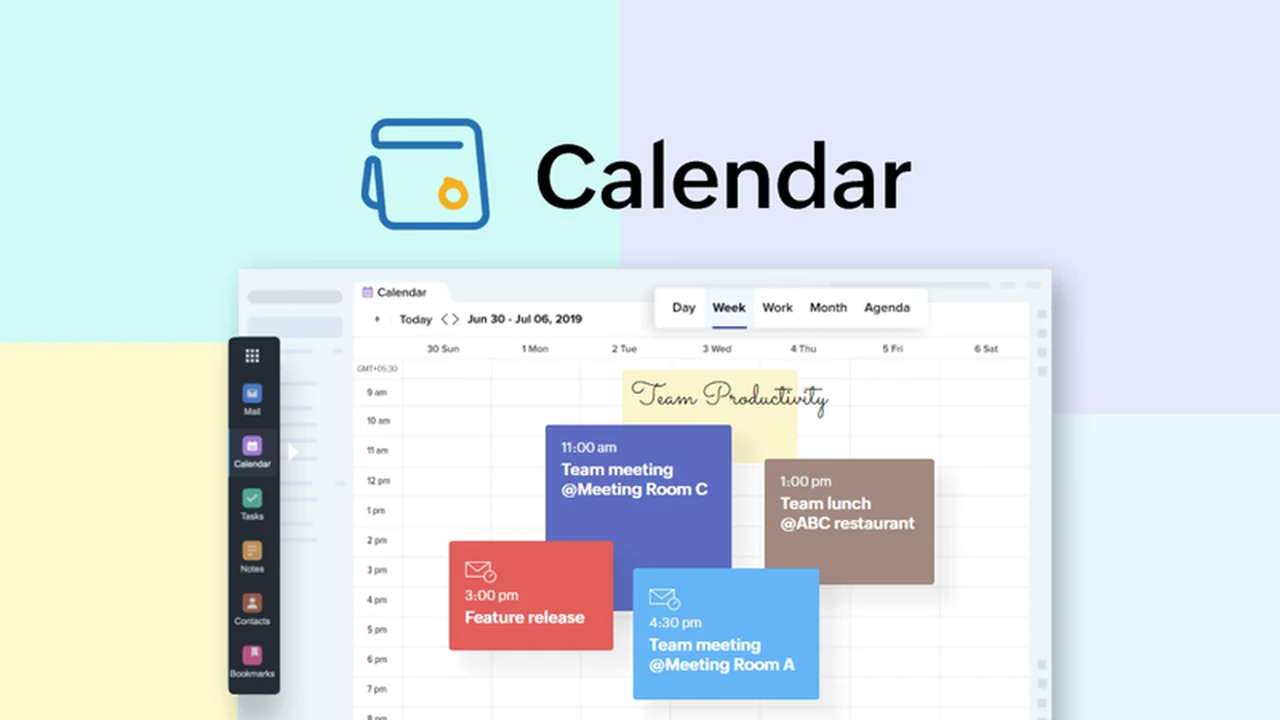
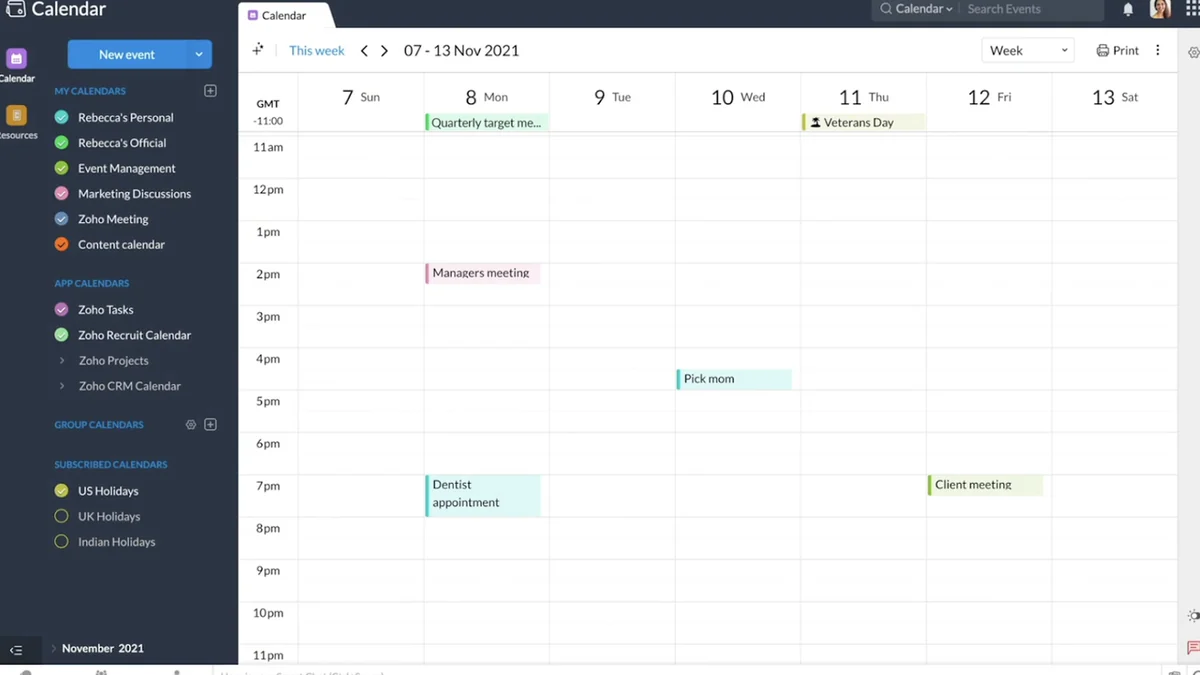
- Intuitive Interface: Features a clean and well-organized dashboard with easily accessible tabs for Day, Week, Work, Month, and Calendar views, allowing for quick navigation and management.
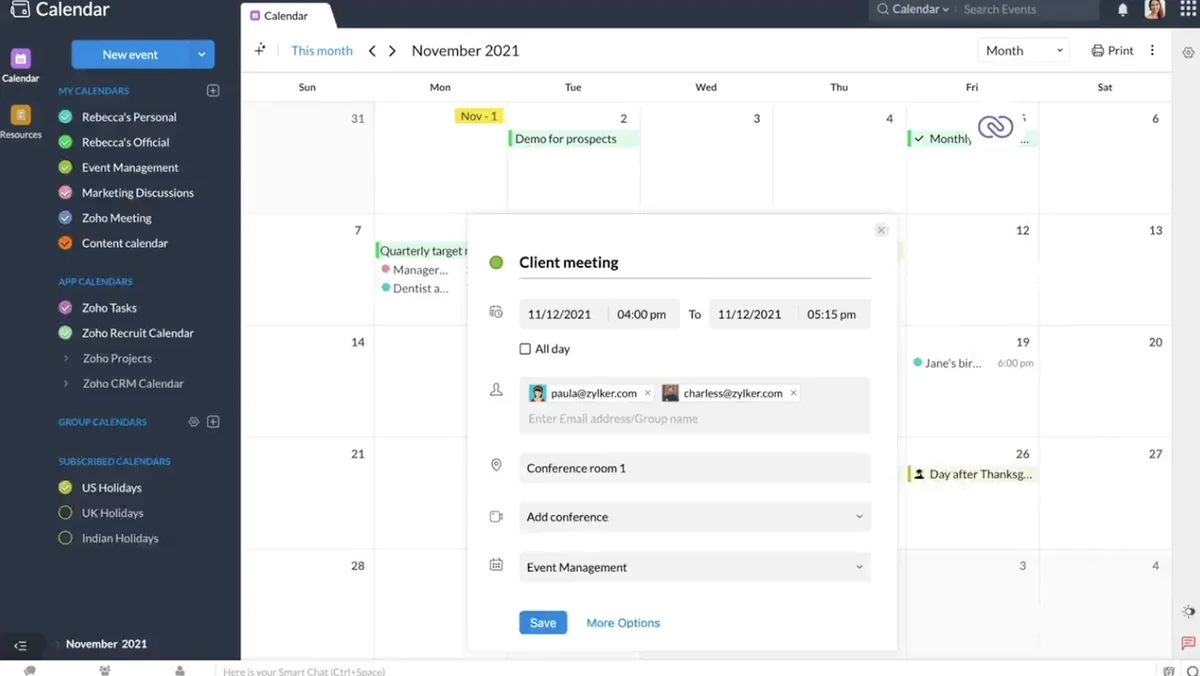
- Easy Event Creation: Simplifies the process of adding new events. You can define exact time slots, stretch them as needed, and precisely detail event information including object, duration, and reminder settings.
- Calendar Subscription & Import: Enables users to subscribe to calendars of other users or import events from files or web addresses, consolidating all relevant dates into one place.
- Sharing and Exporting: Offers flexible options to share or export your calendars through various methods, including public sharing, email, and direct invitations to events where attendees can update their availability status.
- Offline Access & Mobile Compatibility: Allows for offline editing of your calendar, which then synchronizes upon re-logging into your Zoho account. Calendars are also accessible and editable via your mobile’s web browser.
- Advanced Reminder System: Lets you set multiple reminders for each event, with options for pop-up notifications, email alerts, or both. Reminders can be configured up to 90 days in advance or after an event.
- Website Embedding: Provides the functionality to embed your calendar on your website or blog, giving visitors visibility into your availability or specific event details, with control over access levels and the option to include an appointment request form.
How It Works
Getting started with Zoho Calendar is straightforward. The platform is designed for ease of use, allowing you to quickly create and manage events. You can add new appointments by simply clicking on the desired time slot in the calendar grid and stretching it to fit the event’s duration. Detailed information, including the event’s subject, duration, and any necessary reminders, can then be entered.
Sharing your schedule is equally uncomplicated. By navigating to the “My Calendar” section and selecting the “Share” option, you can choose how to distribute your calendar or export it. When creating an event, you can invite others directly, and they will have the ability to respond with their availability.
Use Cases
Zoho Calendar is a versatile tool that can benefit a wide range of users and scenarios:
- Individuals: Personal appointment tracking, managing family schedules, and remembering important dates like birthdays and anniversaries.
- Small Businesses: Coordinating team meetings, managing client appointments, and providing a public view of service availability.
- Freelancers and Consultants: Effortlessly sharing availability with clients, booking appointments, and managing project deadlines.
- Teams: Centralizing team schedules, planning project timelines, and ensuring everyone is aware of important company events or deadlines.
- Website Owners: Displaying event schedules, booking slots, or holiday closures directly on their website for public access.
Integrations & Compatibility
- Zoho Calendar offers several options for seamless integration and broad compatibility
- It provides a unified view when used alongside other Zoho applications like Zoho CRM, Zoho Projects, and Zoho Recruit
- For broader synchronization needs, it supports integration with Microsoft Outlook.
Pricing & Value
The standard Zoho Calendar service offers a compelling value proposition, especially when considering the robust features it provides for managing and sharing your schedule. The platform’s comprehensive approach to time management, combined with its collaborative capabilities, makes it an attractive solution for both individual and professional use.
Deal Details
As part of a limited-time offer on AppSumo, you can acquire Zoho Calendar and unlock its full potential. These exclusive deals are time-sensitive and represent an excellent opportunity to gain access to premium features at a significantly reduced cost. Ensure you review the specific terms of the deal to maximize its benefits.
Quick Take
- Ideal for individuals and teams needing a centralized, easy-to-use scheduling and sharing platform.
- Beneficial for those who want to embed their availability or event schedules onto their website.
- A practical solution for streamlining collaboration and ensuring everyone stays synchronized on important dates.
FAQs
Can I embed my calendar on my website?
Yes, you can embed your calendar on your website with customizable access levels.
Can I import events from other calendars?
Yes, you can subscribe to or import calendars from files and web addresses.
Does Zoho Calendar work on mobile devices?
Yes, you can view and edit your calendars from your mobile’s web browser.
How can I share my calendar with others?
You can share your calendar via email, public links, or by inviting specific users to events.
Can I access my Zoho Calendar offline?
Yes, you can edit your calendar offline and it will synchronize when you reconnect.
Final Thoughts
Zoho Calendar presents itself as a powerful and user-friendly solution for anyone looking to take control of their scheduling and enhance collaboration. Its clean interface, extensive features, and flexible sharing options make it a valuable asset for personal organization and professional coordination. The opportunity to acquire this tool, especially through platforms like AppSumo, offers considerable value for streamlining your time management strategies.