
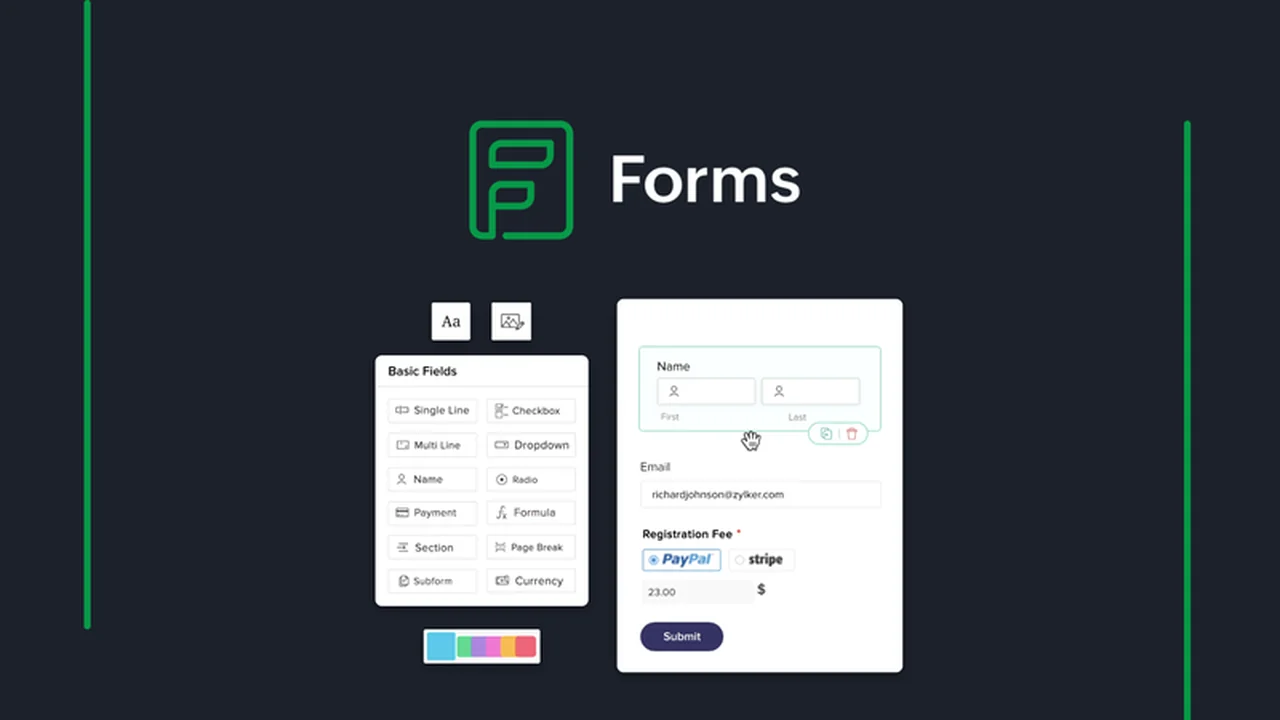
This review explores Zoho Forms, a powerful yet user-friendly form builder designed to simplify data collection and automate workflows for marketers and businesses. Discover how you can create professional online forms without any coding knowledge.
We’ll delve into its core functionalities, practical applications, and the exceptional value offered through its AppSumo deal, helping you understand if it’s the right solution for your needs.
What is Zoho Forms – Create forms with zero code | AppSumo
Zoho Forms is a comprehensive online form builder that empowers users to create sophisticated forms for various purposes, from lead generation to customer feedback. It removes the technical barrier of coding, allowing anyone to design and deploy effective data collection tools quickly.
Key Features
Zoho Forms offers a robust suite of features designed to enhance form creation, customization, and data management:
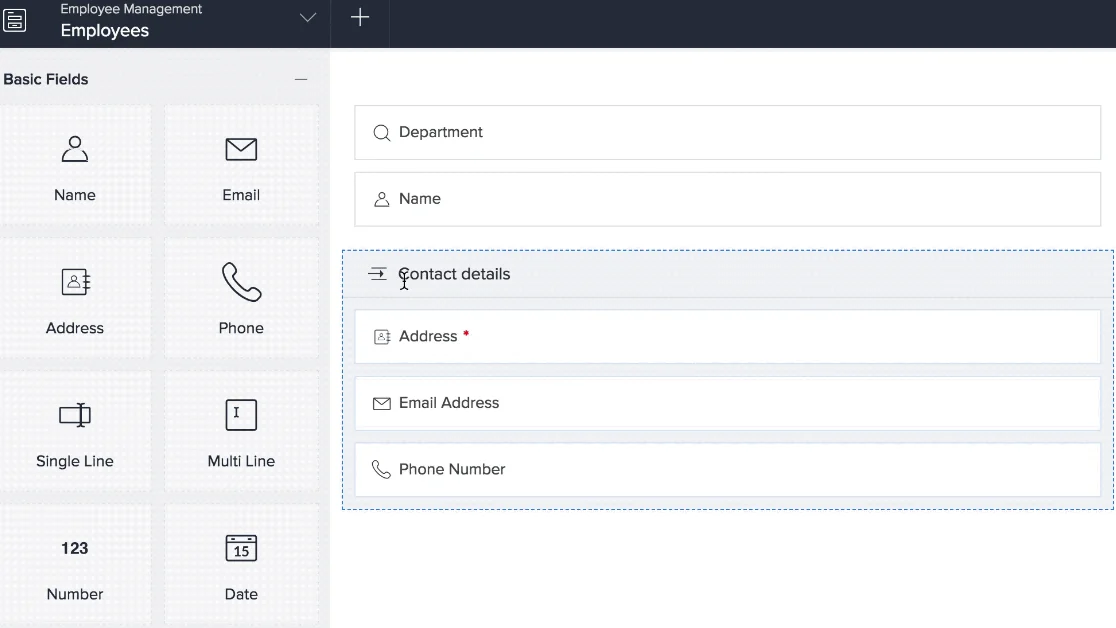
- Drag-and-Drop Interface: Easily build forms by selecting from over 30 field types and arranging them with a simple drag-and-drop mechanism.
- Form Optimization: Enhance user experience with features like multi-page forms to break down long questionnaires and auto-save functionality for respondent progress.
- Conditional Logic: Tailor the form experience by showing or hiding specific questions based on user responses, ensuring relevance and improving completion rates.
- Branding and Customization: Personalize your forms with your company logo and brand colors to maintain a consistent visual identity.
- Data Analysis: Consolidate, filter, and export form submissions in various formats (PDF, CSV) directly within the platform.
- UTM Parameter Tracking: Analyze the performance of different marketing campaigns by tracking submissions originating from specific sources.
How It Works
Getting started with Zoho Forms is straightforward. You begin by selecting a template or starting from scratch, then use the intuitive drag-and-drop editor to add the fields you need. You can easily customize the appearance and set up conditional logic to guide users through the form.
Once your form is ready, sharing is effortless. Zoho Forms provides options for sharing via shortened URLs, QR codes, or direct embedding onto your website or in email campaigns. After submission, you can configure automated follow-up actions, such as sending confirmation emails or redirecting users to a thank-you page.
Use Cases
The versatility of Zoho Forms makes it suitable for a wide range of applications:
- Lead Generation: Capture potential customer information efficiently through website embedded forms or landing pages.
- Customer Feedback: Collect valuable insights from your customers through surveys and feedback forms.
- Event Registration: Streamline the registration process for webinars, workshops, and other events.
- Order Forms: Create simple order forms for products or services.
- Job Applications: Facilitate a smooth application process for potential employees.
Integrations & Compatibility
- Zoho Forms integrates with various payment gateways like PayPal, Stripe, and Razorpay, enabling you to collect payments directly through your forms
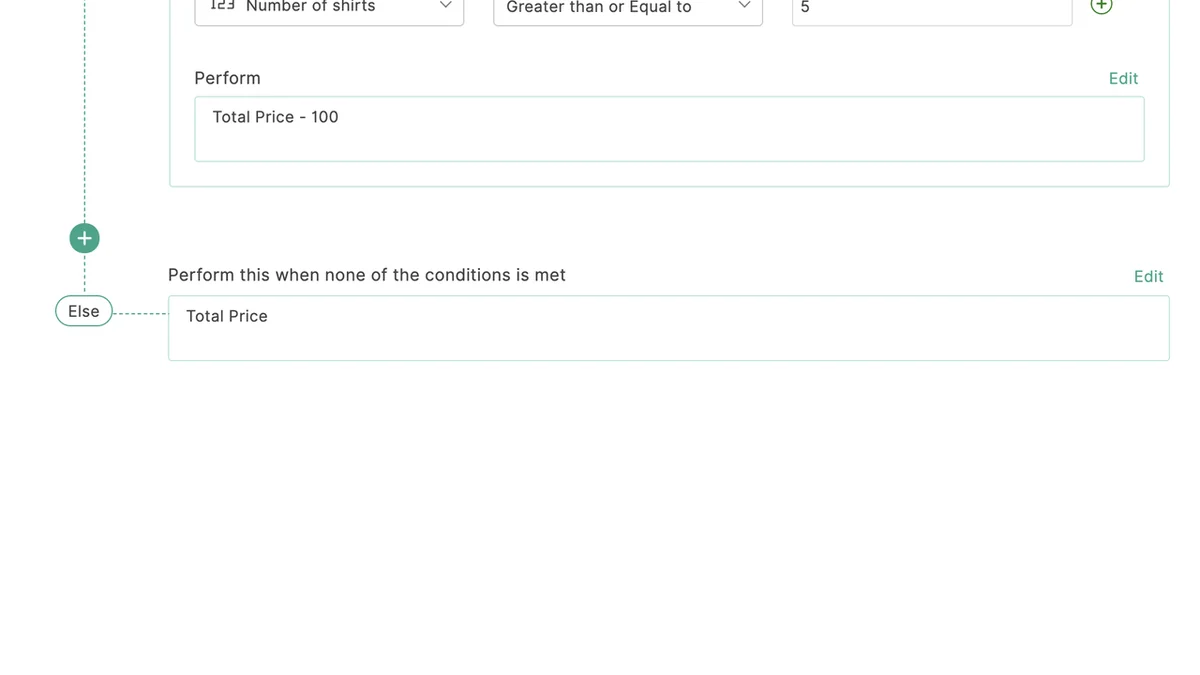
- It also supports calculations based on form inputs and can merge responses to auto-generate documents like receipts
- The platform is designed to work seamlessly with your existing digital tools.
Pricing & Value
Zoho Forms offers tiered pricing plans to accommodate different needs. The value proposition is particularly strong when considering the AppSumo deal, which provides lifetime access to advanced features at a one-time cost.
Deal Details
The AppSumo deal for Zoho Forms is a limited-time offer that provides lifetime access. This means you get to keep the software and its features indefinitely, provided you download and save it within 60 days of purchase. This deal is ideal for businesses looking for a cost-effective, long-term solution for their form-building needs.
Quick Take
- Ideal for marketers and small to medium-sized businesses seeking an easy-to-use form builder.
- Perfect for automating data collection and streamlining workflows without technical expertise.
- An excellent value proposition with the lifetime access offered by the AppSumo deal.
FAQs
What happens to the collected data?
Submissions are consolidated within the platform for easy analysis and export.
How can I share my forms?
You can share forms via links, QR codes, or embed them directly onto websites.
Does Zoho Forms allow for payment collection?
Yes, it integrates with popular payment gateways for secure transactions.
Can I customize the look of my forms?
Absolutely, you can add your logo and brand colors to match your website.
Is Zoho Forms suitable for beginners?
Yes, its drag-and-drop interface makes it very beginner-friendly.
Final Thoughts
Zoho Forms – Create forms with zero code | AppSumo presents a compelling solution for anyone needing to gather information online efficiently. Its no-code approach, combined with powerful features like conditional logic and automated follow-ups, makes it an indispensable tool for streamlining operations.
The AppSumo deal, in particular, offers exceptional value, providing lifetime access to a robust platform that can significantly enhance your data collection and workflow management capabilities. It’s a smart investment for businesses looking to grow without the overhead of complex software.