
Finding that crucial webpage or document you visited days or weeks ago can be a frustrating time sink. This review explores how History Search aims to solve that common problem.
We’ll delve into its core functionalities, how it streamlines your digital memory, and who can benefit most from its capabilities. Discover if this tool is the productivity boost you’ve been seeking.
What is History Search – Find webpages and docs in seconds | AppSumo
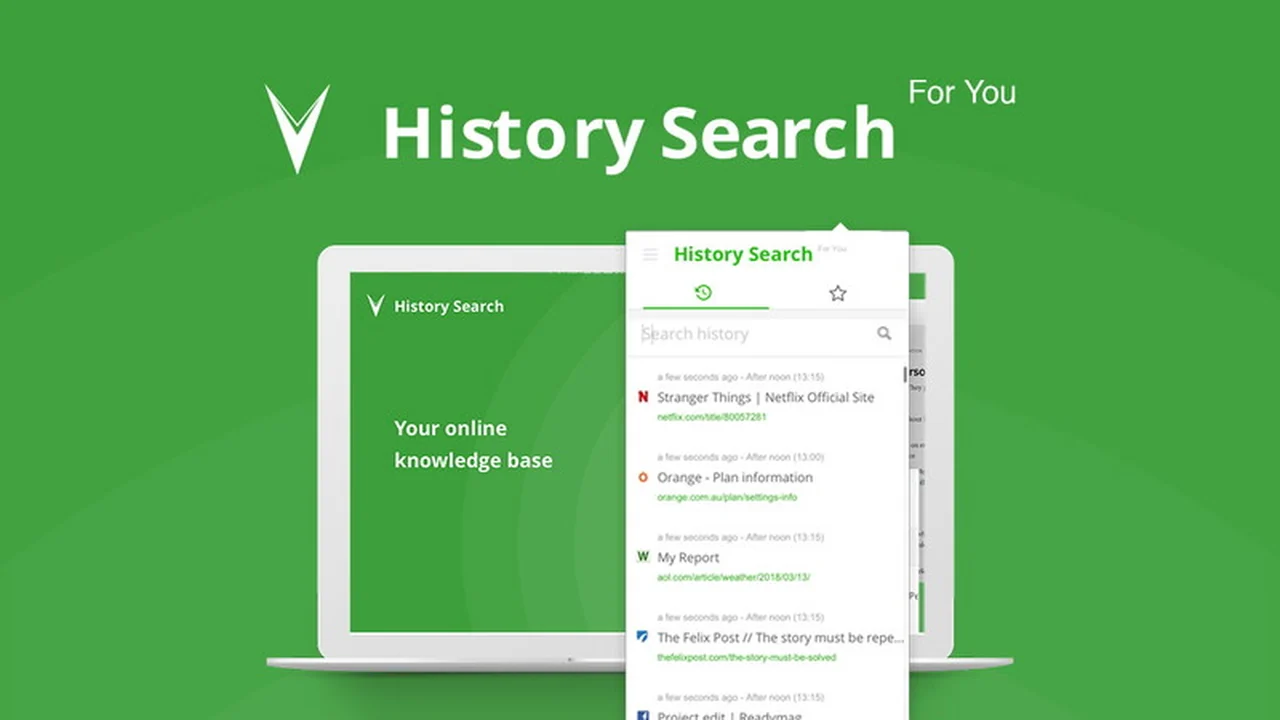
History Search is a tool designed to help users quickly locate previously visited webpages and documents. It operates by automatically indexing the content of browsed pages, creating a searchable archive of your online activity.
This allows for rapid retrieval of information, eliminating the need to sift through traditional browser history. The system provides multiple methods for re-finding content, acting as a digital breadcrumb trail.
Key Features
- Automatic Indexing: Logs the text content of web pages as you browse for later searchability.
- Keyword Search: Enables finding pages using keywords you recall, even if you don’t remember the exact URL.
- Time Frame Search: Allows you to narrow down searches by specific date ranges.
- Visual Previews: Offers visual cues to help jog your memory about visited pages.
- Import History: Functionality to bring in existing browsing history for comprehensive searching.
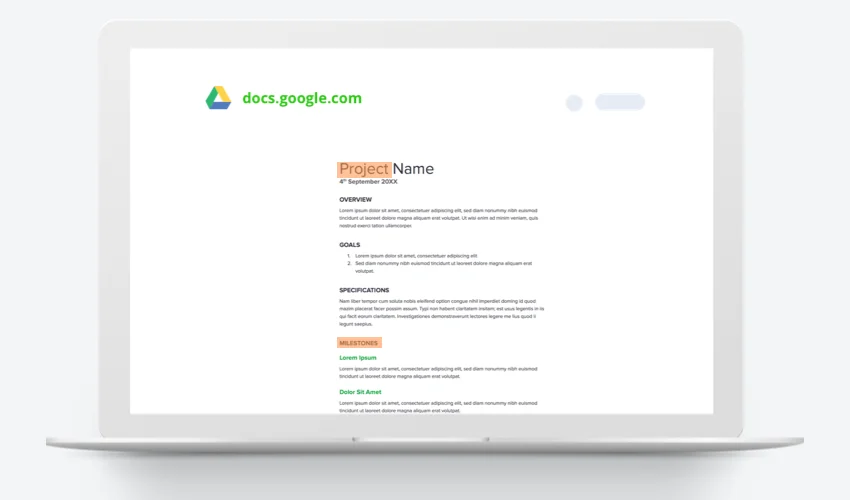
- Collections: A feature to group related websites and documents into searchable folders.
- Dynamic Sorting: Organizes search results by list or domain, with options to mark favorites.
- Browser Agnostic: Works with any web browser.
- Cross-Device Sync: Syncs favorites and history across devices via your account.
- Data Export: Option to export your data to CSV format for analysis.
- Independent Storage: Stores data separately from browser history, even if browser history is cleared.
- GDPR Compliant: Adheres to data privacy regulations with private cloud storage and no tracking on form data.
- Pause Functionality: Ability to pause the tool and blacklist specific URLs or services.
How It Works
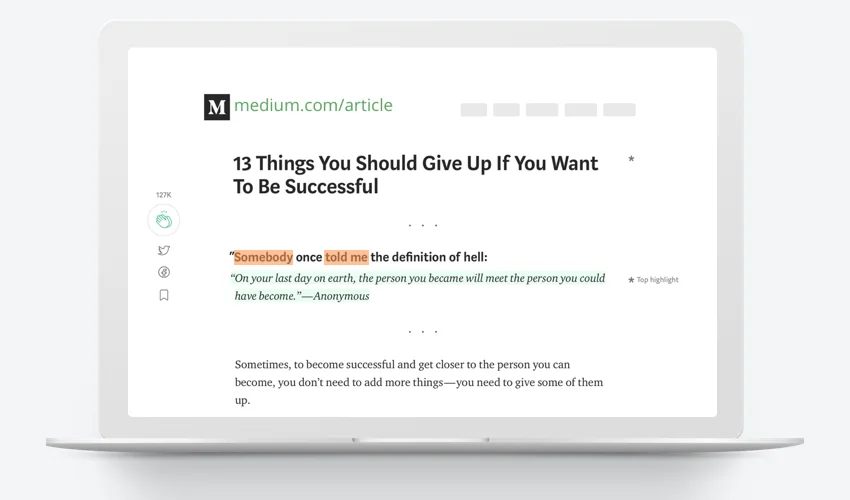
Upon installation as a browser extension, History Search begins indexing the content of the webpages you visit in the background. When you need to find a specific page, you can use the tool’s interface to perform searches based on keywords, date ranges, or even visual elements.
The system then presents you with relevant results, often including previews, allowing you to quickly identify and return to the desired content. The ‘Collections’ feature further enhances organization by letting you group related pages into custom folders for even faster access.
Use Cases
- Researchers needing to quickly recall sources for articles or projects.
- Students looking for specific lecture notes or study materials.
- Professionals who frequently refer back to online documentation or industry news.
- Anyone who has ever thought, “I know I saw that somewhere…”
- Organizing saved links for future reference in a more robust way than simple bookmarks.
Integrations & Compatibility
- History Search is designed to be compatible with all major web browsers, ensuring a broad range of users can benefit
- The tool integrates directly within the browser where it is installed and does not connect to external Google or email accounts for its core functionality
- This means it works based on the browser’s activity where the extension is active and logged in.
Pricing & Value
History Search offers lifetime access deals that aim to provide significant value compared to subscription-based services. These plans typically provide access to all current and future features of the tool.
The primary offering found is a lifetime access deal for a Personal Plan, often priced around $39, with a Professional Plan available for users requiring more capacity or features for $49.
Deal Details
The AppSumo deal for History Search provides lifetime access to the chosen plan. This means a one-time purchase grants you ongoing use of the software without recurring fees. The deal comes with a 60-day money-back guarantee, allowing ample time to test its effectiveness.
Quick Take
- For individuals and professionals who regularly browse the web for research, work, or personal projects.
- Ideal for those who struggle to keep track of important information encountered online and waste time searching.
- Offers a robust, privacy-conscious alternative to basic browser history for efficient content retrieval.
FAQs
What is the ‘Collections’ feature?
It lets you group related websites and documents into searchable folders.
Is my data secure with History Search?
Yes, it is GDPR-compliant with private cloud storage and zero tracking on form data.
Can I recover history if I clear my browser’s history?
Yes, History Search stores data separately from your browser’s history.
Does History Search work with my specific email or Google account?
No, it integrates within the browser where installed, not linked to specific Google or email accounts.
What is the primary benefit of using History Search?
It allows you to find previously visited webpages and documents very quickly.
Final Thoughts
History Search presents a compelling solution for anyone overwhelmed by the sheer volume of information encountered online. Its automatic indexing and advanced search capabilities significantly reduce the time spent hunting for lost pages.
The emphasis on privacy and its browser-agnostic design further enhance its appeal, making it a valuable tool for improving digital organization and productivity.