
Losing important files can be a stressful experience, whether it’s a crucial work document, cherished family photos, or essential video projects. Fortunately, powerful data recovery tools exist to help retrieve this lost information.
This review dives deep into the iBeesoft Data Recovery software, focusing on its offering through AppSumo, to help you understand its capabilities and how it can benefit you in various data loss scenarios.
What is iBeesoft Data Recovery | AppSumo
iBeesoft Data Recovery is an all-in-one software solution designed to help users recover lost, deleted, or formatted data from various storage devices. The AppSumo plan provides lifetime access to this powerful tool, offering a cost-effective way to regain access to important files.
Key Features
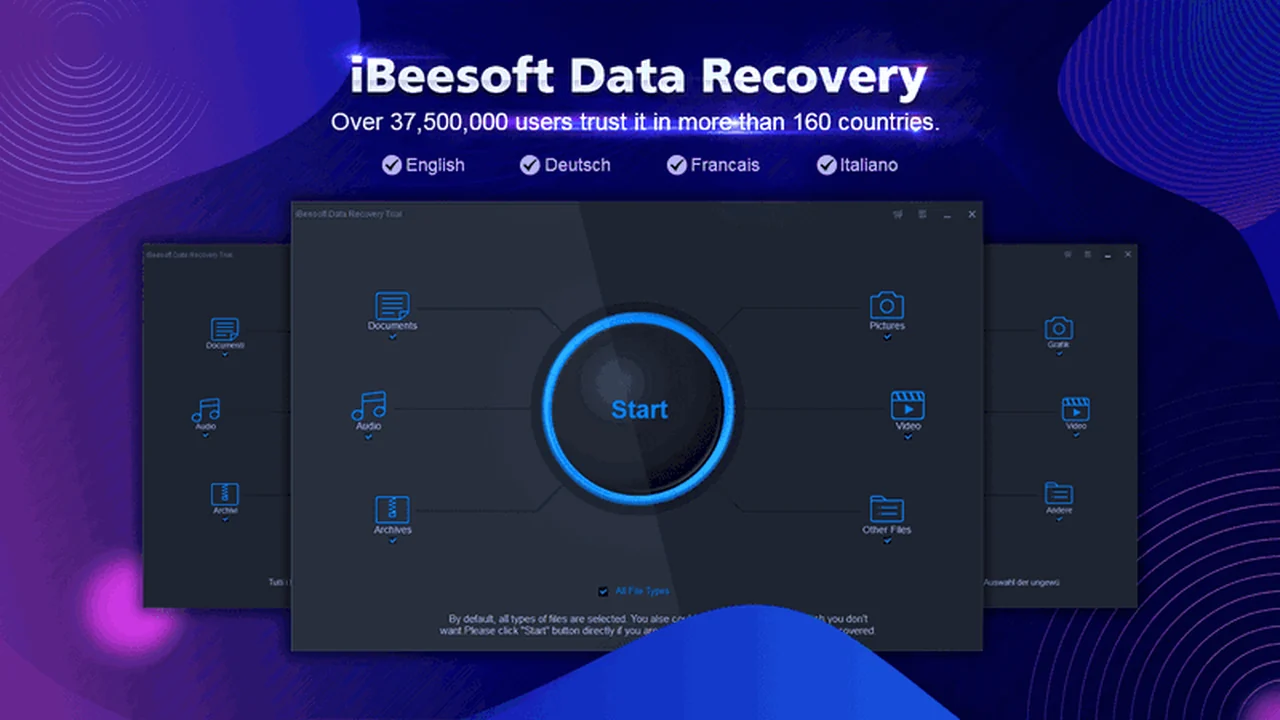
- Comprehensive File Type Recovery: Recovers a wide array of file formats, including videos, audio, pictures (JPG, PNG, GIF), documents, spreadsheets, presentations, executable files, and compressed archives (zip/rar).
- Versatile Recovery Scenarios: Handles data loss due to accidental deletion, formatting, RAW drive issues, partition loss, and other common data loss incidents.
- Broad Device Support: Capable of recovering data not only from internal computer hard drives but also from external hard drives, memory cards, USB flash drives, digital cameras, and other branded storage devices.
- Leading-Edge Video Recovery: Features advanced technology specifically optimized for recovering video files in various formats.
- User-Friendly Interface: Designed for ease of use, allowing users to recover data in a straightforward, step-by-step process.
How It Works
iBeesoft Data Recovery simplifies the data recovery process into three main steps:
1. Select File Types and Location: After launching the software, you’ll choose the types of files you want to recover and the location (drive or partition) where they were lost.
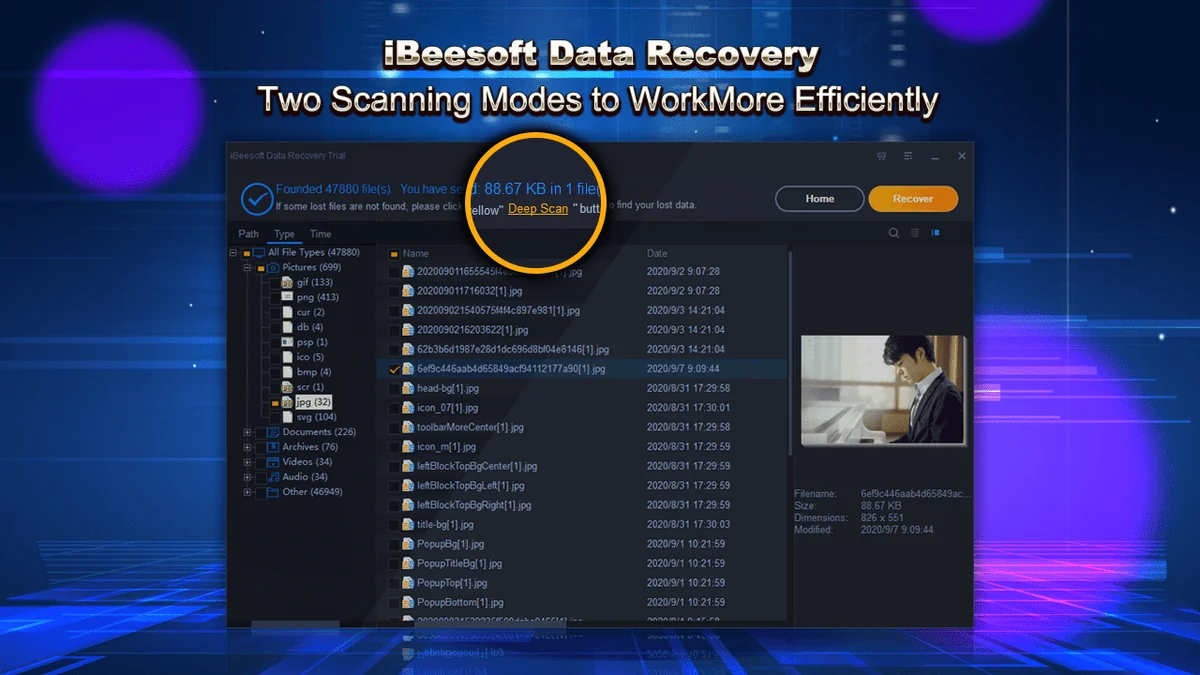
2. Scan for Lost Data: The software will then scan the selected location. You can choose between a quick scan for recently deleted files or a deep scan for more complex recovery needs.
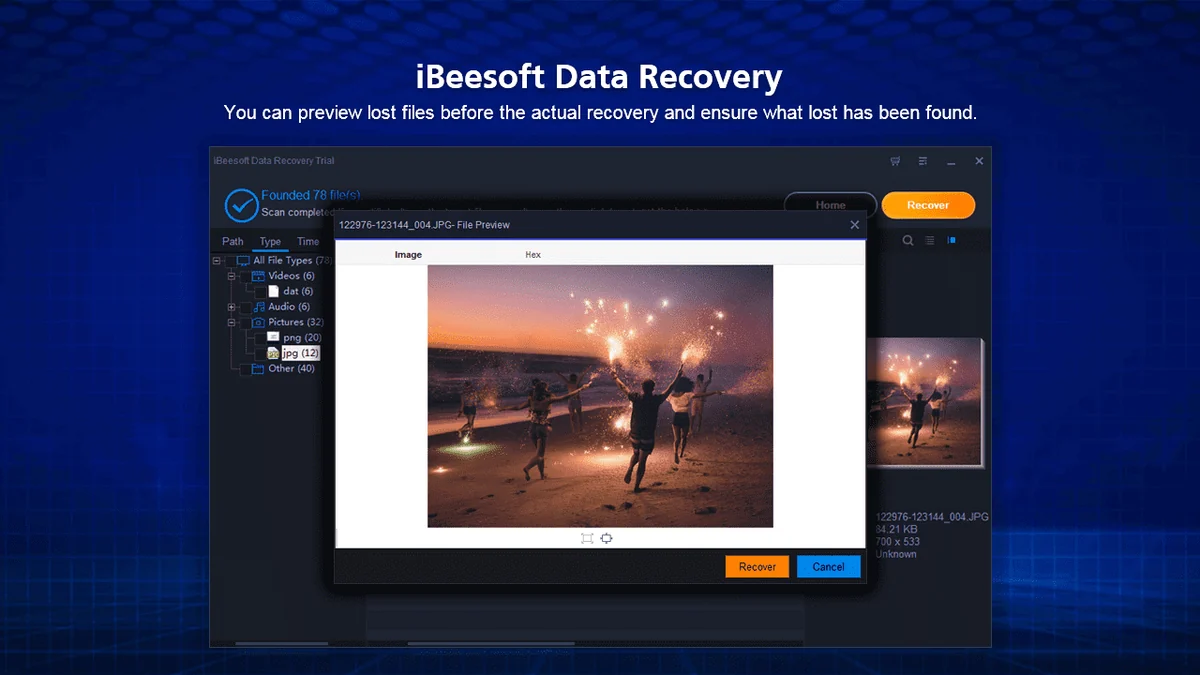
3. Preview and Recover: Once the scan is complete, you can preview the found files to ensure they are the ones you need. Select the files you wish to recover and choose a safe destination to save them.
Use Cases
- Recovering accidentally deleted important work documents or personal files.
- Restoring data after formatting a hard drive or SD card.
- Retrieving lost photos and videos from a corrupted or inaccessible storage device.
- Recovering data from a lost or deleted partition.
- Getting back files that were emptied from the Recycle Bin.
Integrations & Compatibility
- While iBeesoft Data Recovery is a standalone application primarily focused on file recovery, it is compatible with a wide range of storage devices
- It operates on Windows operating systems.
Pricing & Value
The AppSumo deal offers lifetime access to iBeesoft Data Recovery, providing significant value compared to traditional subscription models or one-time purchase options that may not offer ongoing support or updates. This makes it an attractive solution for individuals and businesses looking for a reliable data recovery tool without recurring costs.
Deal Details
The AppSumo offer includes lifetime access to iBeesoft Data Recovery. Users are required to redeem their code within 60 days of purchase. It’s important to note that this deal is not stackable, meaning you can only use one license per purchase.
Quick Take
- Ideal for Windows users facing accidental data loss.
- A cost-effective solution for recovering various file types from multiple devices.
- Offers lifetime access, providing long-term value for essential data recovery needs.
FAQs
What if I’m not satisfied with the software?
The deal includes a 60-day money-back guarantee for your peace of mind.
How long does it take to scan the drive?
Scan time depends on drive capacity and computer performance, often taking several hours.
How do I migrate my license to a new computer?
Email support@ibeesoft.com to have your key reset for a new machine.
Why is it NOT suggested to recover files back to the original drive?
Saving recovered files to the same drive can overwrite original data, leading to permanent loss.
How to activate the software?
Download the software, click ‘menu’, then ‘active’, and enter your license key.
Final Thoughts
iBeesoft Data Recovery, especially through the AppSumo deal, presents a compelling option for anyone needing a reliable and accessible data recovery solution. Its user-friendly approach, broad file and device support, and the significant value of lifetime access make it a practical choice for mitigating data loss emergencies.