
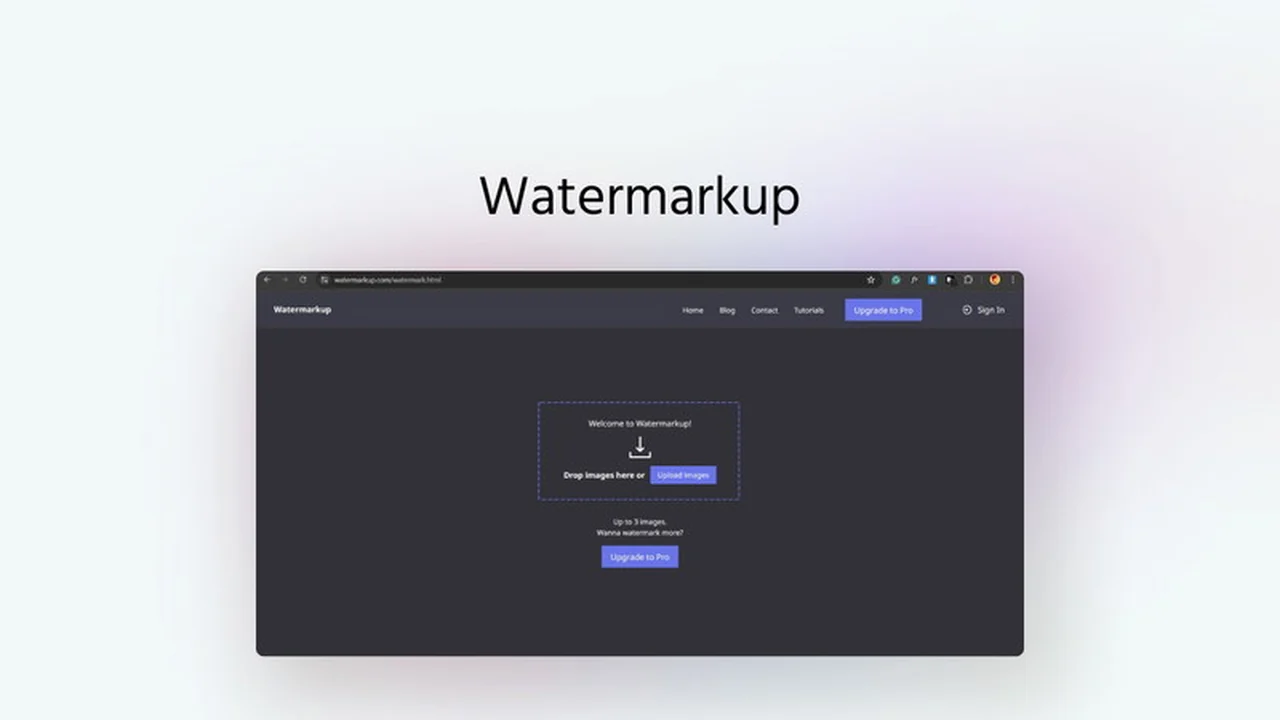
Protecting your digital images from unauthorized use is crucial in today’s visual-driven online world. Watermarking is a fundamental step, but it can be time-consuming, especially when dealing with large volumes of photos.
This review explores Watermarkup, a solution available through AppSumo, designed to simplify and automate the image watermarking process, while also offering a suite of other image editing capabilities.
What is Watermarkup | AppSumo
Watermarkup is a versatile online tool designed to help individuals and businesses protect their images from theft and promote their brand identity. It specializes in batch watermarking, allowing users to apply custom watermarks to hundreds of photos simultaneously without compromising image quality.
Beyond its core watermarking function, Watermarkup has evolved into a comprehensive image editing platform, offering a growing collection of tools for various visual content needs.
Key Features
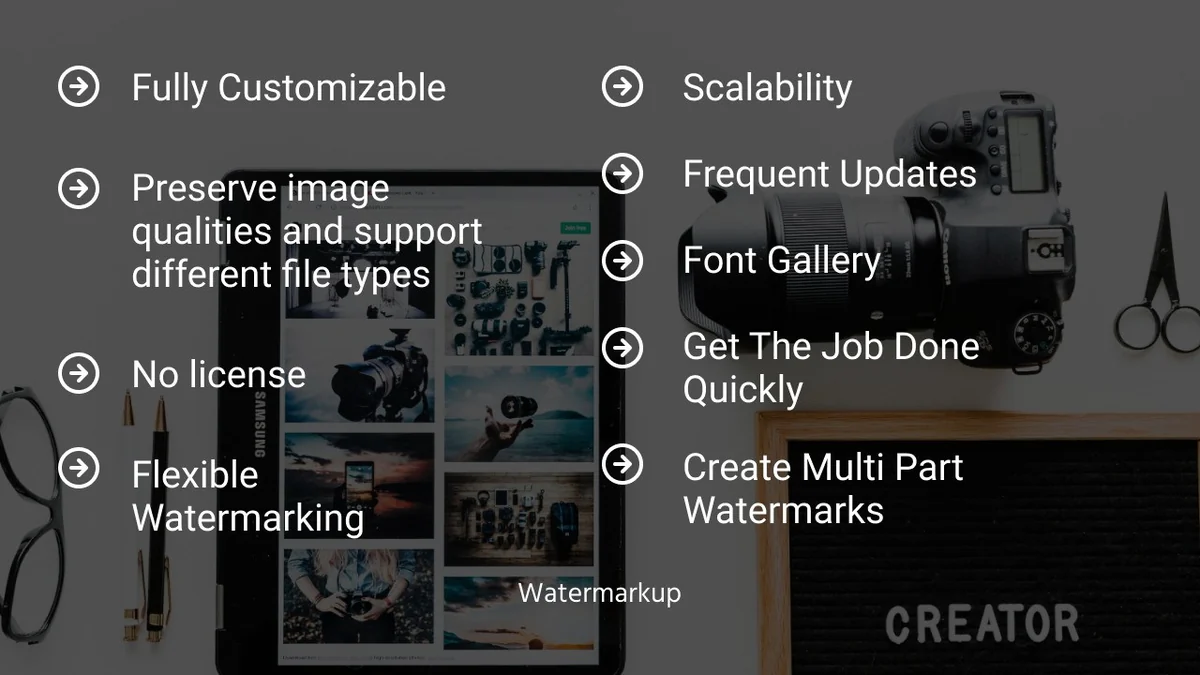
- Batch Watermarking: Apply watermarks to up to 200 images at once, saving significant time and effort.
- Customizable Watermarks: Control opacity, position, and style of your watermarks, including tiling your logo for enhanced security.
- Preserved Image Quality: Watermarking is done without any reduction in image size or resolution.
- TIFF File Support: Includes tools for converting TIFF files to various formats and converting common image types into TIFF.
- Image Editing Tools: Access a range of features like image upscaling, censoring, liquify, resizing, and PDF conversion.
- Invisible Watermarks: Option to add discreet watermarks for an added layer of protection.
- Automated Positioning: Features a nine-box grid for easy and popular watermark placement.
- Effects and Collage: Apply various artistic effects and create photo collages.
How It Works
Using Watermarkup is designed to be straightforward. You typically upload the images you wish to watermark, select or create your desired watermark (logo, text, etc.), customize its appearance and placement, and then initiate the batch processing.
The platform handles the application of the watermark to all selected images efficiently, allowing you to download the protected files.

Use Cases
- Photographers: Protecting portfolios, event photos, and client deliverables from unauthorized use.
- E-commerce Businesses: Branding product images to prevent competitors from using them and maintaining brand consistency.
- Content Creators: Ensuring attribution and preventing the misuse of graphics, illustrations, and social media visuals.
- Marketing Professionals: Applying campaign imagery with branded watermarks for consistent promotion.
- Graphic Designers: Securing design mockups and client previews before final delivery.
Pricing & Value
Watermarkup, especially when accessed through special offers like those on AppSumo, provides substantial value. The ability to handle batch operations and the inclusion of numerous additional image editing tools create a robust package.
The lifetime access model typical of AppSumo deals means you pay once and benefit from the service indefinitely, making it a cost-effective solution for ongoing image management needs.
Deal Details
The AppSumo deal for Watermarkup offers lifetime access to the platform’s features. This typically includes current and future updates, ensuring you benefit from the continuous development of new tools and improvements.
It’s important to review the specific terms of the AppSumo deal for precise details on included features and any potential limitations.
Quick Take
- Ideal for creators and businesses needing to watermark many images quickly.
- Offers significant value with batch processing and diverse editing tools.
- A practical solution for enhancing image security and brand visibility.
FAQs
Can I save my watermark settings?
Yes, you can create and save custom presets for future use.
What kind of files can Watermarkup handle?
It supports batch watermarking for numerous image formats, including TIFF file conversions.
Does Watermarkup affect image quality?
No, image quality is preserved with no limits on resolution or size.
Can I customize the watermark appearance?
Absolutely, you can adjust opacity, position, and style to fit your brand perfectly.
Is Watermarkup easy to use?
Yes, Watermarkup offers a user-friendly interface for efficient image processing.
Final Thoughts
Watermarkup | AppSumo presents a compelling solution for anyone struggling with the repetitive task of watermarking images. Its batch processing capabilities alone are a significant time-saver, while the added benefits of customizable options and preserved image quality make it a reliable choice.
The ongoing development and expansion into a broader image editing suite further enhance its value proposition. For individuals and businesses looking to efficiently protect their visual assets and streamline their workflow, Watermarkup is a tool worth considering.