
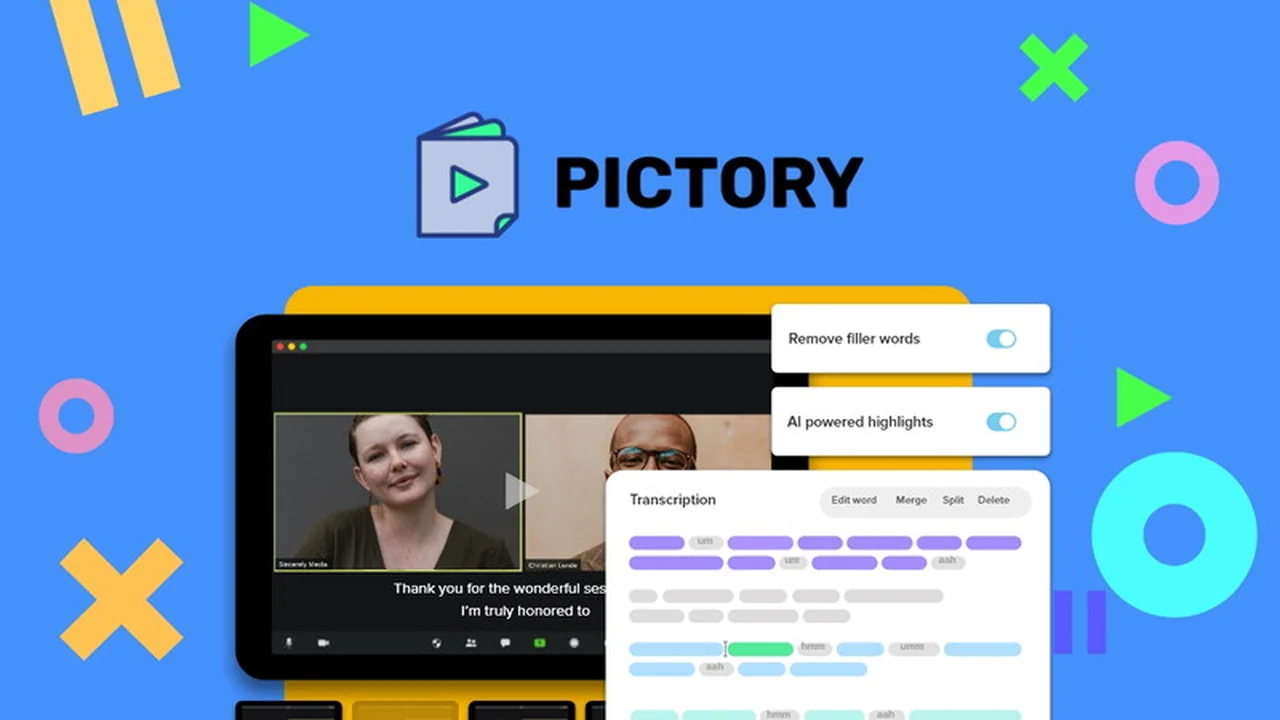
Transforming extensive written articles or lengthy video recordings into engaging, short video clips for social media can be a significant challenge. This review explores how an intelligent AI solution simplifies this process.
Discover how to leverage existing content to boost your online presence and engagement with minimal effort. We’ll delve into the core functionalities and practical applications of this innovative tool.
What is Pictory – Turn long-form content into short videos | AppSumo
Pictory is an AI-powered platform designed to help users quickly create short, shareable videos from their long-form content. It aims to make video production accessible and efficient, even for those without extensive editing experience.
Key Features
- AI Content Scanning: Automatically scans lengthy videos or text to identify key highlights and essential information.
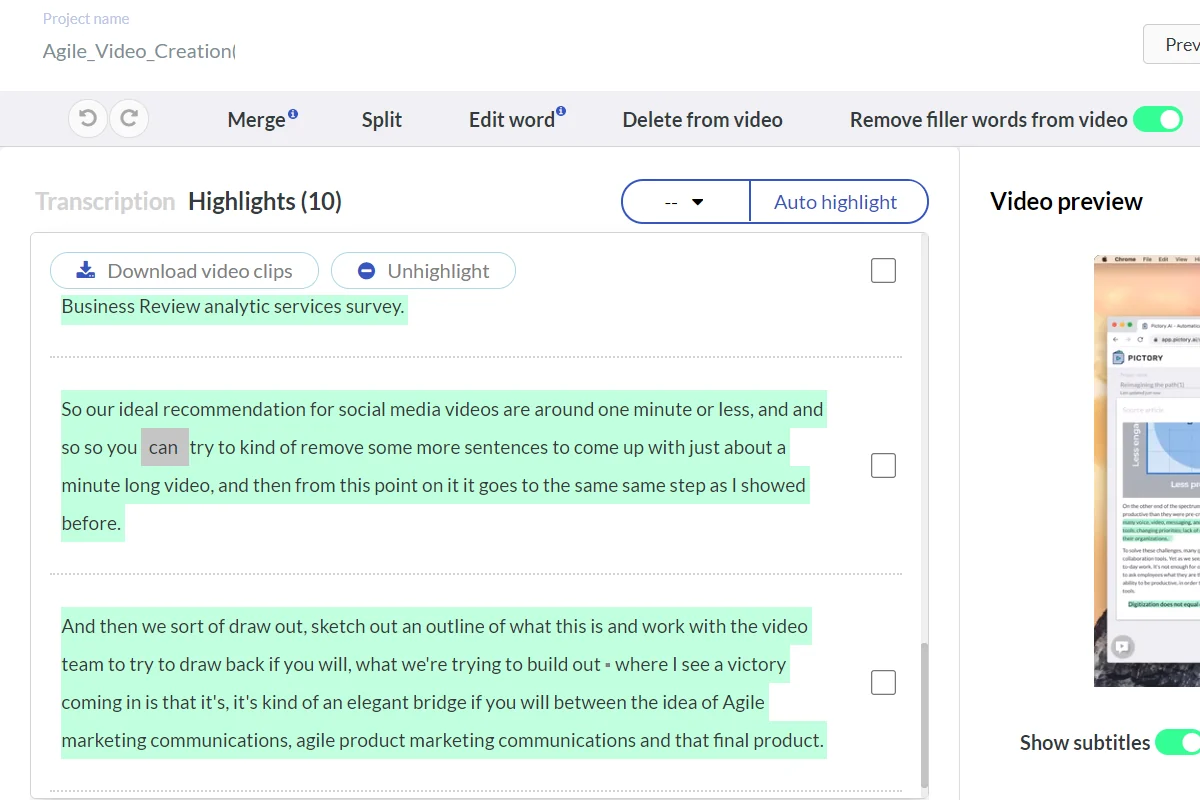
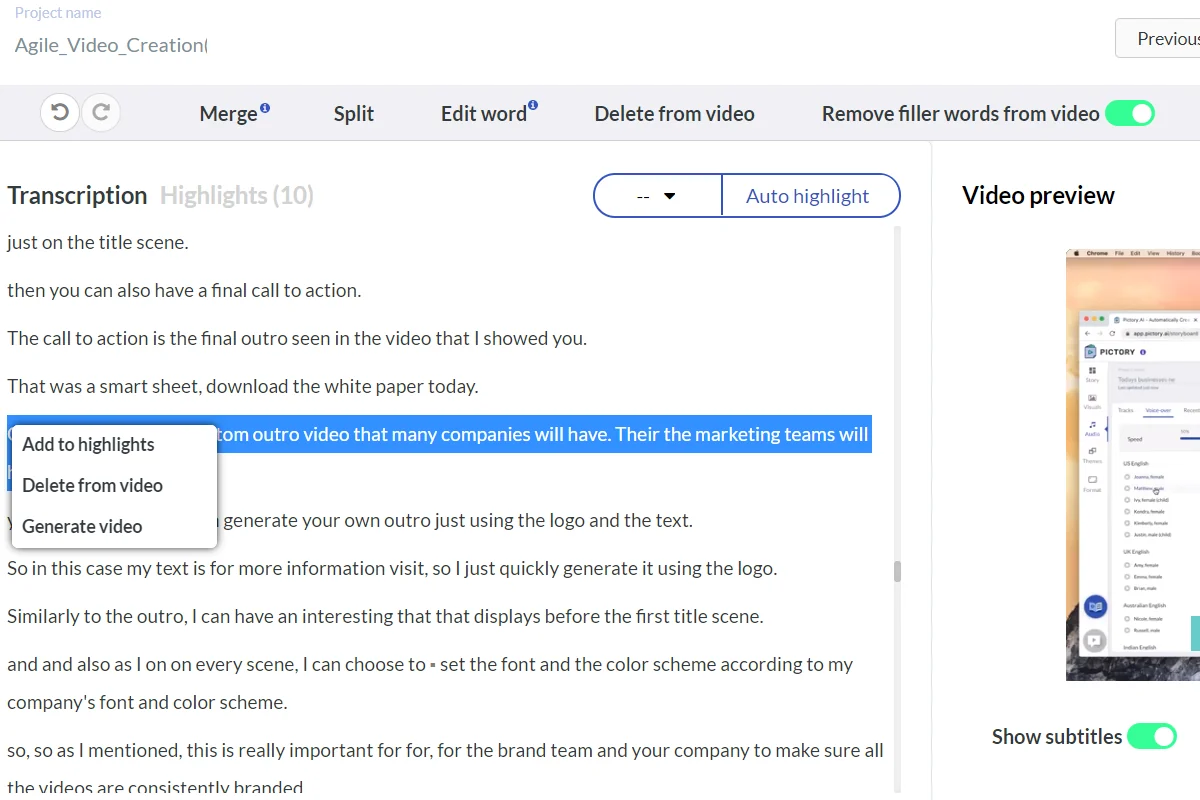
- Text-Based Video Editing: Allows users to edit videos by editing the accompanying transcript, making content modification straightforward.
- Automated Captions & Subtitles: Generates and adds captions to videos, improving accessibility and SEO, with options for manual correction.
- Extensive Media Library: Provides access to over six million licensed stock images and video clips, plus music tracks.
- Branding Customization: Enables users to add logos, colors, and fonts to their videos for consistent branding.
- Filler Word Removal: Automatically detects and removes common filler words from audio for a polished final product.
- Multi-Language Support: Supports video content in over 20 languages, facilitating global reach.
How It Works
The process begins by uploading your long-form content, whether it’s a video file or a published blog post. Pictory’s AI analyzes the content, extracting the most crucial segments. Users can then refine these selections, choosing which highlights to include in their new video. The platform assists in adding visuals from its library or user uploads, along with music and voiceovers. Finally, it offers options for adding branding elements and automatically generates captions, making the video ready for distribution.
Use Cases
- Social Media Marketing: Create engaging clips from webinars, podcasts, or blog posts to share on platforms like Facebook, Instagram, or LinkedIn.
- Content Repurposing: Give new life to older content by transforming it into easily digestible video formats.
- Education & Training: Break down complex topics or lengthy lectures into shorter, more accessible video modules.
- Business Communication: Produce concise video summaries of reports, meetings, or product demonstrations.
Integrations & Compatibility
- Pictory offers integration with Hootsuite, allowing for seamless scheduling and posting of created videos directly to social media dashboards
- The platform supports a wide range of video formats for uploads and outputs videos in common file types suitable for web and social sharing
- It is compatible with various browsers for accessing the web-based application.
Pricing & Value
Pictory offers a compelling value proposition, especially through limited-time deals that provide lifetime access. The ability to automate the creation of multiple short videos from single long-form pieces can significantly save time and resources, making it a cost-effective solution for individuals and businesses looking to enhance their video marketing efforts.
Deal Details
The AppSumo deal for Pictory typically grants lifetime access to the platform’s features. This includes a comprehensive set of tools for AI-powered video creation, access to a vast media library, and the ability to generate branded videos with automatic captions. The offer often comes with a 60-day money-back guarantee, allowing users ample time to evaluate its suitability.
Quick Take
- Ideal for content creators, marketers, and entrepreneurs who need to produce frequent social media videos.
- Saves considerable time and effort in video editing by leveraging AI to identify and extract key content.
- Transforms text and long videos into engaging, branded video clips for enhanced audience reach.
FAQs
How many languages does Pictory support for video content?
Pictory supports processing and creating videos in over 20 different languages.
What is the benefit of automatic captions?
Automatic captions improve video accessibility, enhance SEO, and cater to viewers who watch content without sound.
Can I add my own branding to the videos?
Yes, you can customize videos with your logo, brand colors, and fonts for a professional look.
Does Pictory require video editing experience?
No, Pictory uses AI to automate much of the process, making it user-friendly without requiring prior editing skills.
What kind of content can Pictory convert into videos?
Pictory can convert long-form text content, webinars, and existing video recordings into short video clips.
Final Thoughts
Pictory presents a robust and user-friendly solution for anyone looking to streamline their video content creation process. Its AI capabilities in identifying key content, combined with intuitive editing tools and extensive media resources, make it an invaluable asset for boosting social media engagement and repurposing existing content effectively. The platform stands out by simplifying complex tasks into straightforward steps, empowering users to produce high-quality videos with remarkable speed and ease.