
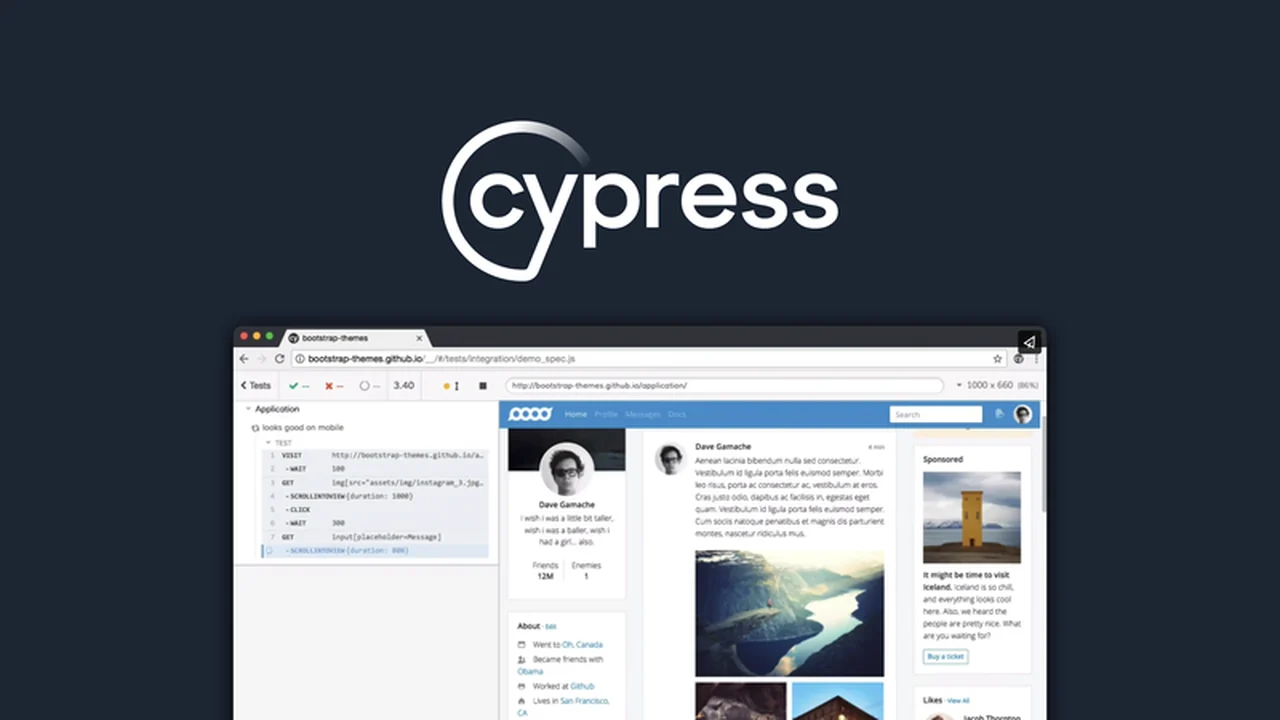
For development teams and QA professionals striving for robust web application testing, finding the right tools can be a game-changer. This review dives deep into Cypress, a modern front-end testing framework available through a special AppSumo deal.
Discover how Cypress can streamline your testing workflow, enhance test accuracy, and ultimately contribute to delivering higher-quality web experiences. We’ll explore its core functionalities and how it addresses common testing challenges.
What is Cypress – Test modern webs | AppSumo
Cypress, often referred to as the Cypress framework, is an open-source, JavaScript-based tool built to simplify the process of testing modern web applications. It’s designed to tackle the complexities and frustrations that developers and QA managers often encounter during the testing phase.
The framework offers a comprehensive end-to-end testing experience through two primary interfaces: the Cypress app for local development and test writing, and the Cypress Dashboard for advanced test execution and analysis. This dual approach aims to make setup, writing, running, and recording tests more straightforward, faster, and more efficient than traditional methods.
Key Features
Cypress comes packed with features that empower users to test web applications with greater control and insight.
- Effortless Local Setup: Install Cypress directly and begin writing tests without the need for additional dependencies or code modifications, simplifying the initial setup process.
- Multi-Browser Testing: Utilize the Cypress Dashboard to execute your tests across various supported browsers, providing a clear view of application performance in different environments. The Browser Menu allows easy selection from browsers like Chrome, Firefox, and Edge.
- Advanced Application Control: Gain granular control over your application’s user interface. Programmatically manage complex widgets like tree views and multiple selections, and directly run network queries to examine server responses.
- Edge Case Testing: Effectively test for various scenarios, including situations where no results are returned or when server availability is compromised, ensuring your application handles disruptions gracefully.
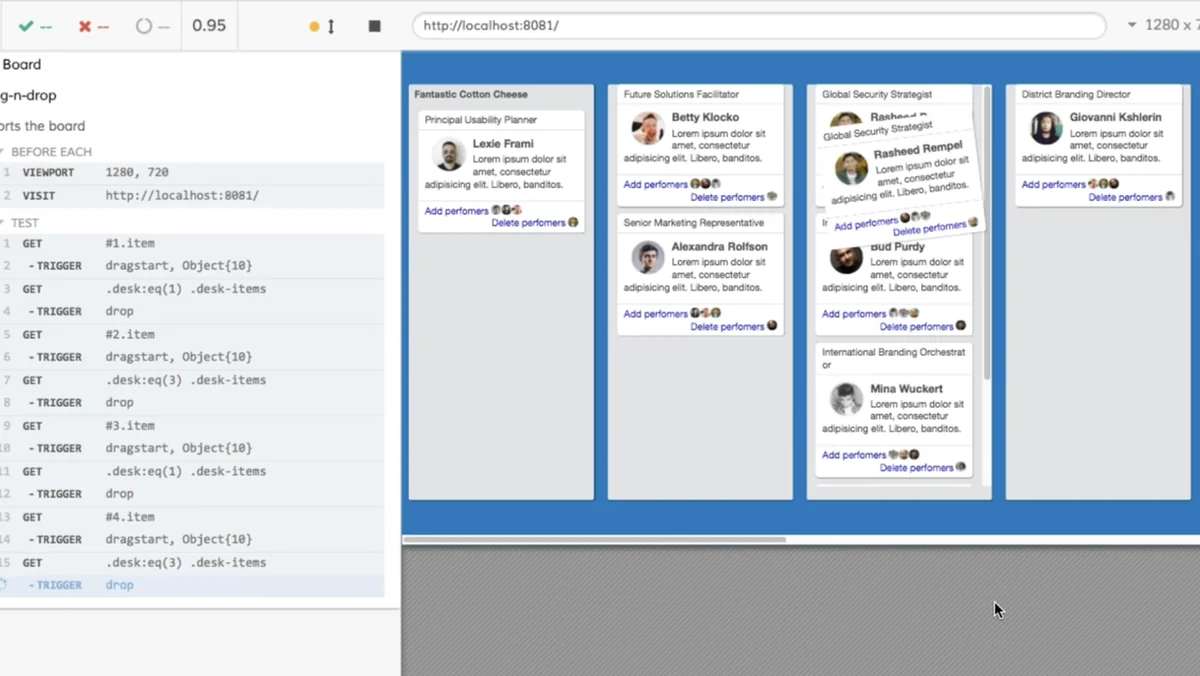
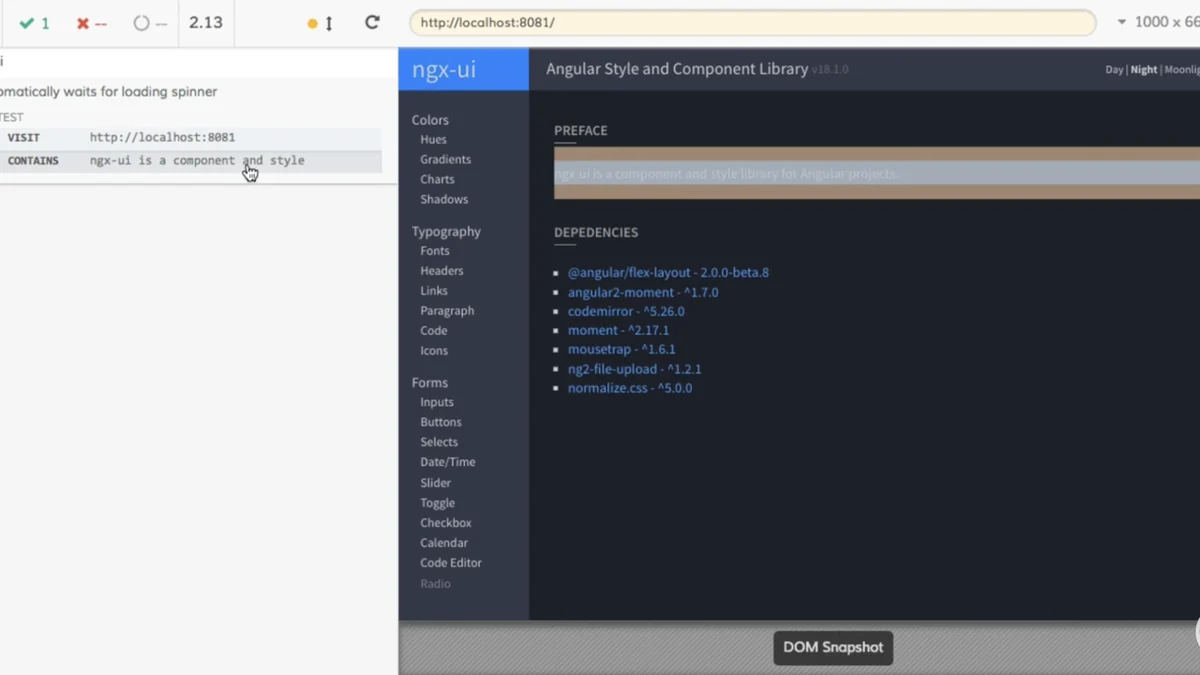
- Real-time Visual Feedback: Experience interactive test execution where commands are run in real-time. Hover over commands in the preview window to rewind and see the application’s state at that specific moment during the test.
- Intuitive Debugging: Receive suggested debugging output directly in the console when clicking on commands. This feature can even allow direct interaction with the command for deeper analysis.
- CI Test Overview: The Tests Status menu provides a quick yet thorough summary of your Continuous Integration tests, detailing passed and failed tests along with their execution times.
- Responsive Layout Testing: The Viewport Sizing tool enables testing of responsive designs by allowing you to dynamically adjust the size of your application’s viewport.
- Targeted Test Execution: Use the specification file search feature to quickly locate and run specific test files, enhancing efficiency during development and debugging cycles.
How It Works
Cypress operates by running tests directly in the browser alongside your application. This unique architecture allows it to intercept network traffic, manipulate the DOM, and provide unparalleled control and visibility into the testing process.
When you write a test, Cypress executes commands sequentially. Each command is rendered visually in the Cypress app, allowing you to step through the test execution. This real-time feedback mechanism, coupled with the ability to inspect network requests and application states, makes identifying and resolving bugs significantly easier.
Use Cases
Cypress is versatile and beneficial for a wide range of testing scenarios in modern web development.
- End-to-End (E2E) Testing: Simulate user flows from start to finish to ensure the entire application functions as expected.
- Component Testing: Isolate and test individual UI components in a controlled environment.
- Integration Testing: Verify the interaction between different parts of your application and external services.
- Regression Testing: Ensure that new code changes do not negatively impact existing functionality.
- Cross-Browser Compatibility: Validate application behavior across various browsers to guarantee a consistent user experience.
Integrations & Compatibility
- Cypress is designed to integrate smoothly into existing development workflows
- It supports modern JavaScript frameworks and build tools, making it adaptable for various project setups
- Its architecture allows it to interact directly with the DOM, making it compatible with most web technologies.
Pricing & Value
The value proposition of Cypress is enhanced significantly by its availability on AppSumo. Typically, robust testing frameworks can involve substantial recurring costs. This AppSumo deal offers a pathway to acquire a powerful and comprehensive testing solution at a considerably reduced investment.
For teams looking to elevate their testing capabilities without a prohibitive upfront cost, this offer presents a compelling opportunity to adopt a professional-grade tool.
Deal Details
The Cypress – Test modern webs | AppSumo deal provides a lifetime access to the platform. This means that once you purchase the deal, you own the license indefinitely. It’s important to note that to secure this lifetime access, you must download and save your purchase within 60 days of acquisition.
Quick Take
- Ideal for development teams and QA engineers focused on modern web applications.
- Simplifies complex testing with an intuitive interface and powerful debugging tools.
- Offers significant value through a lifetime access deal on AppSumo.
FAQs
What kind of support is available for Cypress?
Cypress offers extensive documentation and a supportive community for assistance.
How does Cypress handle network requests?
Cypress can intercept and stub network requests, giving you fine-grained control over API interactions.
Is Cypress suitable for beginners?
Cypress’s user-friendly design and clear debugging tools make it accessible for those new to web testing.
Can I run Cypress tests on different browsers?
Yes, Cypress allows you to run tests across multiple supported browsers for comprehensive compatibility checks.
What is the primary benefit of using Cypress?
Cypress streamlines web application testing with its intuitive interface and real-time feedback.
Final Thoughts
Cypress – Test modern webs | AppSumo presents a remarkable opportunity for development and QA teams to invest in a cutting-edge testing framework. Its ease of use, powerful features, and the exceptional value offered through the AppSumo lifetime deal make it a highly recommended solution for anyone looking to improve the quality and reliability of their web applications.
By adopting Cypress, you can expect to see improvements in testing efficiency, bug detection, and overall application stability, contributing to a more confident development cycle.