
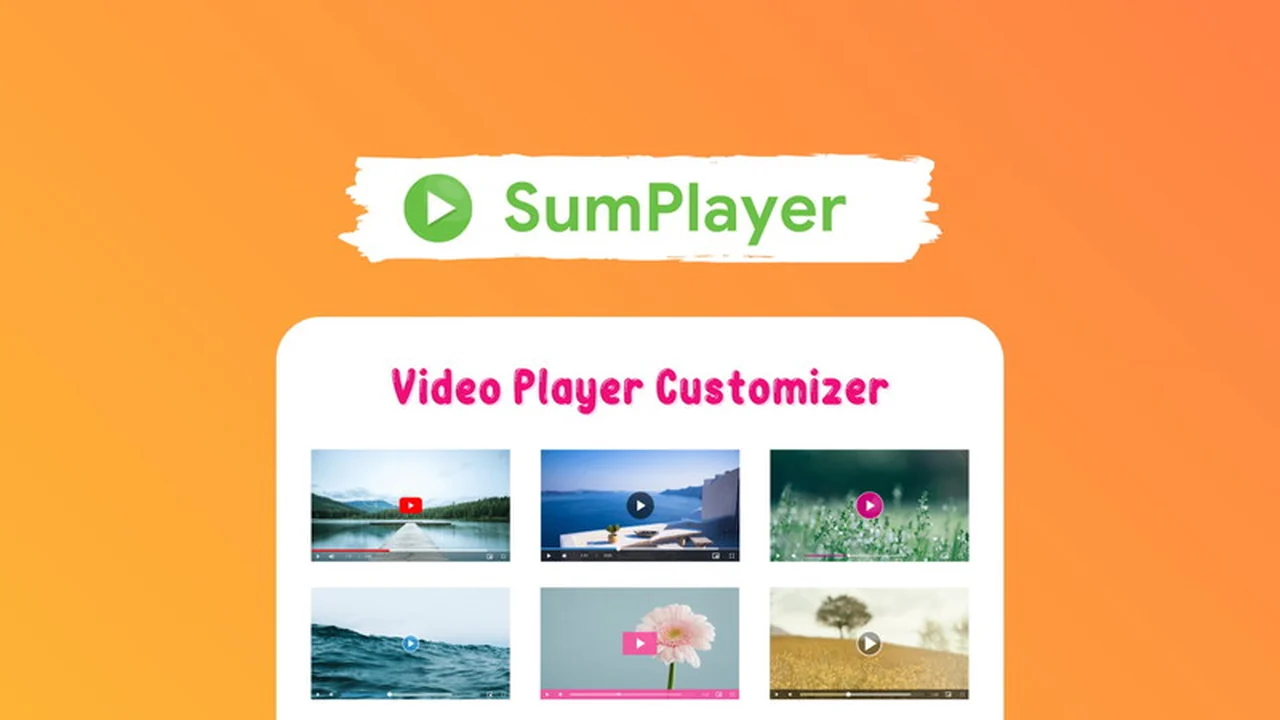
Tired of generic video players that don’t match your brand? You’re looking for a solution that allows for unique styling and improved user experience across all your digital platforms. This review dives deep into a tool designed to transform how you present videos online.
Discover how SumPlayer can help you create custom, stylish video players that load quickly and cater to a global audience. We’ll explore its features, usability, and the overall value it offers.
What is SumPlayer | AppSumo
SumPlayer is a versatile multimedia custom player designed to give you complete control over the appearance and functionality of your video embeds. It allows users to easily create and customize video players that align with their brand’s aesthetic, going beyond the default options provided by platforms like YouTube.
The core principle of SumPlayer is to modify the player’s theme, not to host the video content itself. This means your videos can continue to be hosted on services like YouTube or other third-party storage, while SumPlayer enhances the viewing experience on your own websites.
Key Features
- 15+ Beautiful Themes: Offers a diverse selection of pre-built themes that serve as a foundation for creating millions of unique player styles.
- Unlimited Color Options: Provides extensive color customization to precisely match your brand identity.
- Lazy Load Embedded Videos: Optimizes page loading speeds by deferring the loading of embedded videos until they are visible in the viewport.
- Multi-language Subtitles: Enables the addition of multiple subtitle languages, enhancing accessibility and reach for international audiences.
- Support for Various Video Sources: Accommodates YouTube links, MP4 files, and M3U8 streams.
- Easy Customization: Allows users to either select from built-in themes or design entirely new themes to suit their specific style requirements.
How It Works
Getting started with SumPlayer is straightforward. You begin by selecting a video source, whether it’s a YouTube URL, an MP4 file, or an M3U8 stream. From there, you can choose one of the 15+ pre-built themes or begin designing your own custom player using the available tools.
The customization process involves adjusting colors, fonts, and other player elements to match your brand. Once satisfied, you generate the embed code, which you can then integrate into any website or platform. The player’s functionality, such as lazy loading and multi-language subtitle support, is automatically incorporated.

Use Cases
- Branding Enhancement: Websites and businesses looking to maintain a consistent brand image across all visual elements, including video players.
- International Reach: Marketers and content creators aiming to connect with a global audience by offering videos with multiple subtitle options.
- Website Performance Optimization: Site owners prioritizing fast loading times by utilizing the lazy load feature for embedded videos.
- Content Creators: Individuals and businesses who want their video content to stand out with a unique player design, rather than using standard defaults.
Integrations & Compatibility
- SumPlayer is designed for broad compatibility, allowing easy embedding across a wide range of websites and content management systems
- It supports integration with popular platforms such as WordPress, Shopify, Wix, Joomla, Drupal, Magento, and many others
- Furthermore, it integrates seamlessly with WordPress page builders like Elementor, WPBakery, Divi, and Visual Composer, as well as landing page builders, ensuring flexibility for designers and developers.
Pricing & Value
SumPlayer offers a compelling value proposition, particularly through its presence on platforms that provide lifetime access deals. This approach allows users to acquire a powerful video customization tool without ongoing subscription fees.
The ability to create unlimited custom players, coupled with features like multi-language subtitles and lazy loading, presents significant long-term benefits for users looking to enhance their website’s engagement and professionalism.
Deal Details
The AppSumo deal for SumPlayer typically provides lifetime access to the software, often including various tiers based on the number of websites or features required. These deals are time-limited and offer substantial savings compared to traditional subscription models.
Included with this offering is a 60-day money-back guarantee, allowing you to test the product thoroughly to ensure it meets your expectations and business needs.
Quick Take
- Ideal for anyone needing custom video player branding.
- Beneficial for reaching global audiences with multilingual subtitles.
- A smart choice for improving website speed through video optimization.

FAQs
Where can I find support or more information?
Support is available via the contact form on their website or by emailing support@sumplayer.com.
Does this player support multi-language subtitles for videos?
Yes, you can easily add as many subtitle languages as you need for your videos.
Does this Player support Lazy load embedded videos?
Yes, the lazy load feature is available by default to enhance page loading speed.
Can I embed this Player in my WordPress Page Builders or Landing pages?
Yes, it is fully compatible with popular WordPress page builders and landing pages.
Can I embed this Player in WordPress, Shopify store, or other websites?
Yes, SumPlayer can be embedded in virtually any website or CMS platform.
Final Thoughts
SumPlayer | AppSumo presents a robust and user-friendly solution for anyone looking to elevate their video embedding strategy. The extensive customization options, combined with performance-enhancing features and broad compatibility, make it a valuable asset for a wide range of users.
For businesses and individuals seeking to create a more polished and branded online presence, SumPlayer offers a practical and effective way to achieve their goals without the complexity of advanced coding.