
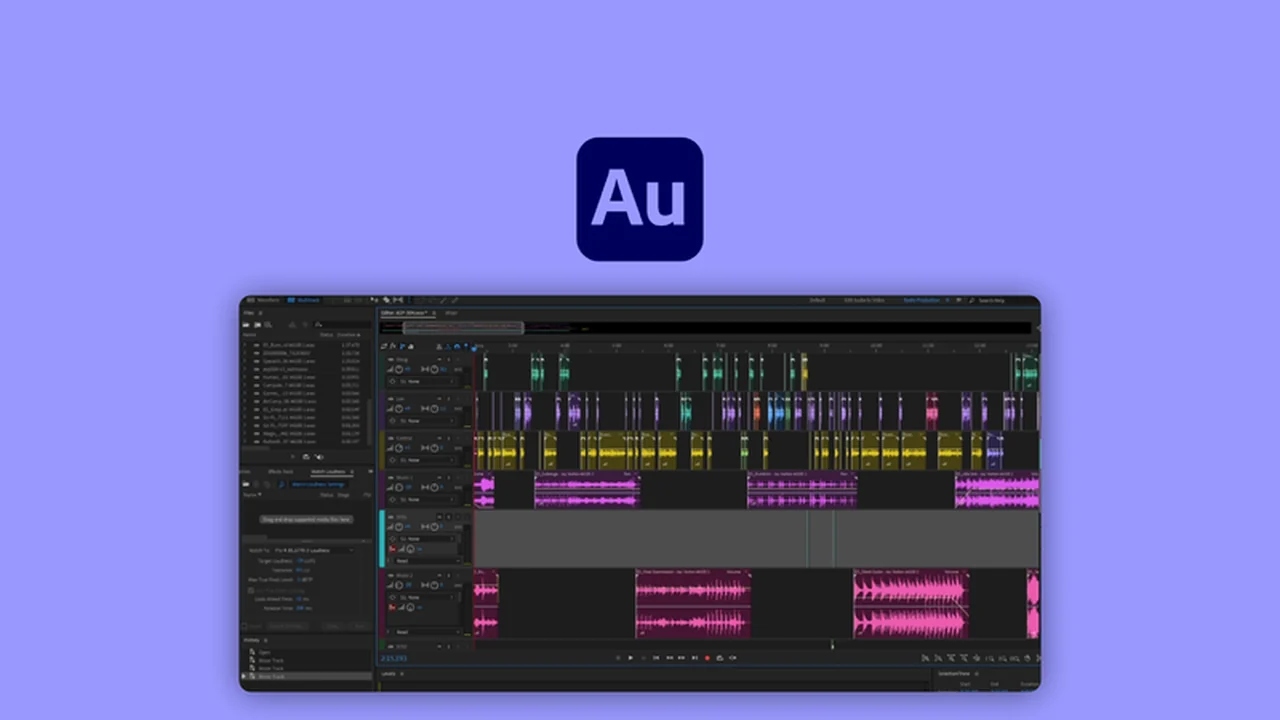
Discover the capabilities of a robust audio workstation designed for creators and professionals. This review delves into how Adobe Audition can elevate your sound editing and mixing projects to a new level of quality.
We’ll explore its powerful features, intuitive workflow, and practical applications, helping you understand its value for podcasting, music production, and beyond.
What is Adobe Audition – Edit and mix professional-grade audio | AppSumo
Adobe Audition is a comprehensive digital audio workstation (DAW) that provides tools for recording, editing, mixing, and restoring audio. It’s designed to handle everything from simple voiceovers to complex sound design and music production with professional-grade results.
Key Features
- Multi-track Recording: Record multiple audio sources simultaneously, each on its own track with independent microphone control. This offers significant flexibility for post-production adjustments to gain and EQ for each element.
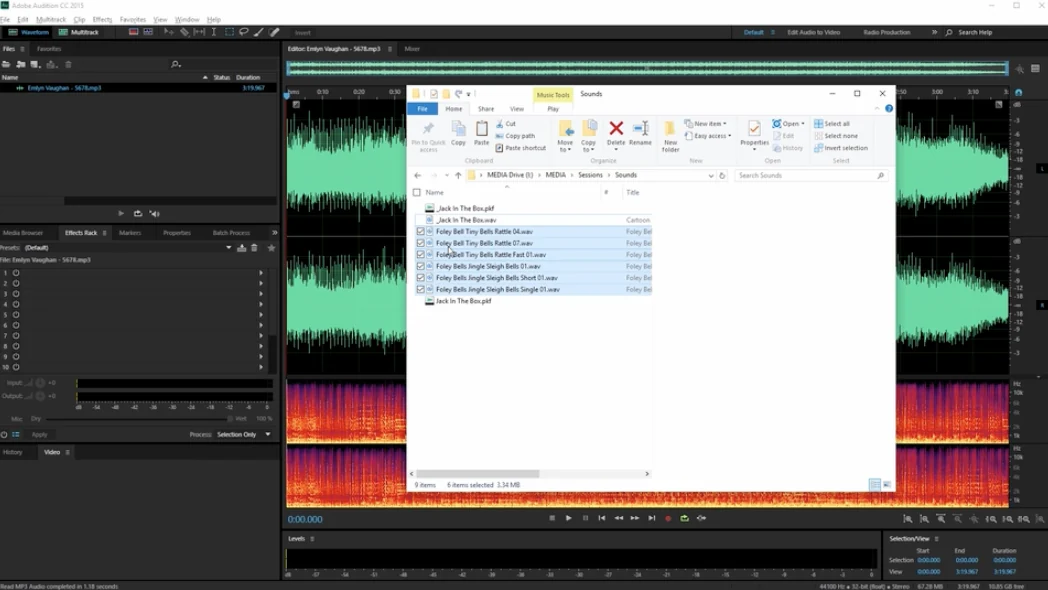
- Flexible Editing Views: Work in either the intuitive Multi-track view for arranging and mixing, or the precise Waveform editor for detailed clip-level adjustments like amplitude.
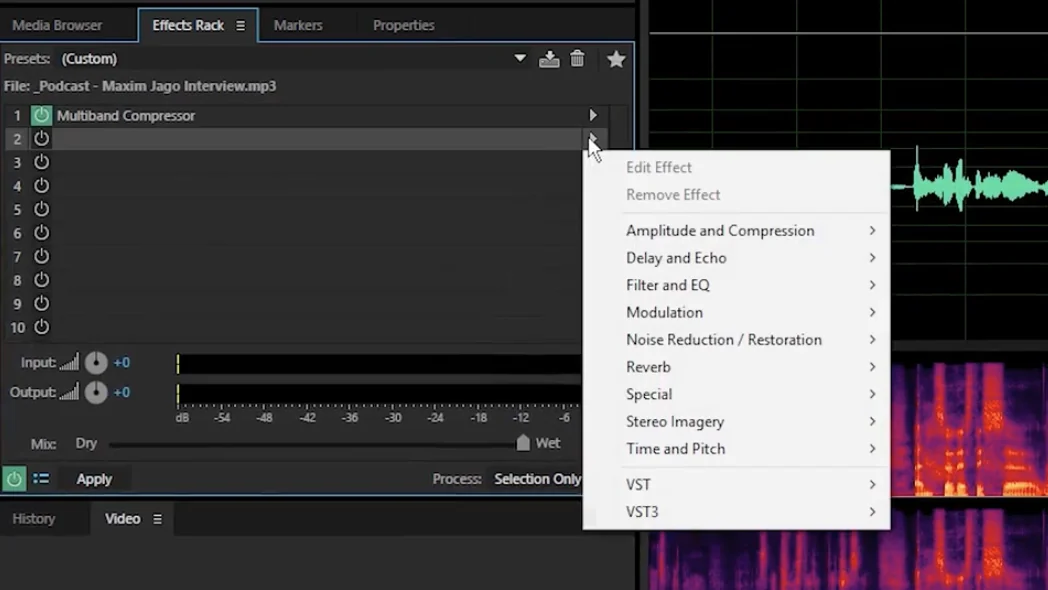
- Extensive Effects Library: Apply a wide range of audio effects, from compression and EQ to echo and spatial enhancements, either to individual clips or entire tracks. You can preview these effects before committing and toggle them on or off non-destructively.
- Royalty-Free Sound Effects: Access a vast library of over 12,000 high-quality, uncompressed sound effects that are free to use in your projects, saving you time and resources.
- Adaptive Noise Reduction: This track effect efficiently removes unwanted background noise and hiss from recordings, ensuring cleaner and more professional vocal or instrument tracks.
- Spectral Analysis: Go beyond simple noise reduction by visually analyzing audio frequencies. This allows for the precise isolation and removal of specific, isolated unwanted sounds like a cough or notification chime without affecting surrounding audio.
- Adobe Sensei Integration: Leverage machine learning to automate tedious manual tasks. This AI-powered assistance can help streamline workflows, such as automatically adjusting music to fit video length or dynamically balancing music and dialogue levels.
- Presets: Utilize pre-configured settings for various editing and mixing tasks to quickly achieve desired results and learn effective techniques.
How It Works
Adobe Audition offers a streamlined workflow to facilitate professional audio production. You can start by importing existing audio files or begin recording directly within the application. The software provides two primary editing environments: the Multi-track view, ideal for assembling and mixing multiple audio elements like dialogue, music, and sound effects, and the Waveform view, which allows for fine-tuning individual audio clips with precise edits.
Applying effects is straightforward, with options to affect single clips or entire tracks. The ability to preview changes before applying them, along with the non-destructive nature of most effects, ensures you can experiment freely. Advanced features like Adaptive Noise Reduction and Spectral Analysis tackle common audio imperfections, while Adobe Sensei’s AI capabilities automate complex mixing tasks, simplifying the overall production process.
Use Cases
- Podcasting: Record, edit, and mix multiple host audio tracks, add intro/outro music, sound effects, and apply noise reduction for a polished podcast sound.
- Music Production: Record instruments and vocals on separate tracks, apply mixing effects like EQ and compression, and arrange audio clips for song creation.
- Voiceover Work: Edit and clean up voiceover recordings for videos, audiobooks, or commercials, ensuring clear and professional vocal delivery.
- Sound Design: Create and manipulate sound effects for film, games, or other media projects, utilizing the spectral editor and sound effects library.
- Audio Restoration: Repair and clean up old or damaged audio recordings by removing unwanted noise, clicks, and hums.
Integrations & Compatibility
- Adobe Audition is designed to work seamlessly within the broader Adobe ecosystem, though this specific deal focuses on the standalone application
- It supports a wide range of audio file formats, ensuring compatibility with most recording equipment and project types.
Pricing & Value
When considering the professional-grade features and extensive capabilities of Adobe Audition, the value proposition is significant. The ability to perform complex editing, mixing, and restoration tasks within a single application, coupled with access to a large sound effects library, positions it as a powerful tool for any serious audio creator. The AppSumo deal, in particular, offers a compelling opportunity to acquire this software at a notable discount.
Deal Details
This offer provides a digital download of Adobe Audition. The license is yours to keep permanently, provided you download and save the product within 60 days of your purchase. This ensures long-term access to a professional audio workstation without recurring subscription fees.
Quick Take
- Ideal for podcasters, musicians, and content creators needing professional audio editing.
- Offers robust tools for editing, mixing, noise reduction, and sound design.
- A valuable acquisition for those seeking a powerful, one-time purchase audio workstation.
FAQs
How long will I have access to Adobe Audition with this deal?
You will have access to the software forever if you download and save it within 60 days of purchase.
Is there a sound effects library included with Adobe Audition?
Yes, it includes a library of over 12,000 free, royalty-free sound effects.
Does Adobe Audition offer noise reduction capabilities?
Yes, it features Adaptive Noise Reduction and Spectral Analysis for effective noise removal.
Can I record multiple people at once with Adobe Audition?
Yes, you can record on multiple tracks with separate microphones for each person.
What is the primary function of Adobe Audition?
Its primary function is to edit, mix, record, and restore audio for professional-grade sound.
Final Thoughts
Adobe Audition stands out as a comprehensive and powerful solution for anyone serious about audio production. Its intuitive interface, combined with advanced features like spectral editing and AI-powered assistance, makes it suitable for both beginners looking to improve their audio quality and seasoned professionals requiring precise control. The extensive sound effects library and robust noise reduction tools further enhance its utility.
For those seeking to elevate their podcasts, music, or any audio-related project, Adobe Audition offers a professional-grade toolkit. The accessibility through the AppSumo deal presents a significant opportunity to invest in a software that can deliver lasting value and professional results.