
Collecting clear and actionable feedback from clients and stakeholders can often be a bottleneck in creative and development processes.
This review explores BugSmash, a visual feedback and tool designed to simplify this critical step, helping teams work smarter and collaborate more effectively.
What is BugSmash – Visual feedback and tool | AppSumo
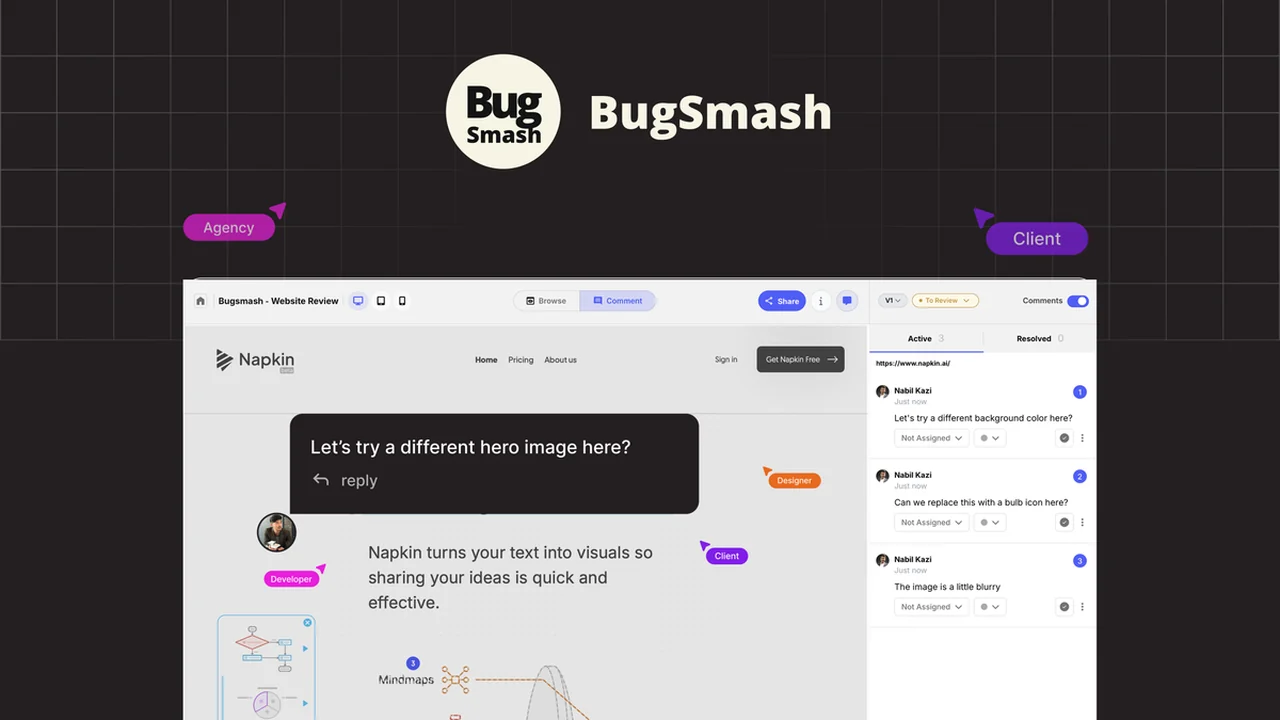
BugSmash is a comprehensive platform engineered to collect clear, contextual visual feedback on live websites, designs, and documents. It aims to eliminate the confusion often associated with gathering input from various parties by providing a centralized hub for annotations and comments.
Key Features
- Visual Annotations: Mark up live websites and designs directly, providing precise feedback.
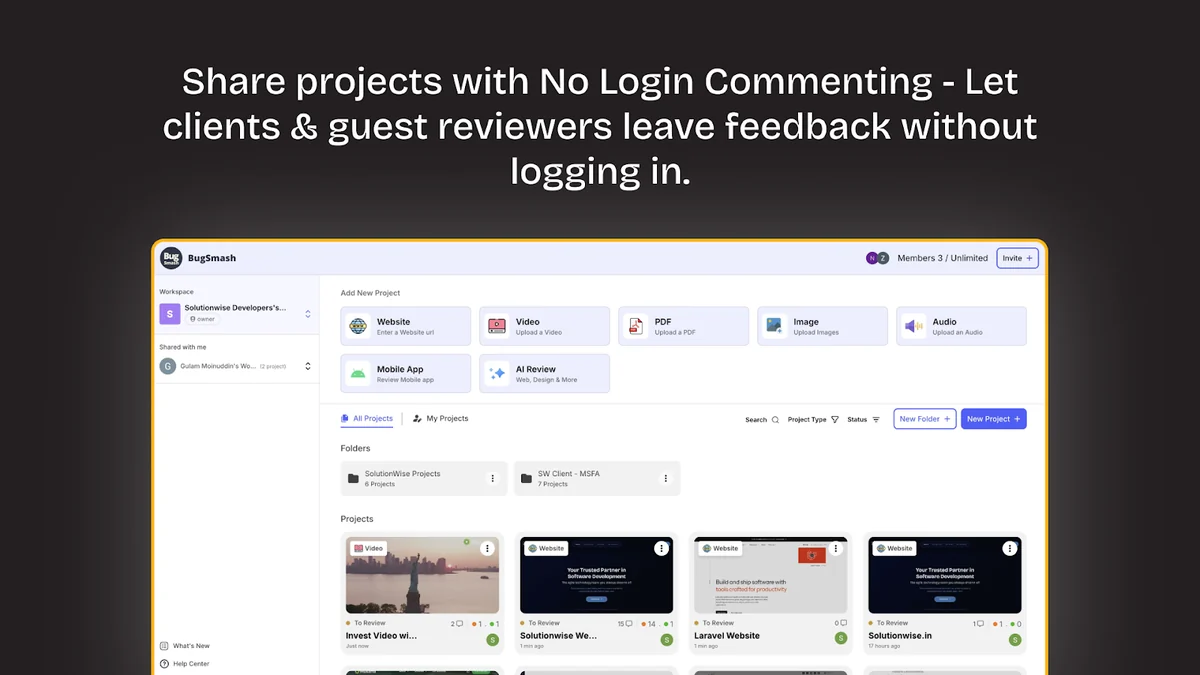
- PDF Annotation: Review and annotate PDF documents online, keeping all feedback in one place.
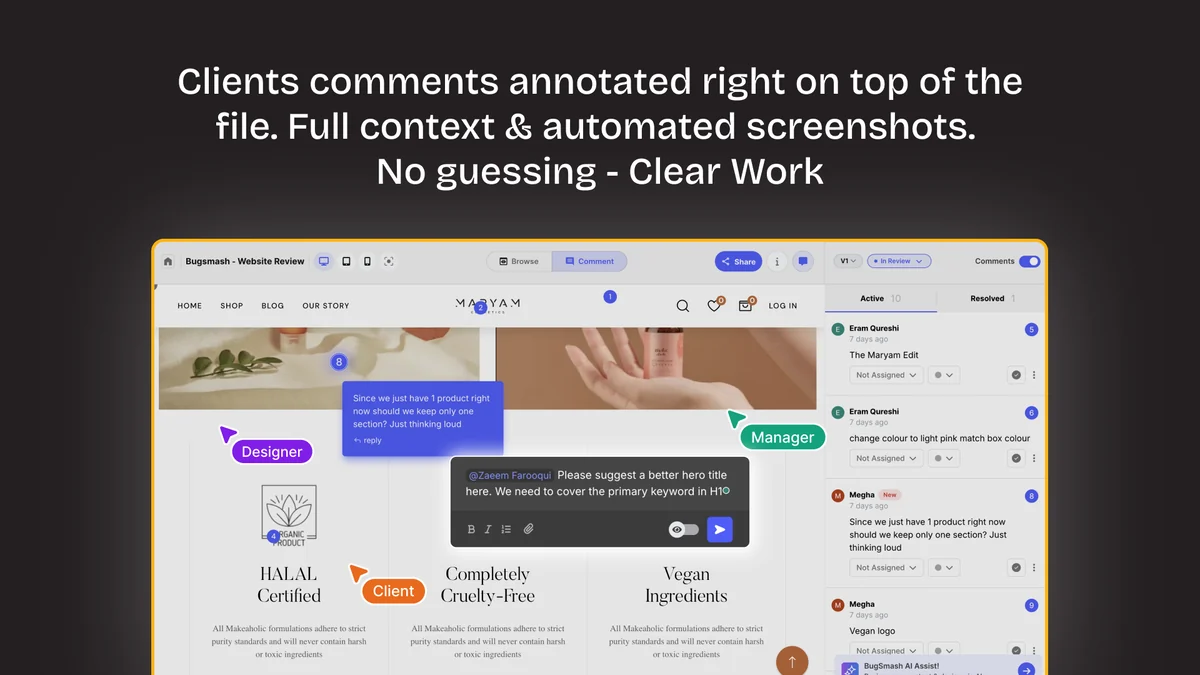
- Contextual Comments: Add comments directly to specific elements of your work, ensuring full context.
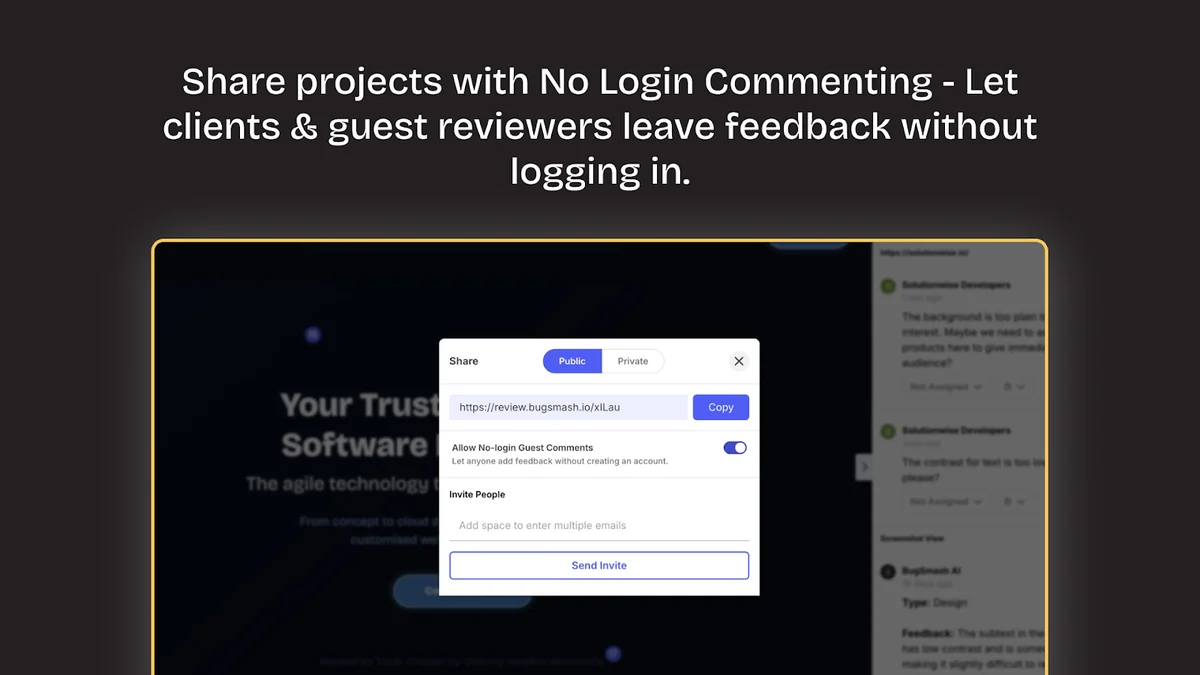
- Client-Friendly Interface: Clients can often provide feedback without needing to log in, streamlining the process.
- Centralized Feedback Hub: Consolidate all feedback from different sources into a single, organized location.
- File Review Capabilities: Ability to review presentations (PPT) and emails directly within the platform.
- Nested Folders: Organize work with nested folders for better structure, such as clients → projects → versions → teams.
How It Works
BugSmash functions by allowing users to upload or link to their projects, whether they are live websites, design mockups, or PDF documents. Stakeholders can then access these projects and use the integrated tools to leave visual annotations and comments directly on the content. This eliminates the need for back-and-forth emails or misinterpreted instructions, as feedback is tied directly to the item in question.
Use Cases
- Web Design Agencies: Gather client feedback on website designs and development progress efficiently.
- Product Managers: Collect input on prototypes, wireframes, and live product updates.
- Marketing Teams: Review ad creatives, landing pages, and campaign materials with precise annotations.
- Content Creators: Get detailed feedback on articles, presentations, and other digital assets.
- Development Teams: Streamline bug reporting and feature request clarification with visual context.
Integrations & Compatibility
- BugSmash is designed to fit into existing workflows, offering integrations with popular project management tools like Asana
- This allows for a more seamless transition of feedback and tasks, ensuring that work continues to move forward efficiently across different platforms.
Pricing & Value
BugSmash typically offers various license tiers on platforms like AppSumo, providing different levels of features and usage based on your needs. These deals often present a significant value compared to standard subscription models, making it an accessible option for teams of varying sizes.
Deal Details
AppSumo deals for BugSmash often include lifetime access to specific plan updates, with options to upgrade or downgrade between license tiers within a certain period. A 60-day money-back guarantee is generally provided, offering a secure way to try the product. Licenses usually need to be activated within 60 days of purchase.
Quick Take
- Ideal for marketing agencies, product managers, and web design teams seeking to expedite feedback cycles.
- Simplifies visual feedback collection through direct annotations on websites, PDFs, and presentations.
- Offers a streamlined collaboration experience by centralizing comments and reducing miscommunication.
FAQs
What is the refund policy for BugSmash purchases on AppSumo?
AppSumo typically offers a secure 60-day money-back guarantee for your purchase.
Does BugSmash integrate with other project management tools?
Yes, BugSmash offers integrations with popular tools like Asana to enhance workflow efficiency.
What types of files can be reviewed in BugSmash?
You can review live websites, designs, PDFs, presentations (PPT), and emails within BugSmash.
Can clients provide feedback without creating an account?
Yes, clients can often provide feedback without requiring a login, simplifying their experience.
What is the primary benefit of using BugSmash?
BugSmash streamlines client feedback collection with clear visual annotations and contextual comments.
Final Thoughts
BugSmash presents a compelling solution for teams struggling with inefficient feedback processes. Its intuitive interface, direct annotation capabilities, and focus on contextual clarity can significantly reduce revision cycles and improve collaboration. The ability to review a wide range of assets, from live websites to presentations, makes it a versatile tool for many industries. Considering its value proposition and the security of a money-back guarantee, BugSmash is a worthwhile investment for those aiming to refine their feedback workflow.