
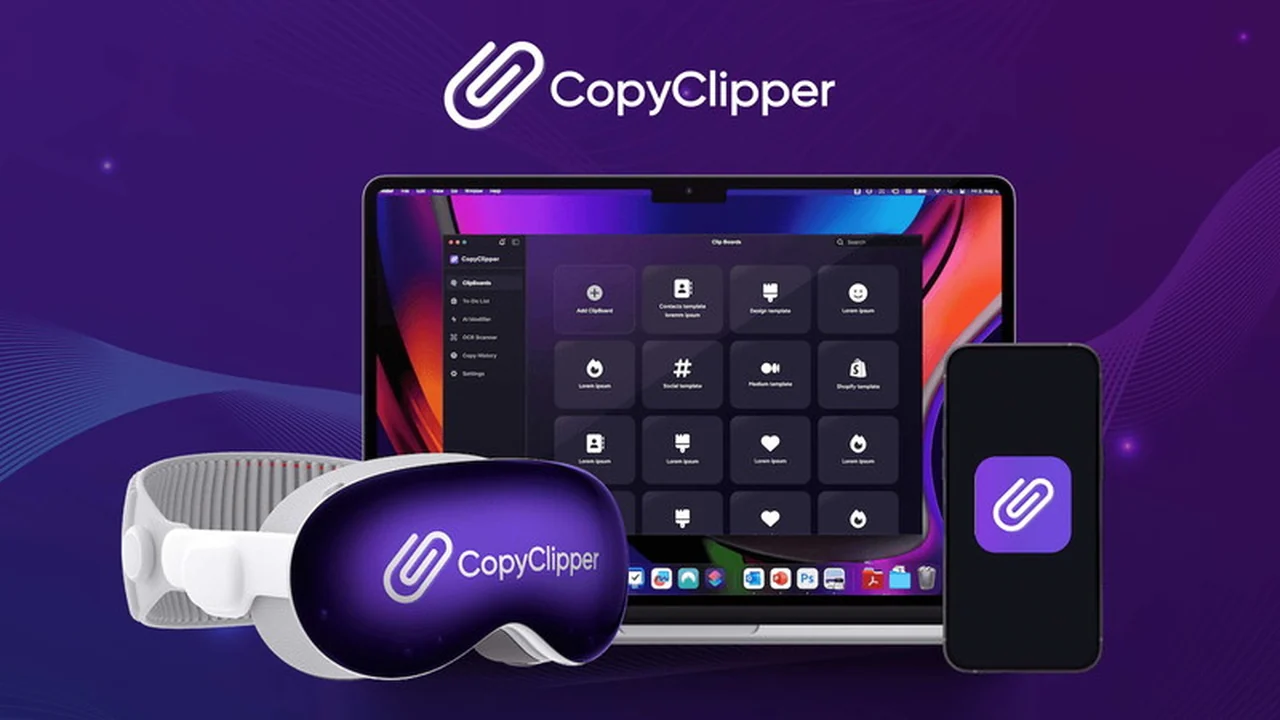
Tired of endlessly copying and pasting the same text? The manual effort of finding old snippets and retyping responses can consume valuable time and test your patience.
Imagine a solution that allows you to effortlessly store, organize, and reuse text snippets without any fuss. This review explores how CopyClipper | AppSumo can transform your daily digital tasks.
What is CopyClipper | AppSumo
CopyClipper is an innovative AI-powered clipboard manager designed to save, manage, and enhance your text snippets. It provides instant access to your saved content across all your devices, significantly streamlining your workflow and boosting productivity.
Key Features
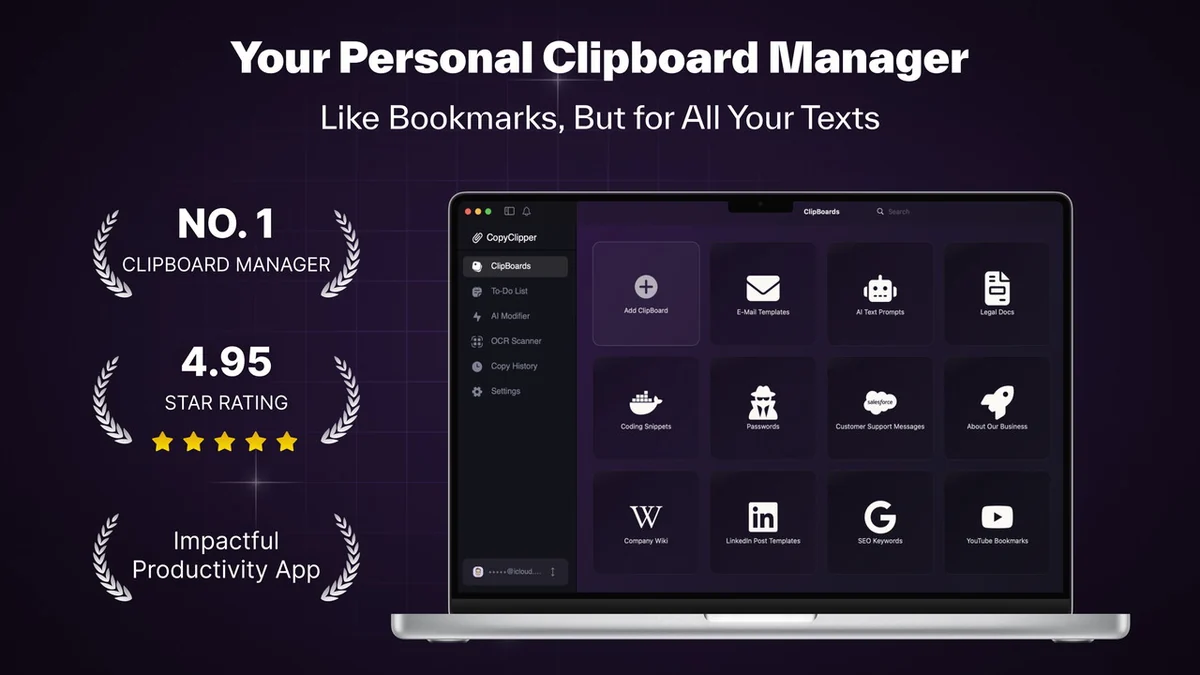
- ClipBoards for Organization: Create and label custom clipboards to categorize, store, and retrieve text snippets efficiently for various projects, tasks, or personal use.
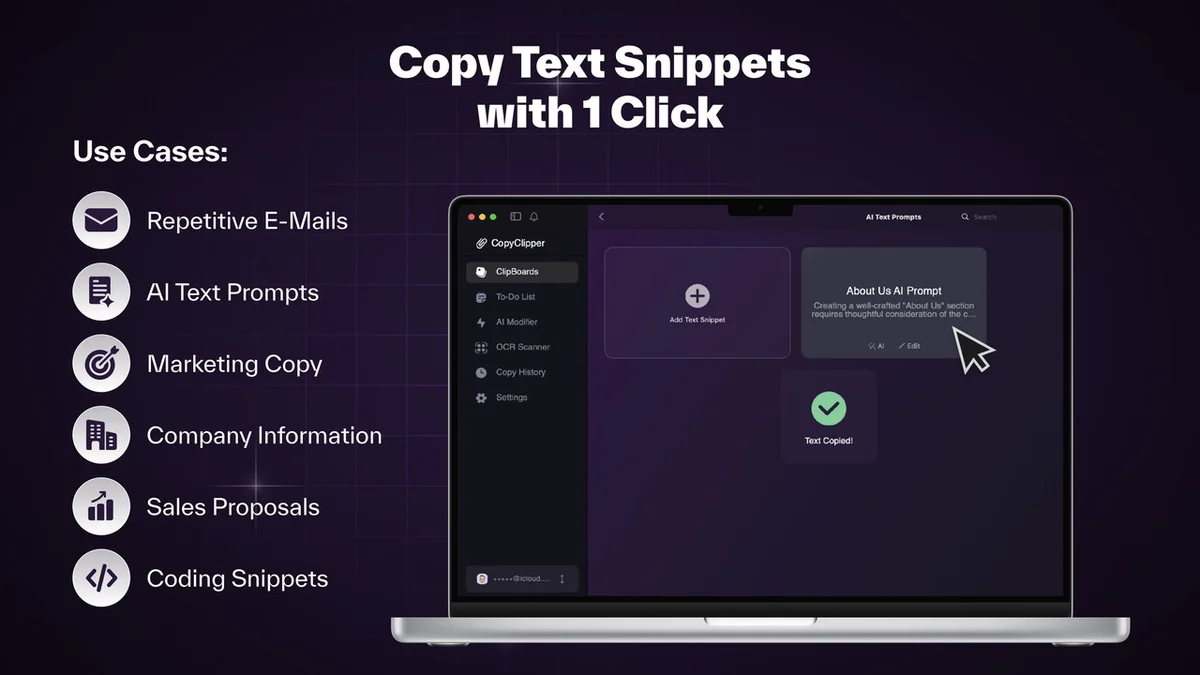
- One-Click Copying: Instantly copy saved snippets with a single click, eliminating the need to search through old documents and speeding up repetitive tasks.
- AI-Powered Enhancement: A local AI assistant personalizes and modifies copied text, allowing you to adapt it for different contexts, such as customizing email templates or adjusting message tone.
- Text Extraction: Extract editable text from images, PDFs, and videos, simplifying workflows and reducing manual data entry.
- Intuitive Interface: An easy-to-use and user-friendly interface enhances overall productivity and makes managing text content a seamless experience.
How It Works
CopyClipper functions by acting as an intelligent extension of your device’s standard clipboard. You can save frequently used text snippets, organize them into distinct “ClipBoards,” and access them with a single click whenever needed. The integrated AI assistant further refines your text by offering suggestions for rewrites and tone adjustments, ensuring your communication is always appropriate for the intended audience.
Use Cases
- Content Creators: Quickly access and adapt pre-written social media captions, blog post intros, or ad copy.
- Customer Support: Store and instantly deploy standardized responses to frequently asked questions, ensuring consistent and efficient customer service.
- Developers: Save and reuse code snippets, common commands, or documentation links for faster development cycles.
- Students: Keep organized notes, essay outlines, or frequently cited passages for academic work.
- Sales Professionals: Draft and quickly retrieve personalized email templates for follow-ups or proposals.
Pricing & Value
CopyClipper | AppSumo offers a compelling lifetime access deal, providing significant value for individuals and teams looking to invest in long-term productivity tools. This one-time purchase grants access to all future updates, making it a cost-effective solution compared to subscription-based services.
Deal Details
- Lifetime access to CopyClipper.
- Must redeem codes within 60 days of purchase.
- Includes all future yearly plan updates.
- This deal is not stackable.
- One user license, usable on multiple devices simultaneously (macOS, iOS, and visionOS).
- Unlimited clipboards (folders).
Quick Take
- Ideal for professionals and individuals who frequently copy and paste text across various platforms.
- Perfect for anyone seeking to organize and quickly retrieve repetitive text content.
- A valuable tool for those who want to leverage AI for text enhancement and personalization.
FAQs
Does CopyClipper offer unlimited storage?
Yes, the deal provides unlimited clipboards for organizing your snippets.
How long do I have to redeem the deal?
You must redeem your code(s) within 60 days of purchase.
What are the system requirements for CopyClipper?
Minimum macOS 10.15 (Catalina) or Apple M1 silicon Macs; iOS 12.1+ for mobile.
Can I use my CopyClipper license on multiple devices?
Yes, your license allows usage on multiple devices simultaneously.
Is CopyClipper available on Windows?
CopyClipper is currently available for macOS and iOS only.
Final Thoughts
CopyClipper | AppSumo presents a powerful and user-friendly solution for managing text snippets. Its AI-driven enhancements and cross-device accessibility make it an indispensable tool for anyone aiming to boost efficiency. While there are occasional minor bugs reported and limited customization, the overall functionality and value offered, especially with the lifetime deal, make it a strong recommendation for streamlining your digital workflow.