
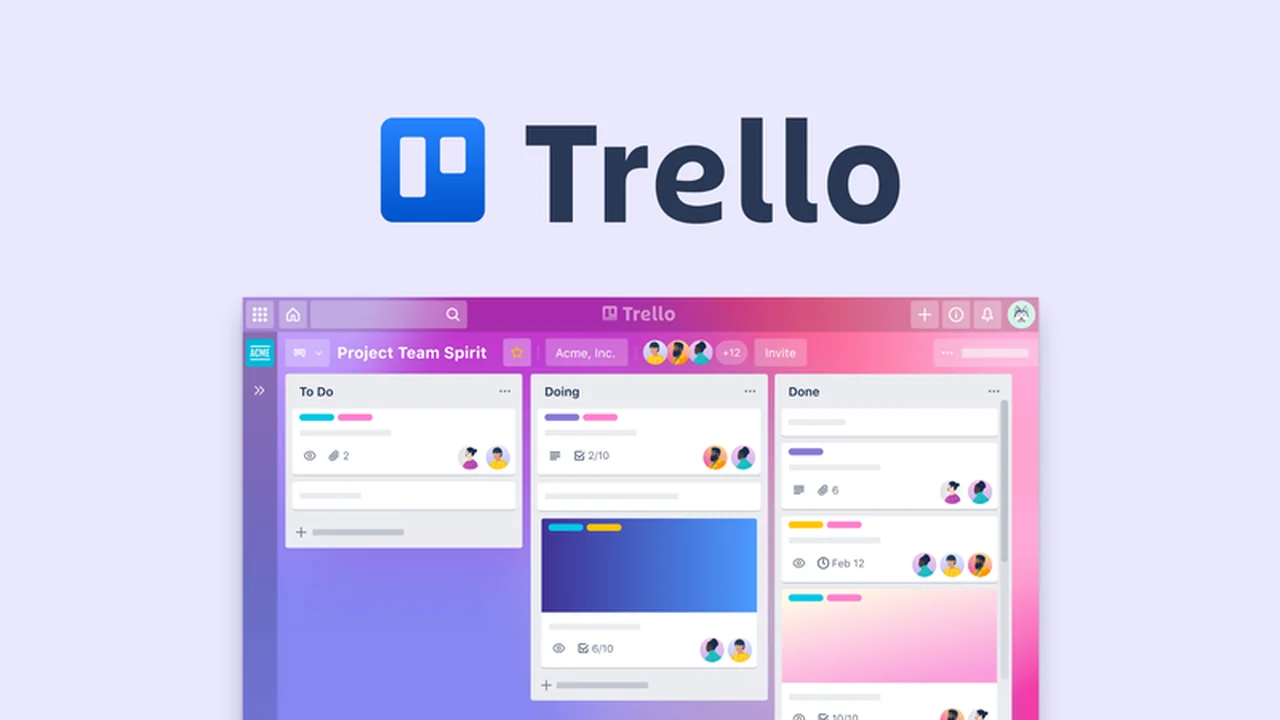
Are you looking for a way to streamline project management and boost team collaboration?
This review dives deep into Trello, exploring its features, functionality, and how it can transform your workflow, especially with the valuable offer available.
What is Trello – Organize and collaborate on projects | AppSumo
Trello is a versatile online project management tool designed to enhance team collaboration and productivity.
It simplifies the organization and tracking of tasks and projects, making complex workflows manageable and visually intuitive for everyone involved.
Key Features
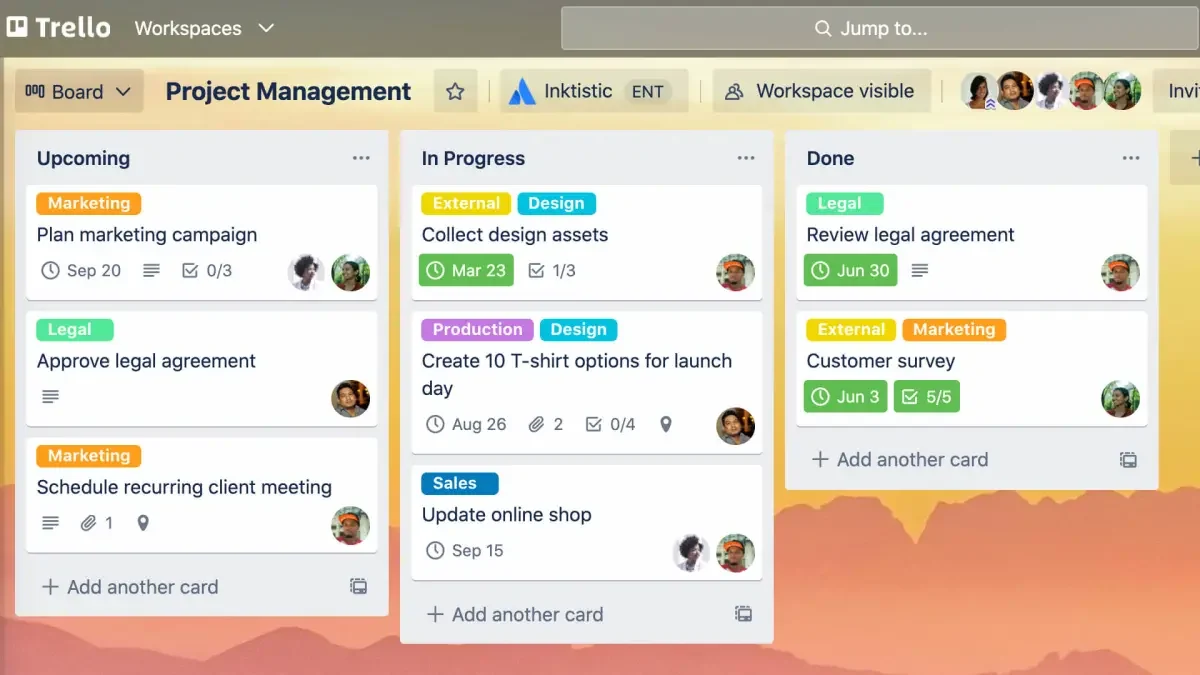
Kanban Board: Trello’s signature feature, offering a visual representation of project progress through customizable boards with cards and lists.
Multiple Views: Beyond the Kanban board, Trello offers Timeline, Calendar, Dashboard, and Map views to cater to different project needs and visualization preferences.
Card Details: Each card allows for detailed task breakdown, including checklists, due dates, comments, attachments, and reactions to keep everyone informed.
Butler Automation: An integrated automation tool that reduces repetitive tasks by allowing users to create custom rules and commands for common actions.
Power-Ups: These are add-on applications that extend Trello’s functionality, enabling integration with other services and adding features like enhanced reporting or resource management.
Labels and Tags: Essential for categorizing and prioritizing tasks, these help in quickly identifying and filtering information on the board.
How It Works
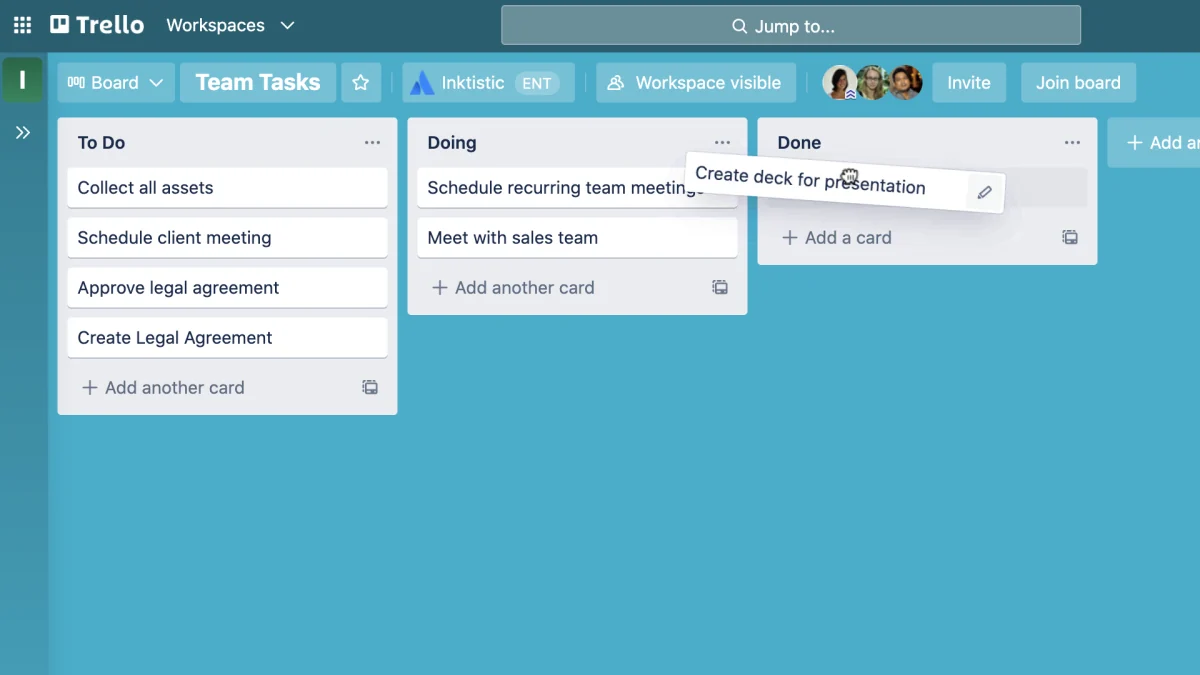
Getting started with Trello involves creating a board, which acts as a central hub for your project. Within the board, you create cards for individual tasks or projects.
These cards can be moved between lists (representing stages like ‘To Do’, ‘In Progress’, ‘Done’) via a simple drag-and-drop interface. Detailed information, collaboration, and updates are all managed directly on these cards.
Use Cases
- Team Project Management: Ideal for managing cross-functional team projects, ensuring everyone knows their responsibilities and deadlines.
- Content Calendars: Excellent for planning and tracking editorial schedules, blog posts, and social media content.
- Event Planning: Helps organize all aspects of an event, from guest lists to vendor management and task delegation.
- Personal Task Management: Suitable for individuals looking to organize personal goals, to-do lists, and daily tasks.
- Customer Support Tracking: Can be adapted to manage customer inquiries and track their resolution status.
- Field Work Coordination: The Map view is particularly useful for projects involving logistics, site visits, or geographically distributed teams.
Integrations & Compatibility
- Trello integrates seamlessly with a wide array of popular tools, including Slack, Google Drive, Dropbox, and Microsoft Teams, enhancing its utility within existing workflows
- The platform also supports various “Power-Ups” that add specialized functionalities, further expanding its capabilities and allowing customization to fit specific operational needs.
Pricing & Value
Trello offers a free tier that is quite robust for individuals and small teams, providing essential features for project organization.
Paid plans unlock more advanced features and administrative controls, scaling with the needs of growing businesses, making it a flexible solution across different operational sizes.
Deal Details
The AppSumo deal for Trello provides a unique opportunity to acquire lasting access to the platform’s capabilities.
This offer typically includes lifetime access to key features, ensuring continued use and value for a single upfront investment, provided the deal terms are met within the specified download and save period.
Quick Take
- Best for teams and individuals seeking a visually intuitive and flexible project management solution.
- Offers ease of use with drag-and-drop functionality and robust collaboration features.
- The AppSumo deal presents exceptional long-term value for acquiring advanced project organization tools.
FAQs
Is Trello suitable for remote teams?
Trello is an excellent tool for remote teams due to its centralized, cloud-based collaboration features.
What are “Power-Ups” in Trello?
Power-Ups are apps that add extra features and integrations to Trello boards for extended functionality.
How does Trello handle complex projects?
Complex projects are managed by breaking them down into smaller tasks represented by cards on boards.
Can Trello be used for personal task management?
Yes, Trello is highly effective for personal task management and organizing individual projects.
What is the primary benefit of using Trello?
Trello’s primary benefit is its visual and flexible approach to organizing tasks and projects for enhanced collaboration.
Final Thoughts
Trello stands out as a user-friendly yet powerful project management tool. Its visual interface, combined with extensive customization options and integration capabilities, makes it a strong contender for anyone looking to improve how they manage projects and collaborate with others.
The opportunity presented by AppSumo makes this powerful platform even more accessible, offering significant long-term value for individuals and teams alike.